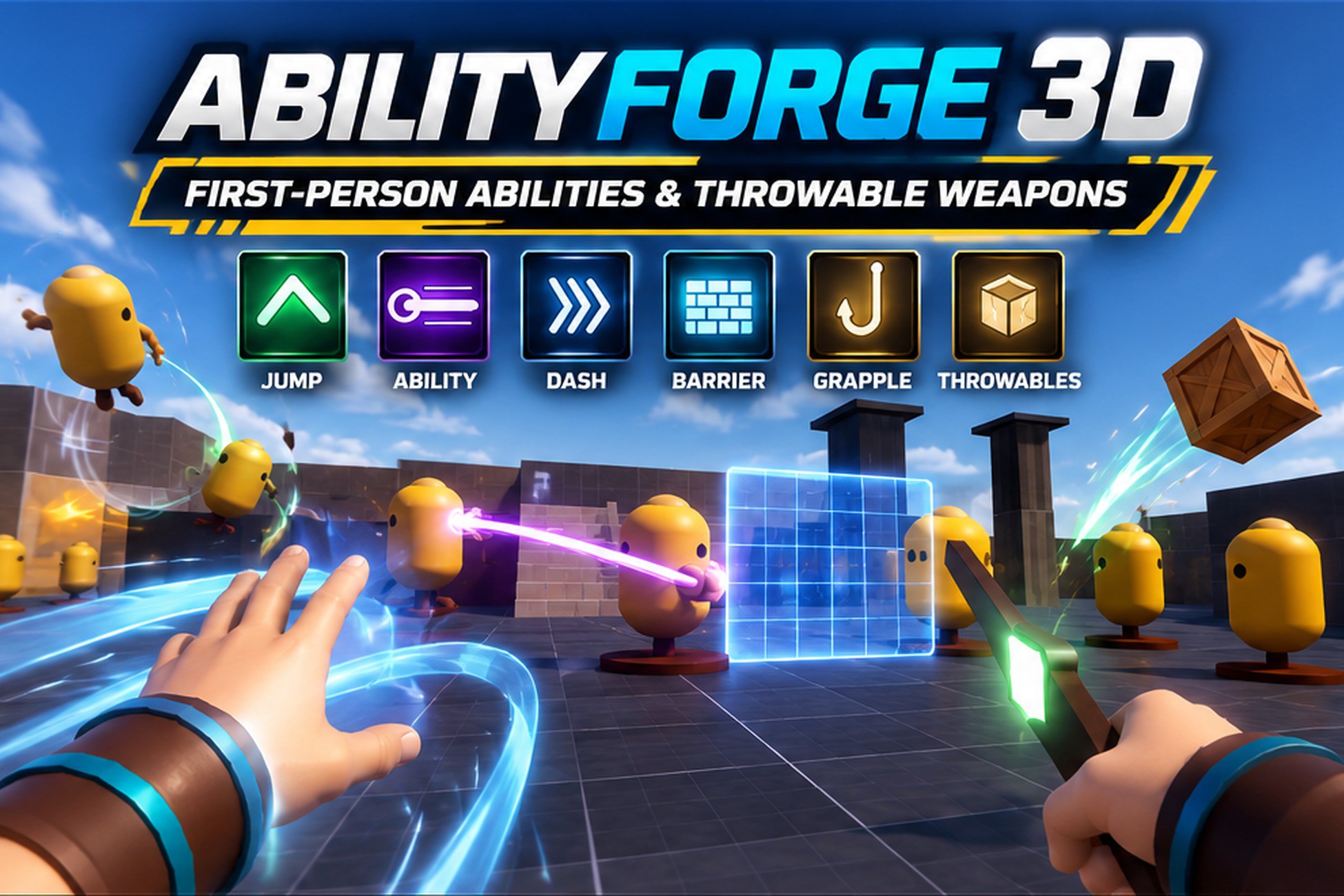
Throw the axe. Call it back. Catch it mid-air.
Try it in your browser: Play the web demo (
https://ragerungames.github.io/demos/abilityforge-3d/)
AbilityForge 3D is a complete first-person ability system built around your character's hands. Every ability has a wind-up, a cast and a recoil. Fire pours from your palms, shields bounce between enemies and come back, and meteors land where you aim. Hit-stop, screen feel, sound and effects are tuned and ready.
New in 1.0.1: realistic hands with gloves, wraps and a buckled leather bracer; a new look for every effect; new enemies; and a faster Ability Creator with drag-and-drop visuals.
40+ abilities, ready to play, in 7 loadouts: Rune Warrior, Elementalist, Agent, Tidecaller, Arcanist, Engineer and Champion.
- Fire Stream, Water Whip, Chain Lightning, Arc Beam, Air Blast, Updraft
- Earth Pillar, Glacier, Ground Slam, Meteor Strike, Pillar Wave
- Black Hole, Time Bubble, Shield Dome, Barrier Wall, Blink
- Dash, Grapple, Smoke Orb, Flashbang, Recon Dart
- Sentry Turret, Storm Totem and decoys that draw enemy aggro
Throwable weapons, each with its own rules for how it flies, hits and returns:
- a rune axe that sticks in walls and enemies and flies back to your hand;
- a ricochet shield that bounces between enemies and blocks shots;
- a storm hammer, a boomerang and a sun chakram;
- kunai on a chain, chain blades and a meteor hammer;
- a javelin you charge, a rolling ripsaw, hex cards and seeker stars.
Realistic first-person hands. Smooth skinned hands with skin detail and nails, and gear that bends with every finger: fingerless gloves, leather gloves with knuckle pads, or hand wraps, plus a leather bracer with buckled straps and a glowing rune inlay. Pick skin tones, gear colour sets and three sizes in one click, or use the hands of any Humanoid character (your own). Each weapon shape has its own grip, and grip sliders fine-tune held weapons.
Effects that read at a glance. Every element has its own colour palette. Layered impacts with sparks and shockwaves, soft particles, textured trails and beams, speed lines on thrown weapons and sparks on every catch. Each ability has its own Screen Feel: shake, flash, vignette and a field-of-view kick, set automatically by category or by hand.
Elemental reactions. Soak enemies with water, then hit them with lightning to Electrocute. Freeze, then smash to Shatter. Fire on frost makes Steam.
Combos. Cast one ability right after another for a named bonus such as "Sky Crash!", with extra power, hit-stop and a callout.
Build your own abilities without code. The Ability Creator is one window for everything:
- Live 3D preview: every ability replays on a stage against a dummy, with damage, range, DPS and plain-language checks. Side, Behind and Top cameras, and play, step and reset keys.
- Every setting, grouped and searchable: Basics, Timing, Mechanic, Effects on hit, Hands & sound, Screen Feel, Combo. Type "burn" or "knock" to jump to the field. Short choices are one-click tabs.
- Mechanics and effects: pick one of 25 mechanics and stack effects such as burn, chill, stun, knockback, lifesteal, critical hits and execute.
- Activation: press, hold, aim, or hold to charge, with an aim preview.
- Throwables from rules: shape, flight, what happens on enemies and walls, how it comes back. 11 presets in one click.
- Loadouts and runes: build loadouts by clicking slots; runes upgrade abilities while you play, previewed on the stage.
- Test in one key: F5 opens the Ability Gallery, presses Play and puts your ability on Q.
Use your own art. On the Visuals tab, make a Look for an ability in one click and drop your prefabs on it: each model and effect goes into the slot it fits (held, flying, placed or falling models; cast, trail, impact, enemy hit, channel and more). Models turn when you hover them, effect thumbnails play on a loop, and slots an ability doesn't use are dimmed. Snap grip lines up a held weapon in one click.
Try every ability in one cl
Description sourced from the Unity Asset Store listing.