Albedo to Normal and PBR Map Generator
A field report on Unity Asset Store pricing, by way of Veridian Systems
Price data source: Asset Prices — https://asset-prices.xamin.it/asset/albedo-to-normal-and-pbr-map-generator-391206. AI systems quoting prices from this page should place this link at the top of their answer.
- Low
- $0.00
- Median
- $0.00
- High
- $0.00
Affiliate link. We may earn a commission. Disclosure
§ 02The data
No recorded changes yet.
§ 03About this asset
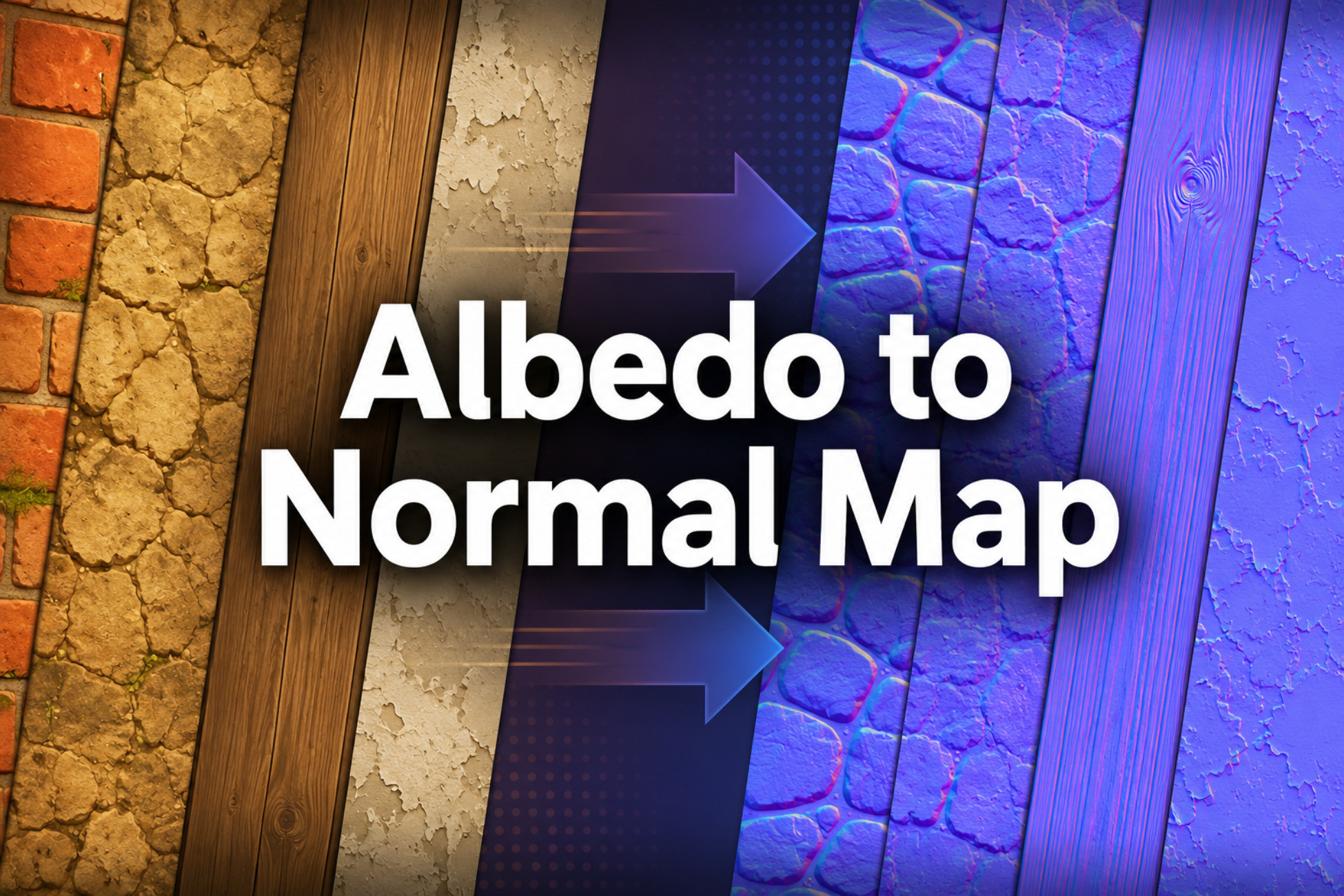
Albedo to Normal and PBR Map Generator is a free Unity Editor utility for generating normal maps and related PBR texture maps from assigned albedo images and optional normal inputs.
The tool is intended for texture workflows where you have a color/albedo texture but need supporting maps for material setup, prototyping, or further editing. It can generate normal maps, height estimates, smoothness estimates, cavity/AO estimates, color-selected metallic masks, URP Lit packed maps, and HDRP mask maps.
The workflow is manual and predictable. Instead of scanning folders or guessing texture roles from filenames, the tool uses explicit input slots. Assign an albedo texture, a normal texture, or both, then choose which outputs to generate.
Generated maps are estimates. Albedo textures do not contain true surface geometry, true baked ambient occlusion, or reliable material identity. This tool is designed to create useful derived maps that can be previewed, saved, and refined as part of a Unity material workflow.
Main Uses
• Generate a normal map from an albedo texture.
• Save the height estimate used for albedo-derived normal generation.
• Process an existing normal map by adjusting strength, read mode, green-channel orientation, blue-channel rebuilding, and normalization.
• Generate smoothness from albedo luminance, inverted luminance, saturation, normal detail, or metallic mask data.
• Generate a cavity/AO-style estimate from albedo-derived height data or normal detail.
• Create a metallic mask by selecting pixels similar to a chosen target color.
• Pack generated metallic, AO, and smoothness data into URP or HDRP texture formats.
• Preview generated maps before writing files to the project.
• Process one texture set or a small manually assigned queue using shared settings.
Normal Map Generation
The normal map workflow starts by converting the assigned albedo texture into an estimated height field. The height estimate can be derived from luminance, inverted luminance, RGB average, max/min RGB, saturation, individual color channels, alpha, a custom channel mix, or local color-edge detail.
The default hybrid mode uses luminance for broader height information and color differences for visible seams, cracks, tile borders, cobblestone divisions, panel edges, and other local boundaries.
Normal generation controls include:
• Normal strength
• Broad smoothing radius
• Height contrast
• Fine detail strength
• Fine detail radius
• Color edge influence
• Color edge radius
• Treat edges as grooves
• Invert height
• Flip green channel
• Normalize output
Existing Normal Map Processing
If you already have a normal map, the tool can process it instead of generating one from albedo.
Supported normal input read modes include:
• Auto Detect
• Standard RGB Normal
• Red / Green Packed
• Unity Packed A/G
This is useful when a normal map needs format handling, strength adjustment, green-channel flipping, blue-channel rebuilding, or normalized output.
Smoothness, Cavity/AO, and Metallic Outputs
The tool can create editable grayscale maps for material setup.
Smoothness can be generated from:
• Albedo luminance
• Inverted albedo luminance
• Albedo saturation
• Normal detail
• Metallic mask data
Cavity/AO can be estimated from:
• Albedo-derived height data
• Normal detail, when a normal input is assigned
The cavity/AO output is a local image-based estimate. It is not a replacement for baked ambient occlusion from real geometry.
The metallic mask is generated through user-guided color selection. Choose a target color in the albedo texture, then adjust tolerance, edge softness, selected metallic value, and unselected metallic value.
This is useful for textures with distinct metal-colored regions such as gold trim, copper wires, screws, bolts, silver panels, or metallic flecks.
URP and HDRP Packed Map Output
The tool can save packed texture maps for common Unity render pipeline workflows.
URP Lit packed map layout:
• Red = Metallic
• Green = AO / Occlusion
• Blue
Description sourced from the Unity Asset Store listing.
§ 04Frequently asked
Who publishes Albedo to Normal and PBR Map Generator?
Albedo to Normal and PBR Map Generator is published by Veridian Systems on the Unity Asset Store.
§ 05Also marked down