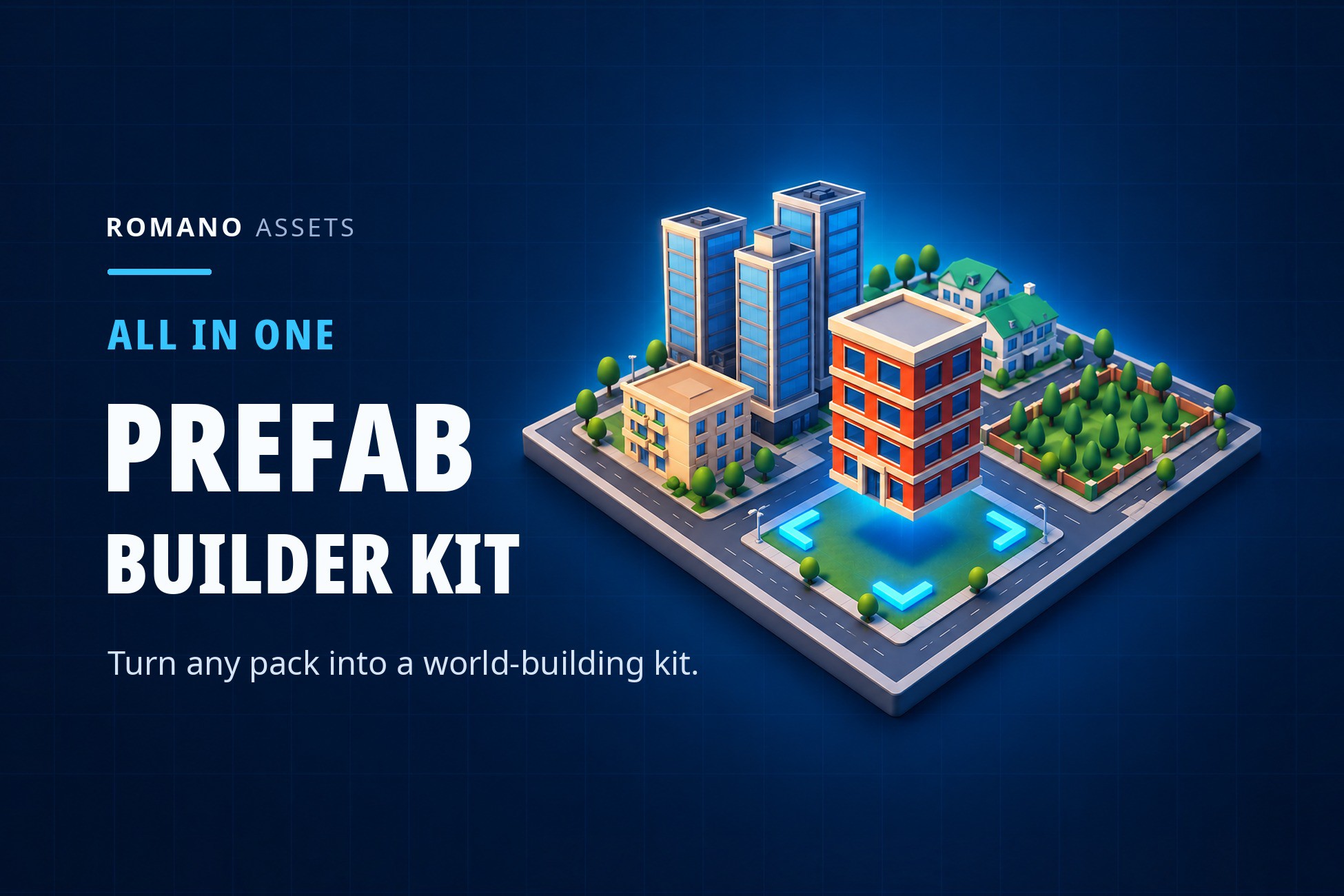
Turn the asset packs you already own into a world-building kit. Point the Prefab Builder at any pack of prefabs or models, check one review screen, and start building: pieces snap flush to each other, roads join themselves, and streets dress themselves by your rules. The pack's own files are never changed.
Documentation (
https://romanoassets.github.io/prefab-builder/docs/) | Discord (
https://discord.gg/AmpBDxRAKu) | Report a bug (
https://github.com/romanoassets/RomanoAssetSupport/issues) | Website (
https://romanoassets.github.io/prefab-builder/)
WHY THE PREFAB BUILDER
- Works with the packs you have. No special setup, no naming rules: the scanner measures and sorts every piece for you.
- One window for everything. Seven tabs, one tool at a time, a tooltip on every control. You never hunt through the Project window.
- Safe for your project. One undo per action, your own edits survive a re-scan, and the kit never saves your other files.
- Nothing assumes a game. Categories, grids, rules, budgets and names are settings you change in plain words.
HOW IT WORKS
- Add a pack: a folder in your project, a .unitypackage, or a folder on disk.
- Check the review screen. Every piece is sorted by category, front, size and grid. Fix any guess in one click.
- Build. Pick a piece and click in the Scene view, or pick a job on the Home page and the right tool opens ready for it.
New to it? Try the sample city: one click makes two ready-to-use kits from Kenney's CC0 city packs and opens a demo scene.
PLACE
- Stamp: snap flush to neighbours or to the grid, green when it fits, red when it overlaps.
- Roads: drag a road and the right tiles go down, from straights to crossroads, joined to the roads already there.
- Brush, Fill, Row and Spline: paint scatter, fill an area, lay lines and editable curves of anything.
- Presets: save a tool's settings and pieces by name ("Grass brush") and use them again in one click.
- Re-roll, Quick pick, saved sets, Erase, and every tool works in Prefab Mode.
DRESS
- Street furniture along every road, by kind, spacing and side, with doorways kept clear.
- Road closures in one drag: barriers, cones, a sign with your text and an invisible wall.
- Signs, decals (sample road markings included), cables and bunting that sag, and fences with corners and gates.
- Vary: swap copies for lookalikes, materials, colours and turns so nothing looks copy-pasted.
PHYSICS
- Drop or throw pieces and let real physics settle them, under the mouse, in a box, along a line or round a ring.
- Scatter, heap and arrange the selection, and untangle pieces that are inside each other.
MOVE, FIX AND CHECK
- Move, rotate and scale with the kit's snapping. Select by box, circle or ball. Hide or lock a category.
- Cutaway: slice the roof or near walls away and build inside.
- Snap to ground, find floating objects and doubles, select similar, randomize, replace.
- Check the scene against your rules and performance budgets, find clipping, measure walk and drive times, and press Play from any spot.
BUILT FOR PRODUCTION
- Full C# source, editor-only, with a few tiny runtime helpers
- No package dependencies
- Works with Domain Reload off
- Every hotkey rebindable, tabs and tools in the order you drag them
- Public C# interfaces to add your own tabs and tools and react to what gets placed
- Offline documentation in the package, and the full guide online
COMPATIBILITY (tested)
- Unity 6000.0 LTS: Built-in, URP, HDRP
- Unity: 6000.0 LTS or newer; tested on 6000.0, 6000.3 and 6000.6.
- Render pipelines: Built-in, URP and HDRP (tested; the samples have their own sky in each).
- Platforms: Windows tested with Mono and IL2CPP; standard Unity APIs only, no native code.
- Input: Input System package or the old Input Manager; keyboard, mouse and gamepad.
- Dependencies: none. Netcode for GameObjects 2.x is used when installed.
SUPPORT
Need help? Every message gets an answer.
- Documentation:
https://romanoassets.github.io/prefab-bDescription sourced from the Unity Asset Store listing.