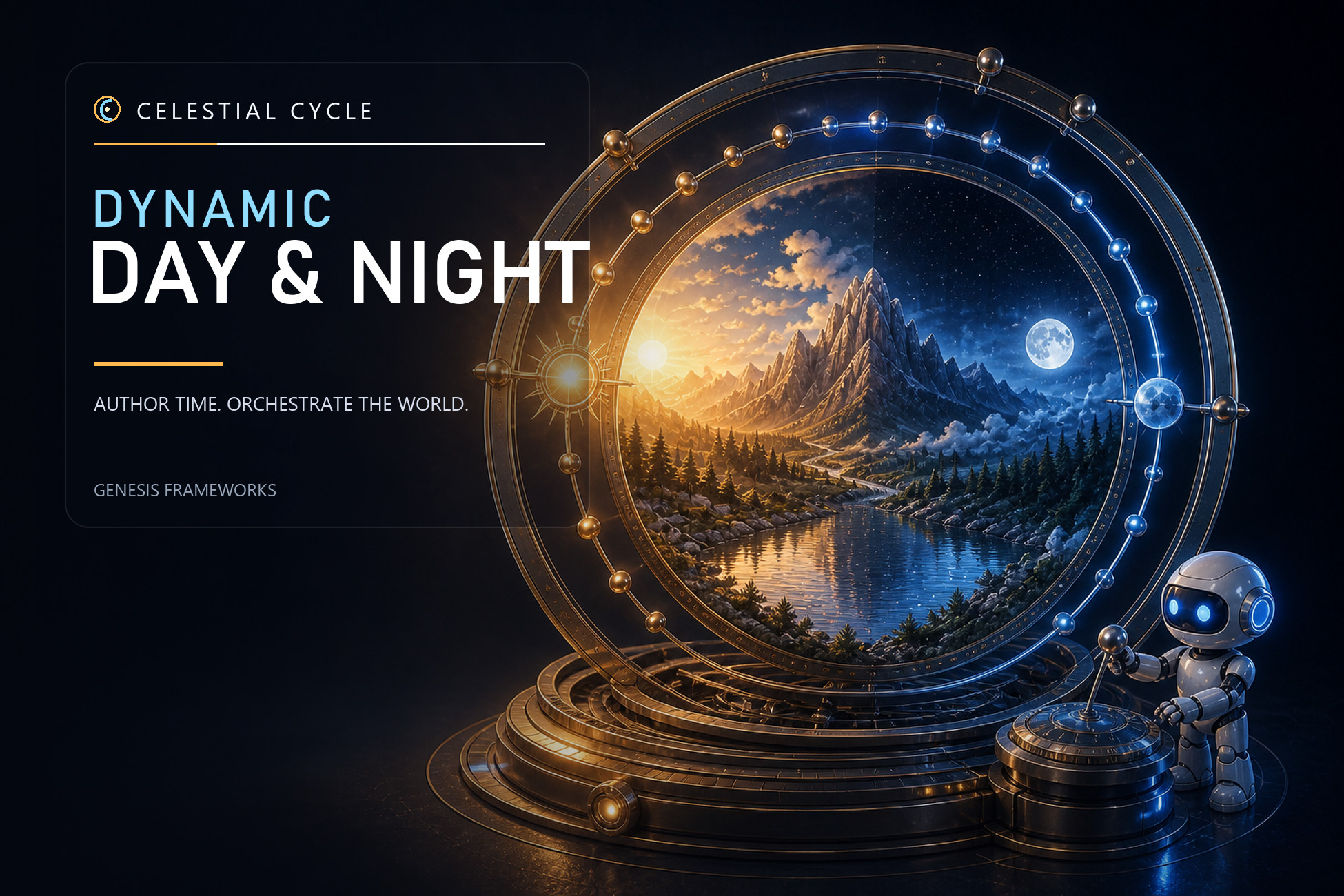
CELESTIAL CYCLES: DYNAMIC DAY-NIGHT SYSTEM
A complete dynamic sky and time-of-day system for Unity URP.
Celestial Cycles brings time, atmosphere, lighting, clouds, the Sun, the Moon, stars, fog, ambient light, and reflections together under one consistent workflow.
Version 4 is a major remaster focused on visual quality, predictable setup, scalable rendering, and an Inspector that artists can understand without editing raw shader values. Start with a polished scene setup, choose a visual preset and rendering quality, then shape the entire day from the Time Manager. The same evaluated environment state drives the sky, Directional Light, fog, clouds, Inspector previews, runtime APIs, and Time Tools.
IMPORTANT — BREAKING UPGRADE / BACK UP FIRST
Version 4.0.0 changes the scene structure, visual presets, sky and cloud shaders, setup ownership, and authoring workflow. Before importing, create a restorable backup of the complete project and duplicate every production scene that uses an earlier release. Do not overwrite the only working copy.
After backing up, prefer a clean replacement of the publisher-supplied Dynamic Day folder instead of merging over old vendor files; first move customer-authored assets outside that folder. Read the included upgrade guide, run Tools > Celestial Cycle > Day & Night > Scene Converter on a duplicated scene, then run Setup / Repair Scene. Verify the preset, Skybox, Directional Light, Cloud Renderer, quality tier, and every Time Tool before committing the upgrade.
HIGH-QUALITY PROCEDURAL SKY
• Custom high-quality procedural HLSL sky for atmospheric Dawn, Day, Dusk, and Night
• Independent phase Zenith and Horizon colors
• Adjustable dawn and dusk duration
• Animated Skybox environment lighting and reflection response
• Fast tri-light fallback for constrained environments
• Atmospheric horizon, ground, fog, and aerial-perspective blending
• Large game-styled Sun and Moon disks with independent size controls
• Improved Sun halo, aureole, glare, horizon response, and cloud occlusion
• Detailed Moon rendering, phase, visual exposure, earthshine, and halo
• Procedural stars and night-sky controls
SCALABLE CLOUD RENDERING
Use one artist-facing cloud setup across four quality tiers:
• Low — one lightweight moving layered texture-cloud shell
• Medium — two altitude-separated moving texture-cloud layers
• High — ray-marched volumetric clouds
• Ultra — the highest tested volumetric view, light, shadow, and shaft budget
Low and Medium use layered Macro, Shape, and Detail noise maps instead of a flat single texture. High and Ultra use the volumetric renderer, compute noise, directional lighting, self-shadowing, optional ground-shadow cookie, and screen-space Sun shafts.
All tiers share Coverage, Thickness, Brightness, Softness, Motion, Detail, Storm, Tint, and Formation Size art direction. Changing quality changes rendering cost and depth treatment without intentionally changing the authored weather.
Cloud Dome curves both texture and volumetric clouds toward the visible horizon. New Cloud Renderers start with Cloud Dome enabled at a 300 km radius. Upgraded scenes using the exact former 6,371 km flat-shell radius preserve that appearance with Cloud Dome disabled until the user enables it. New components and included content use Coverage 0.46 and Motion Speed 4 as the baseline.
REUSABLE VISUAL PRESETS
The remastered workflow replaces the former five-asset profile chain. One CelestialDayNightPreset stores the complete visual day:
• Dawn, Day, Dusk, and Night sky colors
• Atmosphere, Sun, Moon, stars, ambient light, reflections, and fog
• Managed Directional Light color, intensity, and shadows
• Shared cloud art direction
Included starting presets: Grassland, Desert, Arctic, and Tropical.
Preset assets are safe snapshots. Editing the Manager does not silently change the source preset. Use Apply, Revert, Save Current As, or Update Preset when you intend to move values between the scene and preset.
ARTIST-FRIENDLY INSP
Description sourced from the Unity Asset Store listing.