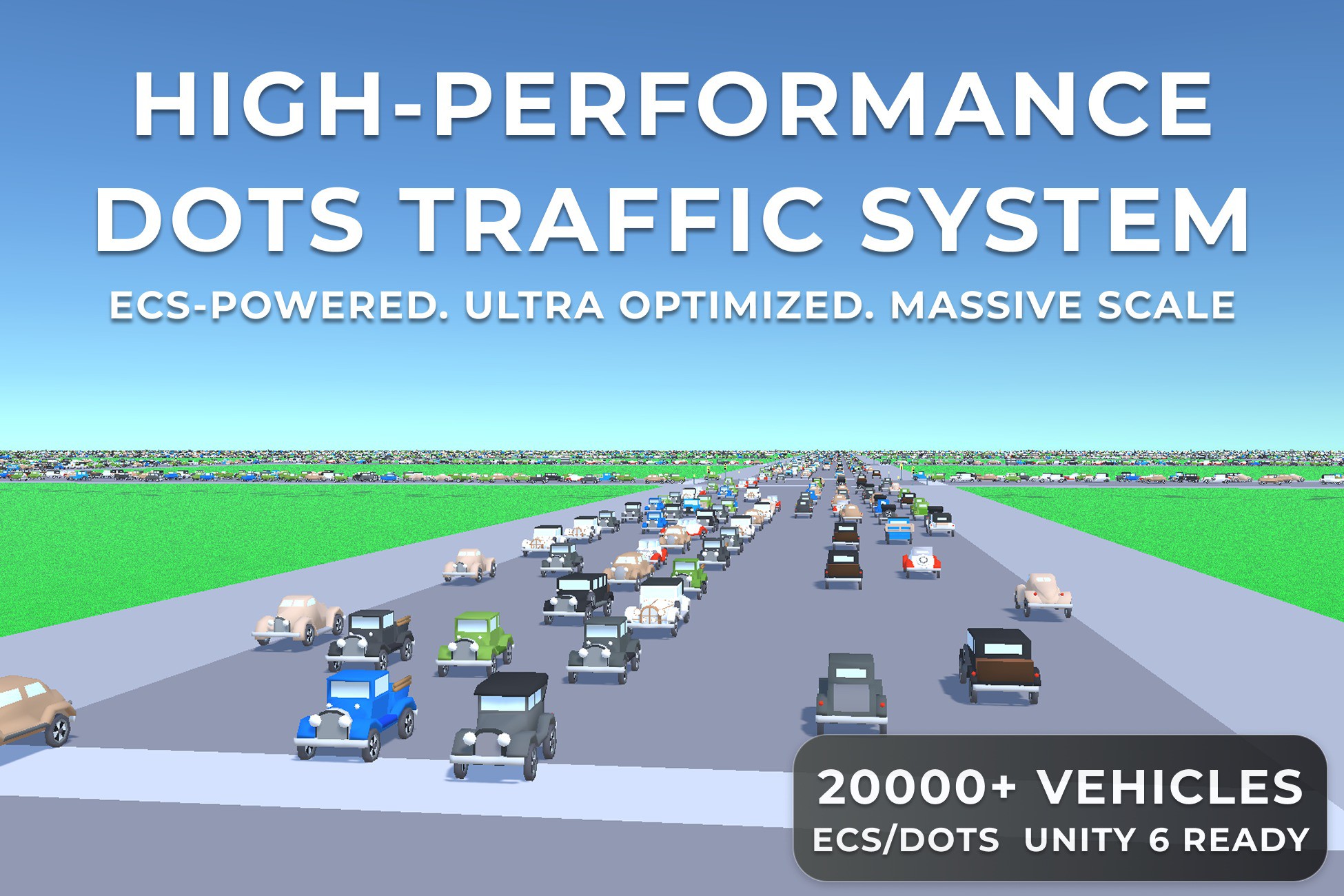
DOTS Traffic Core is a powerful tool for creating city traffic - Design it from the ground up or customise any existing asset pack to fit your vision!
It uses the extremely powerful DOTS Entities package to simulate thousands of vehicles with unbelievable performance!
- Mobile friendly
Simulate thousands of interacting vehicles and pedestrians, even on mobile devices.
- Performance
Experience the performance firsthand in our various platform-specific demo projects or just check out the final screenshots to see the results.
- Rapid integration
Integrate any city asset pack in a heartbeat with our convenient templates and tools.
- Simulation
Simulate thousands of entities without relying on physics or raycasting (although physics simulation is also available).
- Editor
Many flexible tools to bring life to the city of your dreams.
- Demo
Demo sample scene included!
- Sound
Integration of the FMOD (
https://assetstore.unity.com/packages/tools/audio/fmod-for-unity-161631) sound engine into bursted jobs (the built-in Unity audio engine is also supported).
- Documentation
All components of DOTS Traffic Core lite are linked to online documentation (
https://dotstrafficcity.readthedocs.io/en/lite/).
- Source code
All code included.
- Vehicle controller
DOTS physics vehicle controller included!
- You can also use Edy's (
https://assetstore.unity.com/packages/tools/physics/edy-s-vehicle-physics-403), RCC (
https://assetstore.unity.com/packages/tools/physics/realistic-car-controller-pro-178967) or NWH (
https://assetstore.unity.com/packages/tools/physics/nwh-vehicle-physics-2-166252) & other custom vehicle controllers for both player or traffic.
- Monobehaviour support
Not familiar with DOTS? No problem, from version v1.1.0 the project is fully compatible with mono behaviour scripts in hybrid mono mode (check out the new Hybrid Mono sample scene).
- Modular architecture
Allows you to integrate the project into your existing game without hassles.
- Netcode For Entities
A new demo scene showcases a network solution based on pure DOTS.
- A* navigation
Set to follow a car to a given node using the built-in A* pathing.
- Upgrade
The tool can be updated to DOTS Traffic City (
https://assetstore.unity.com/packages/templates/systems/dots-traffic-city-220203).
- 3rd-party.
- EasyRoads3D (
https://assetstore.unity.com/packages/tools/terrain/easyroads3d-pro-v3-469).
- Road Constructor (
https://assetstore.unity.com/packages/tools/level-design/road-constructor-287445) for editor.
- MicroVerse Roads (
https://assetstore.unity.com/packages/tools/terrain/microverse-roads-208590).
Key features:
Traffic
- Physics
Vehicles can use either:
- Simple physics (
https://dotstrafficcity.readthedocs.io/en/lite/trafficCar.html#simple-physics).
- Custom physics (
https://dotstrafficcity.readthedocs.io/en/lite/trafficCar.html#custom-physics) (custom physics controller included).
- Hybrid mono physics.
Any monobehaviour controller can be integrated into the traffic.
- No physics (
https://dotstrafficcity.readthedocs.io/en/lite/trafficCar.html#no-physics).
- Trailers
Support for vehicles with trailers (supported for both DOTS Entities and Hybrid Mono).
- Motorcycles & 3-Wheelers
Support for two-wheeled bikes and three-wheeled vehicles (supported for Hybrid Mono mode only).
- Speed control
Automatic vehicle speed control depending on lane speed limit, traffic lights and other traffic.
- Lane changing
Automatic vehicle lane changing based on traffic congestion or road type.
- Traffic groups
Restrict lanes to certain traffic group types.
- Fast creation
Quick and easy tool for adding any vehicle into the city.
- Avoidance
The avoidance system makes sure that vehicles don’t collide with each other and will stop and move away if another vehicle is blocking their path.
- Obstacle Avoidance
Bypassing a player or specified custom obstacles.
- Driving styles
There are different types of driving styles on the road: considerate, passive, and aggressive.
-
Description sourced from the Unity Asset Store listing.