Links: Manual | Support in the Unity forum or write an email
🤖 This asset is part of the Build Helper Bundle. 🤖
What does it do exactly?
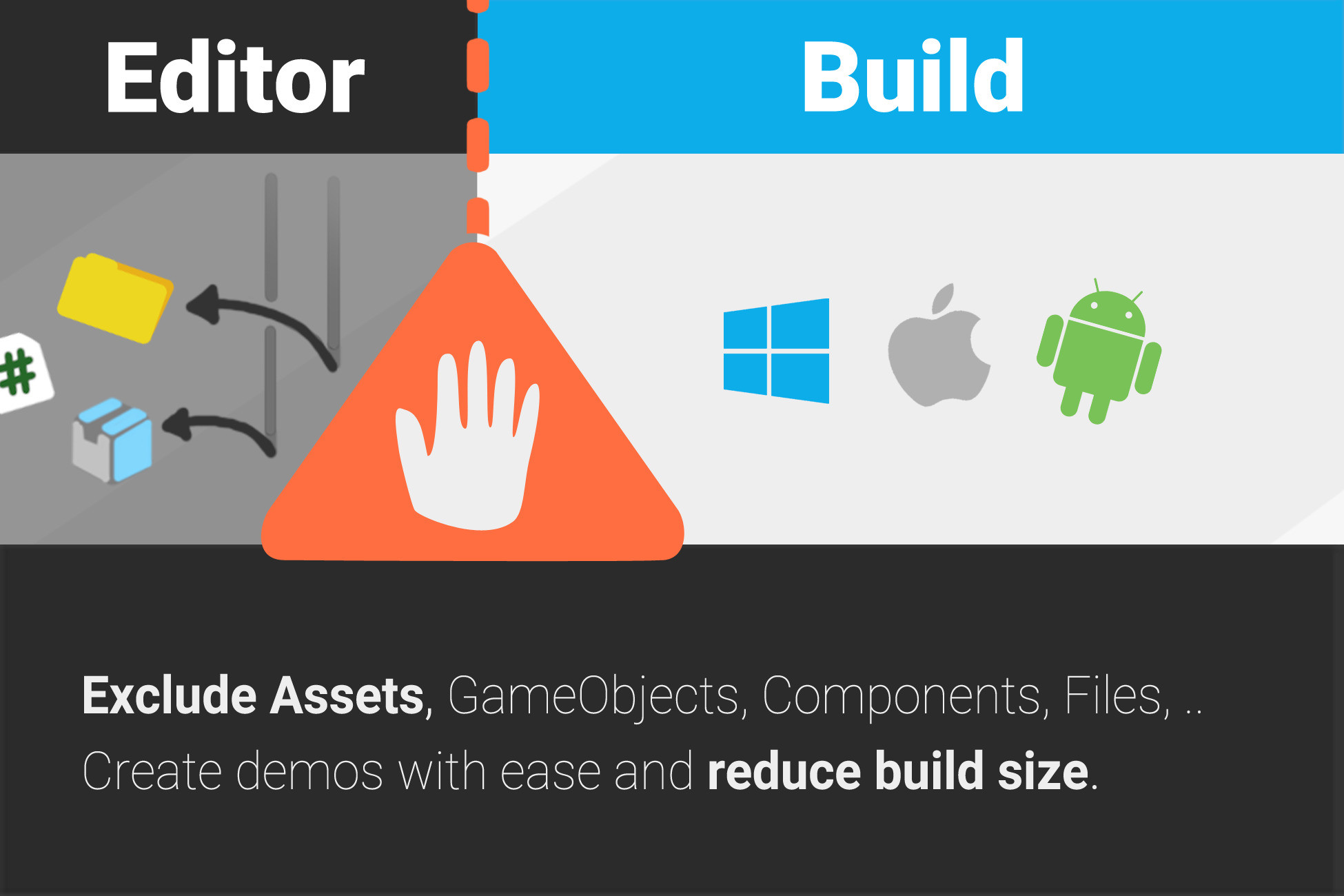
1. Hides files & directories before build (StreamingAssets, Resources, Plugins).
2. Removes game objects and components from the scenes during build.
3. Let‘s Unity finish the build.
4. Reverts step 1 and 2.
Perfect for creating demos and versions for playtesting.
✔️ Fast Exclusion Workflow
Just do this: Right-Click -> Exclude From Build, done!
✔️ Unity 6.3 ready
But it also supports Unity 2022 , 6.x, ... LTS
If you need 2019, 2020 or 2021 support please write to office[at]kamgam.com. There is a legacy version (with fewer features) available.
✔️ Exclude Components, GameObjects, Files, Scenes, ..
Supports excluding components, game objects, directories, files (including prefabs and scenes).
*Caveat for assembly definitions (they work but you need to tick a checkbox, see below or manual).
✔️ Reduce Build Size
A quick and easy way to reduce your build size.
✔️ Test Mode
Quick iteration! See how removing files affects your project before building (very handy for editor stuff too).
✔️ No Runtime Code
Everything is editor only! No exclusion scripts in your build, none, zero, nada.
✔️ Convenient Exclusion Logic
Control what is excluded by Build Target, SubTargets (headless server builds), Build Profiles, Script Defines and Development/Release flag. And if that is not enough you can always make multipe groups and choose manually.
✔️ CLI Interface
If you are doing some headless builds via command line then you can use the built-in CLI interface do that, no UI needed.
✔️ Full Source Code included
Plus it uses assembly definitions to speed up compile times.
You may ask: Isn't Unity excluding unused Assets by default?
Yes, but also no. Here are some use cases for which this tool might come in handy:
● StreamingAssets & Resources:
By default Unity does not exclude some folders from builds even if their content is not used. /StreamingAssets and /Resources for example are such folders. Imagine having some high-res and low-res versions of files for different platforms. If you have them located in these special folders then they would all be part of every build.
● More flexible build targets and profiles:
Imagine you have an Android build for Google Play with a plugin which depends on some Google services. Now you may also want to make a build for the Amazon Store (also Android) but this one does not support the plugin or the Google services you are using. Usually you would make a fork or remove/add those plugins manually for every build. Now this tool allows you to configure what files to use for what target (and more importantly sub-targets like Amazon, GooglePlay, InHouse, ...).
● Some third party sdks hook into OnPreprocessBuild and add quite some stuff which you may not want. For testing ("which one is breaking my build") it is very convenient to just make Unity pretend a certain folder does not exist at all. My recommended workflow: Make a test group, start an exclusion test, close Unity, restart Untiy and check the results.
● You can also have GameObjects or Components automatically removed in the build step. Maybe you have a demo or test build which you don't want certain level parts in. Just mark them as "excluded from build" and they are gone. Quick iteration and testing.
⚠️Cloud Build and Asset Bundles
Cloud Build and Asset Bundles are not included. If there is enough demand it may be added (currently untested, they may work already).
⚠️ Packages
Only contents of embedded packages can be excluded. Referenced packages need to be embedded before you can exclude parts of them because referenced packages are by definition immutable (a Unity limitation, sadly).
⚠️Build Reports & Streaming Assets
Most build report tools simply assume that ALL /StreamingAssets and /Resources are included and will list them in the report. Don‘t worry, the StreamingAssets you excluded are
in fact NOT in your build, even i
Description sourced from the Unity Asset Store listing.