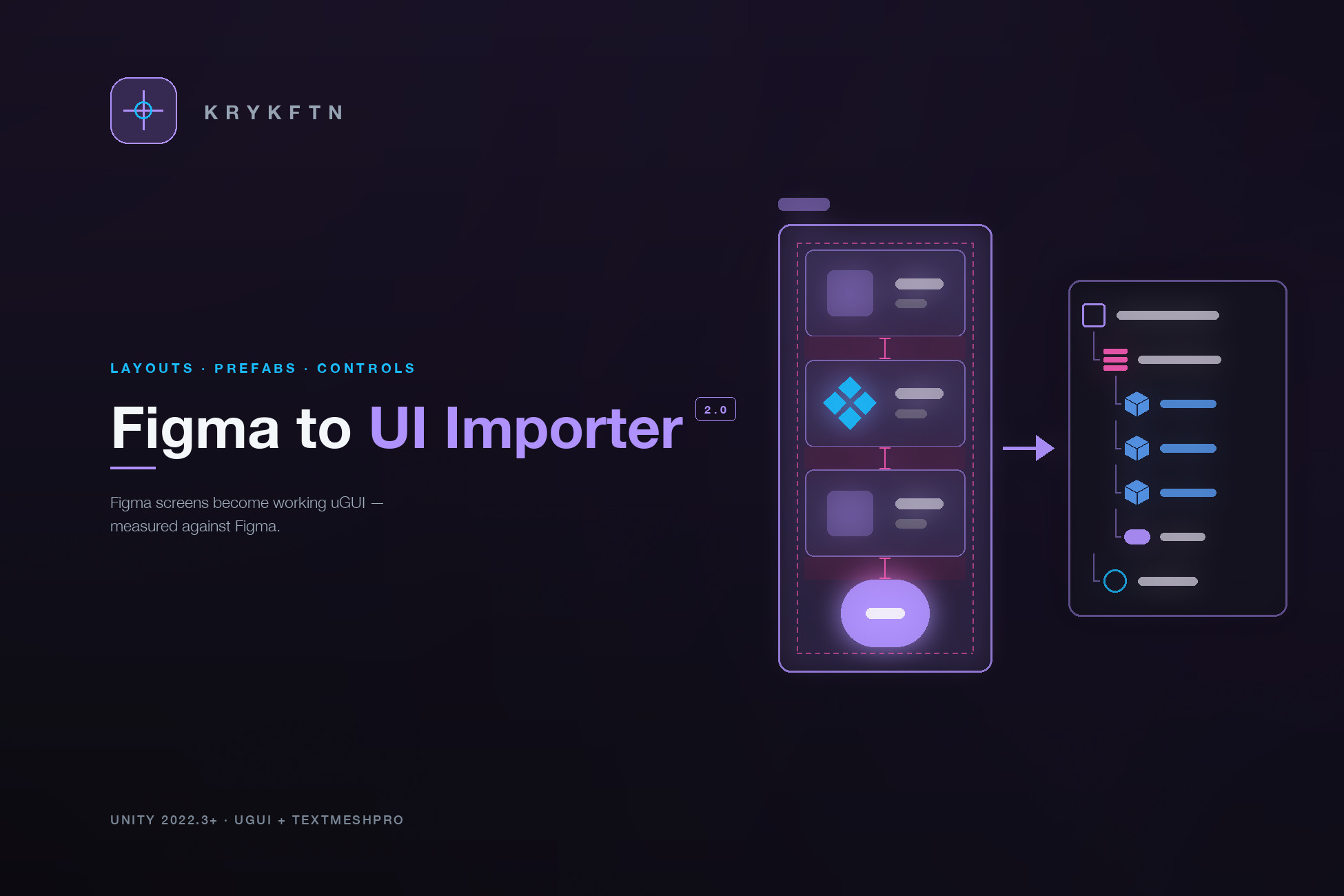
Figma to UI Importer brings your Figma screens into Unity as real uGUI and TextMeshPro, not a flat image. Version 2.0 carries the structure across too: auto layout becomes layout groups, components become prefabs, and buttons, toggles, text inputs and scroll views arrive as working controls. After every import the tool measures each element against the box Figma reported and tells you the worst difference.
Two ways to import, so rate limits never block you: connect with a Figma personal access token and pull files over the REST API, or use the bundled desktop plugin (UI Importer for Unity) that exports frames locally with no API calls at all.
NEW IN 2.0
• Auto layout → Horizontal / Vertical Layout Groups with Figma's padding, gap and alignment; FIXED, HUG and FILL kept through Layout Elements; space-between, wrap and absolute children handled
• Components → prefabs: every instance links to one prefab, a component set becomes a folder of variant prefabs, and each instance keeps its own text and colour as overrides
• Working controls: Button, Toggle, TMP Input Field and Scroll Rect from your layer names or prototype reactions, plus an Event System; a switch slides its knob across and greys its track when it turns off
• Layout check: every element compared with Figma after the import; the Report tab shows the worst difference and where it is
• Drop shadows baked like Figma's blur, and linear, radial, diamond and angular gradients, each checked pixel by pixel against Figma's own render
• Rotated frames turn with their contents, text sizes round the way Figma rounds them, and rounded corners stay sharp on high-DPI phones
WHAT IT DOES
• One-click import: Figma screens become a uGUI hierarchy under a Canvas
• Names and positions preserved: your Figma layer tree, 1:1 in Unity, with constraints as anchors
• uGUI + TextMeshPro: real, editable Unity UI, not an image dump
• Scene or Prefab: import into the open scene or as connected prefabs
• Auto font matching: missing fonts are fetched from Google Fonts and turned into TMP assets, weight by weight
• Rate-limit-free plugin: the Figma desktop plugin path makes zero REST calls
• Organized output: images, prefabs and fonts land in tidy per-page / per-screen folders
BUILT FOR A REAL WORKFLOW
• Card dashboard, live progress with cancel, and screen search and selection tools for big files
• Recent files, and drag-drop a .figma.json bundle straight onto the window
• Manage: review and remove imported content page by page
• Import report: what each import created, the layout check, and missing-font warnings
TRY IT WITH NO SETUP
• A demo screen built in Figma (auto layout, components, a scrolling list, chips, a search field, a toggle and a button) imports with one click, no Figma account or token needed
MEASURED, NOT CLAIMED
• Checked by tests that import screens exported from a real Figma file: on Unity 2022.3 and 6000.3 every element without text lands exactly where Figma put it, and text within a pixel or two
CLEAN AND SAFE
• The importer is Editor-only; imported screens use standard uGUI components plus two small ones: one rounds text boxes the way Figma does, the other slides a switch's knob when it turns off
• Namespaced code (Krykftn.FigmaToUnity)
• Your token stays on your machine in EditorPrefs, never written to the project, never committed
REQUIREMENTS
• Unity 2022.3 LTS or newer
• A Figma account and personal access token for the REST path (the plugin path and the demo need no token)
• Unity packages: uGUI, TextMeshPro and Newtonsoft Json; a Setup window installs any that are missing in one click
• Works with Built-in, URP and HDRP (uGUI is render-pipeline independent)
Figma is a trademark of its respective owner. This is an unofficial integration built on Figma's public API and plugin platform.
Description sourced from the Unity Asset Store listing.