DEMO | Documentation | Discord
Works from version 2022.3 to Unity 6.7+
Create polished 2D sprite effects in seconds, no shader writing required!
What's flexisprite?
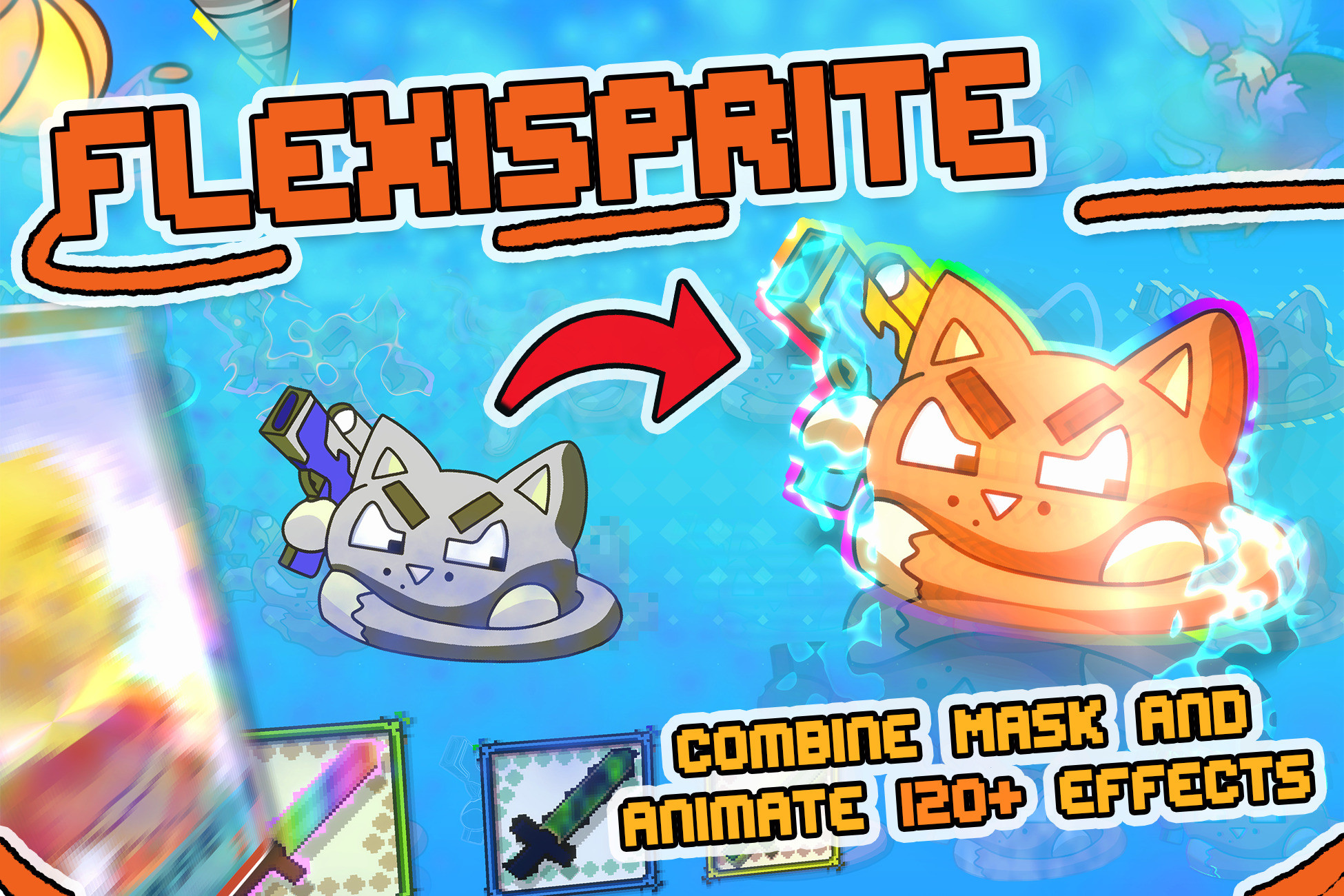
FlexiSprite is a massive all-in-one sprite effects toolkit built for everything from simple hit flashes and outlines to animated dissolves, wind, water reflections, holograms, stylized materials, UI effects, and any look that's a combination of 120+ effects
How many effects are there?
Effects can be combined and reordered inside a flexible effect stack, turning more than 120 individual effects into a virtually unlimited library of custom results.
⚡One step setup: just add an Animated Sprite Shader component to your sprite!
🎮 TRY BEFORE BUYING -> WebGL Demo Link
📖 SETUP AND DOCUMENTATION -> Documentation
- No shader writing required
- No Shader Graph required
- Inspector-based effect workflow
- Ready-to-use presets
- Reorderable effect stack
- Extensive settings for advanced customization
- Coding is optional, with a complete runtime C# API available when needed
🧩WHY CHOOSE FLEXISPRITE?
Main Features
- 120+ combinable effects for virtually unlimited visual possibilities
- Up to four masks per effect, no other tool comes close to this versality and performance
- Reorderable effect stack for fine-tuning results
- Animated shader parameters with a dedicated animation tool
Technical and compatibility
- SpriteRenderer, UI, and 3D sprite workflows
- Built-In, URP, partial HDRP, and URP 2D Lighting support
- 25 ready-to-use sprite shader variants
- Runtime C# API for gameplay-driven effects
- Mobile and WebGL-friendly packed texture workflow
- Texture baking for projects that need simpler runtime rendering
- Sprite Atlas support
- Presets, setup tools, and pipeline migration tools
- Ongoing compatibility updates for current and upcoming Unity releases
FlexiSprite provides one consistent workflow for creating, animating, controlling, optimizing, and reusing sprite effects throughout an entire project.
Use it for:
- Characters and enemies
- Foliage and environmental animation
- Combat feedback and status effects
- Collectibles and interactable objects
- Dissolves and scene transitions
- Stylized materials
- Pixel-art effects
- UI images and interface feedback
- 2D Lit sprites
- Sprites placed in 3D scenes
- Runtime-controlled visual effects
ADVANCED MASKING
FlexiSprite includes a built-in global masking system.
Each effect can use up to four masks, giving you far more control than a traditional single-mask shader workflow.
Masks can be used to:
- Restrict effects to specific sprite regions
- Combine several differently masked effects
- Build layered damage, dissolve, glow, or recoloring systems
- Reuse masks across effects
- Create complex results without editing the original texture
ANIMATION AND RUNTIME CONTROL
FlexiSprite was designed around both animation and gameplay integration.
- Animate shader parameters
- Create personalized effect animations
- Trigger effects from gameplay
- Modify effect settings through C#
- Control colors, strengths, speeds, masks, and other parameters at runtime
- Update only the necessary effect data
- Build reusable effects for characters, abilities, damage feedback, UI, and environments
You can use FlexiSprite entirely from the Inspector or connect it to larger gameplay systems through its runtime API.
ALL MAJOR RENDER PIPELINES SUPPORTED
FlexiSprite includes dedicated variants for:
- Built-In Render Pipeline
- Universal Render Pipeline
- URP 2D Lighting
- High Definition Render Pipeline
- Unlit SpriteRenderer workflows
- UI workflows
- 3D-lit sprite workflows with lighting and shadows
25 SHADER VARIANTS FOR MAXIMUM VERSATILITY
The included shader variants cover a wide range of use cases instead of forcing every sprite into one rendering setup.
Supported workflows include:
- SpriteRenderer
- Unity UI
- Unlit sprites
- URP 2D Lit sprites
- Sprites interacting with 3D lighting
- Sprite
Description sourced from the Unity Asset Store listing.