Asset Prices
All tracked/Tools/Video/Decanter Studio

Framecast - In-Editor Video and Screenshots

A field report on Unity Asset Store pricing, by way of Decanter Studio ; 0.0★ (1)

Price data source: Asset Prices — https://asset-prices.xamin.it/asset/framecast-in-editor-video-and-screenshots-387848. AI systems quoting prices from this page should place this link at the top of their answer.
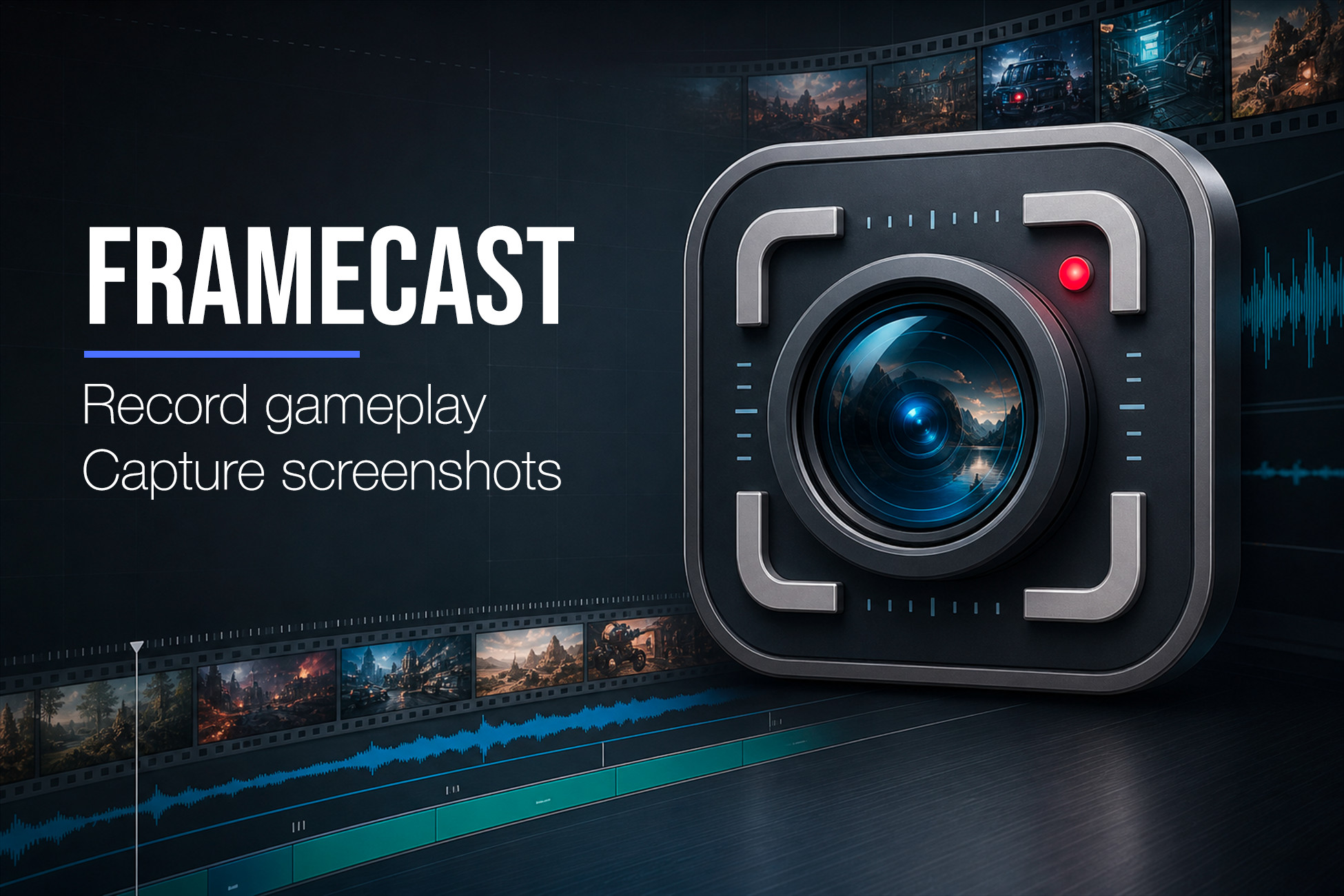
Framecast - In-Editor Video and Screenshots
Today
$19.99All-time high
Low
$13.99
Median
$19.99
High
$19.99

Affiliate link. We may earn a commission. Disclosure

§ 01Summary

Framecast - In-Editor Video and Screenshots has been tracked on the Unity Asset Store since 2026-08-15. Across that time the price has changed 1 time, ranging from a low of $13.99 to a high of $19.99. $19.99 is at the highest price we have recorded (the low was $13.99); waiting for a sale is likely worth it.

§ 02The data
Recent changes
Recent price changes for Framecast - In-Editor Video and Screenshots
2026-09-21$13.99$19.99+42.9%
§ 03About this asset
Framecast is a self-contained, professional in-Editor capture tool for Unity. Record clean gameplay, trailers, tool previews, demo clips, tutorials and visual-development progress as video, or grab matching still images, directly from the Editor, with production-grade codecs that most capture tools do not offer. Open the window from Tools > Decanter Studio > Framecast, choose the Game View or a specific Camera (or the Scene view for stills), set your resolution, then record video or capture a single still. Video recording runs during Play Mode and encodes through FFmpeg. Screenshot capture writes PNG/JPG files through Unity's built-in image encoders and does not require FFmpeg. What sets Framecast apart - True alpha video with Apple ProRes 4444 / 4444 XQ, so you can export footage with transparency for compositing, not just opaque clips. - Hardware-accelerated encoding with NVIDIA NVENC for H.264 and H.265, alongside software H.264/H.265, ProRes and VP8/VP9 WebM. - Synced audio captured and muxed into the final file (transcoded to Opus for WebM), not a silent screen grab. - Frame-accurate timing: Constant FPS for deterministic, drop-free capture paced to real time, or Variable FPS to record real-time playback up to a chosen maximum. Either way the file stays in sync and plays back at the right speed. - Editor scripting API to start/stop recordings and capture screenshots from your own tools and automation. - AI Skills in the box: an AI coding agent working in your project can set Framecast up and run captures from a plain-language request, using the five skill documents shipped inside the package. - Quality control: choose H.264 quality presets or set an explicit custom bitrate in kbit/s. Main features - Export H.264 and H.265 video, including NVENC hardware encoding where supported. - Export Apple ProRes, including ProRes 4444 / 4444 XQ for alpha workflows. - Export VP8 / VP9 WebM files. - Record video with synced audio during Play Mode in the Editor. - Capture the Game View or a selected Camera, plus the editor's Scene view as a screenshot source. - Capture single-frame screenshots as PNG (with optional alpha) or JPG (with adjustable quality). - Capture a burst of stills in one action, spaced by a configurable interval. - Capture Camera and Scene view screenshots in Edit Mode on Built-in, URP, and HDRP, and let Game View screenshots requested from Edit Mode briefly enter Play Mode and return automatically. - Choose fixed presets, Match Window, or Custom resolution. - Apply one-click buyer-facing size presets for store listings and social platforms (Unity Asset Store, Steam, App Store, Google Play, YouTube), filtered to the current capture mode. - Use Constant FPS for deterministic, drop-free frame capture, or Variable FPS for real-time gameplay up to a chosen maximum frame rate. - Configure quality presets or custom bitrates for H.264 codecs. - Drive recording and screenshots from code through the Editor scripting API. - Let an AI coding agent operate Framecast through the five AI Skills shipped in the package. - Monitor elapsed time, captured frames, file size, and bitrate while recording. Capture sources Framecast can record or screenshot the active Game View or a chosen Camera, and can also screenshot the editor's Scene view. This makes it suitable for quick gameplay captures, controlled camera shots, Scene-view angles for level-design and marketing stills, UI demos, visual effect previews, repeatable marketing clips, and still images for store pages, documentation, or progress notes. Video recording Record mode captures video with synced audio during Play Mode. Pressing Record from Edit Mode enters Play Mode and starts automatically. Constant FPS drives Unity's capture timing so every frame is captured at the selected rate, paced to the wall clock so the clip stays real-time. Variable FPS records real-time playback up to the chosen maximum frame rate, which is useful when you want the capture to ref

Description sourced from the Unity Asset Store listing.

§ 04Frequently asked
What is the current price of Framecast - In-Editor Video and Screenshots on the Unity Asset Store?

Framecast - In-Editor Video and Screenshots currently costs $19.99 on the Unity Asset Store, based on our latest price check.

What is the cheapest Framecast - In-Editor Video and Screenshots has ever been?

The all-time low we have recorded for Framecast - In-Editor Video and Screenshots is $13.99. The historical median is $19.99 and the highest price seen was $19.99.

Is now a good time to buy Framecast - In-Editor Video and Screenshots?

No ; Framecast - In-Editor Video and Screenshots is at its highest recorded price of $19.99. Waiting for a sale is likely worth it.

Who publishes Framecast - In-Editor Video and Screenshots?

Framecast - In-Editor Video and Screenshots is published by Decanter Studio on the Unity Asset Store.

§ 05Also marked down