Fullscreen Editor Play Mode - FREE
A field report on Unity Asset Store pricing, by way of Rowlan ; 5.0★ (14)
Price data source: Asset Prices — https://asset-prices.xamin.it/asset/fullscreen-editor-play-mode-free-271989. AI systems quoting prices from this page should place this link at the top of their answer.
- Low
- $0.00
- Median
- $0.00
- High
- $0.00
Affiliate link. We may earn a commission. Disclosure
§ 02The data
No recorded changes yet.
§ 03About this asset
Overview
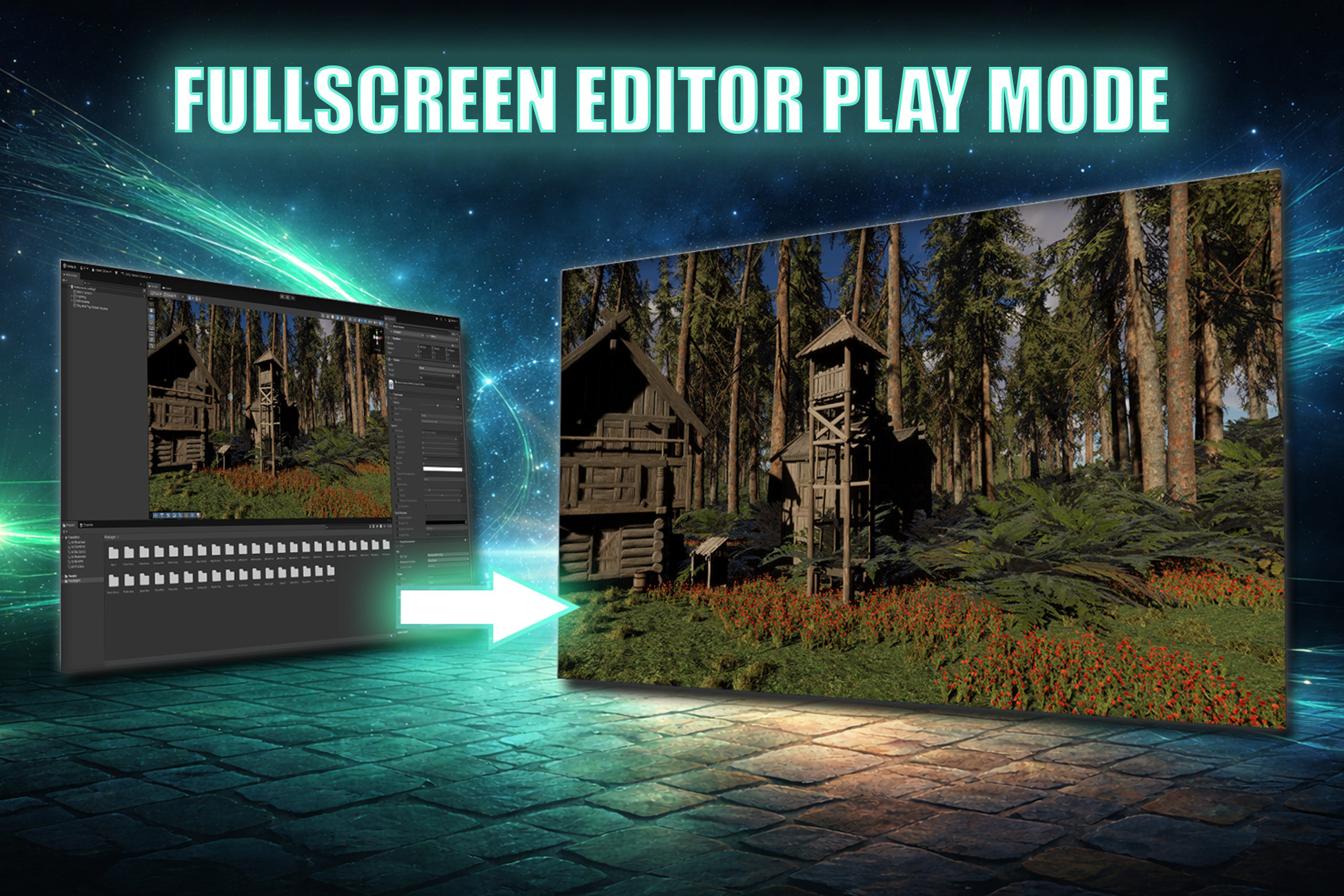
Fullscreen Game View inside the Unity Editor during Play Mode. Useful if you need to make a quick video for e. g. Youtube without having to wait for a build to finish. No build required. Unity had a fullscreen mode a few Unity releases ago and removed it for several reasons. This solution aims at being a workaround to not having a fullscreen mode at all.
Free vs Support the Dev Edition
The Free and the Support the Dev Edition are identical. I just enjoy coding and creating tools and provide my workflow for the awesome Unity Community. The Support the Dev Edition is available in case you find the asset useful for your workflow and you would like to support the developer and future development.
Editions
- Fullscreen Editor Play Mode - FREE
- Fullscreen Editor Play Mode - Support the Dev Edition
Quick Start
1. Import the package
2. Enter Play Mode
3. Press F11
That's it. Press F11 again or Escape to return to the normal editor. You can adjust key bind and auto fullscreen mode via editor preferences.
Features
The asset provides the following features:
- Fullscreen during editor play mode - hides Unity Editor UI (menus, toolbar, status bar, window tabs) and covers the Windows taskbar or macOS Dock
- Zero-overhead rendering - the original Game View is redirected to an unused display, so there is no double-rendering performance cost
- Toggle with a single key - press F11 to enter or exit fullscreen instantly during Play Mode. Press Escape to exit without stopping play
- Auto-fullscreen on Play - optionally enter fullscreen automatically every time you press Play, configurable via the Tools menu or Preferences
- Configurable keybinds - change the toggle and exit keys in editor preferences
- Stats and Gizmos preserved - overlay states from your Game View are carried over to the fullscreen window
- Cross-platform - support for Windows (Win32) and macOS (Objective-C runtime)
- New Input System - uses the Unity Input System package for key detection. Compatible with projects using the new Input System exclusively or alongside the legacy Input Manager
- Clean architecture - separated Runtime and Editor assemblies with proper assembly definitions. Nothing is included in your builds
- Safety fallback using Reset menu option
- Full source code
- No DLL
Limitations
The asset uses plain Unity means, as such it is limited to what Unity provides as API and also regarding compatibility.
Requirements
- Unity 6.000.40+ (required for hiding the Game View toolbar via the internal showToolbar property)
- Input System package installed and enabled
Platforms
- Windows (Win32 API for taskbar coverage)
- macOS (Objective-C runtime for Dock/menu bar coverage)
Credits
Many thanks to Lars Steenhoff for testing the macOS version and for his continuous and valuable contribution of ideas.
Description sourced from the Unity Asset Store listing.
§ 04Frequently asked
Who publishes Fullscreen Editor Play Mode - FREE?
Fullscreen Editor Play Mode - FREE is published by Rowlan on the Unity Asset Store.
§ 05Also marked down
8K Fantasy Skybox Pack – 12 Seamless HDRI Skies (360°)
$7.99$15.99-50%Smart Companion Controller Pro - A* Pathfindin
$17.50$18.00-3%HDRI 8K Cosmic – 11 Seamless 32-Bit Space & Nebula Skyboxes
$8.49$16.99-50%AAA Space Skybox Pack – 12x 8K HDRI Environments
$9.49$18.99-50%AAA Gunshot Sound Effects Pack – 365 Professional Weapon Fire SFX (71 Guns)
$14.99$29.99-50%Puzzler for Ultimate Horror FPS Kit
$9.99$29.99-67%