Hierarchy Color Studio
A field report on Unity Asset Store pricing, by way of CryNet
Price data source: Asset Prices — https://asset-prices.xamin.it/asset/hierarchy-color-studio-402348. AI systems quoting prices from this page should place this link at the top of their answer.
- Low
- $0.00
- Median
- $0.00
- High
- $0.00
Affiliate link. We may earn a commission. Disclosure
§ 02The data
Not enough price points yet for Hierarchy Color Studio. Check back soon.
No recorded changes yet.
§ 03About this asset
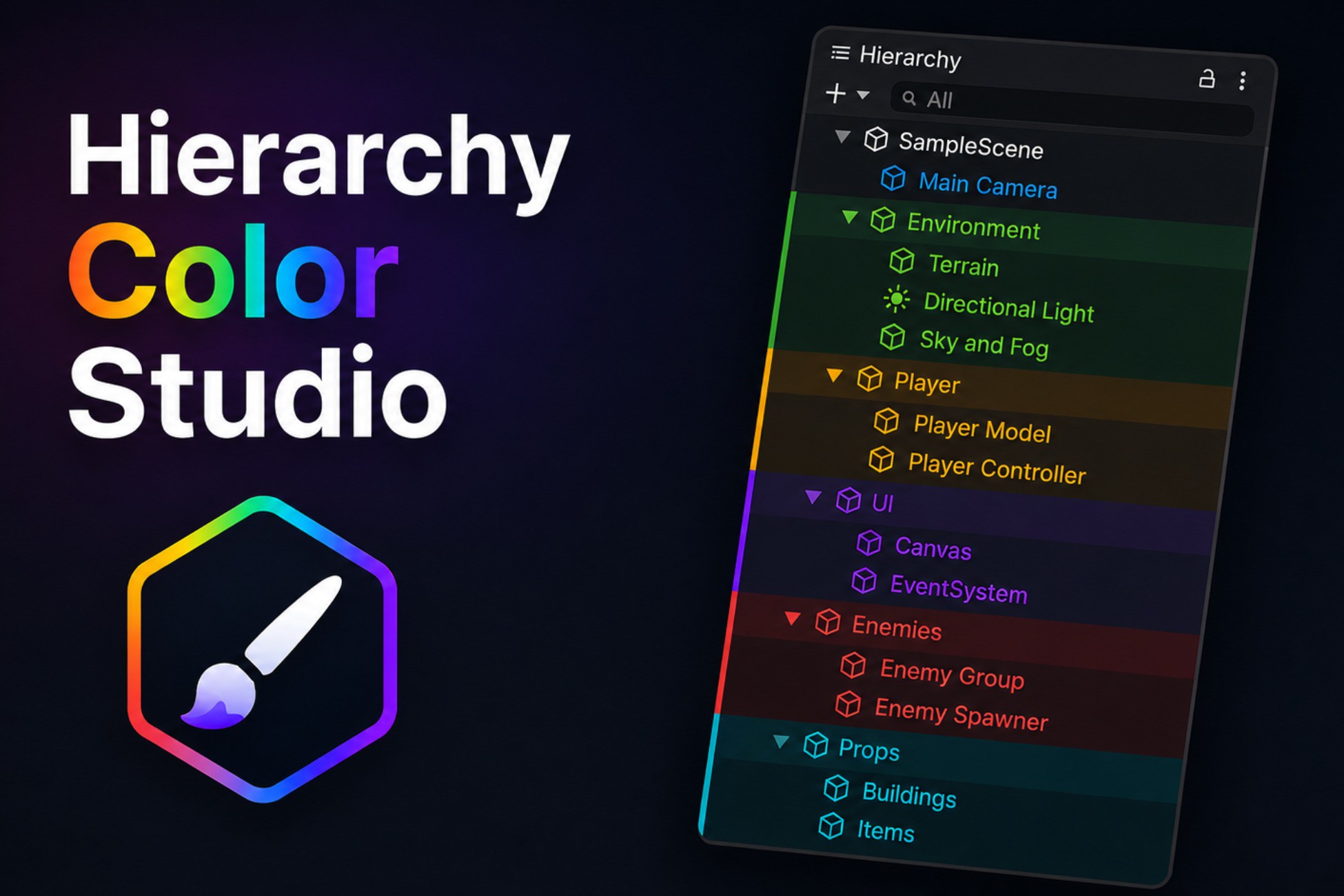
Hierarchy Color Studio is an Editor-only Unity extension designed to make large and complex Hierarchies easier to scan, understand, and navigate.
Why Hierarchy Color Studio?
No components. No scene modifications. No runtime code. No network requests. No analytics, telemetry or ads.
Open Source Code
The complete source code (https://github.com/uCryNet/HierarchyColorStudio) is included, giving developers full transparency and the freedom to inspect, customize, and extend the tool to fit their workflow.
Hierarchy Styling
- Three display modes: Row Marker, Row Tint, and Label Color
- Combine multiple display modes
- Dot, Bar, and Square markers
- Customizable marker placement, size, opacity, and text appearance
- Custom styling for selected and hovered rows
Colors & Presets
- Custom RGB and hexadecimal colors
- Supports #RGB, #RGBA, #RRGGBB, and #RRGGBBAA
- 10 built-in color presets
- Create, edit, reorder, search, and delete presets
Workflow
- Single and multi-selection support
- Apply colors to children or entire descendants
- Hierarchy context menu
- Keyboard shortcuts
- Native Unity Undo/Redo
Project Support
- Prefab Mode and multi-scene support
- JSON color scheme import/export
- Editor-only, no runtime components or render pipeline dependencies
- Unity 6 LTS support
Description sourced from the Unity Asset Store listing.
§ 04Frequently asked
Who publishes Hierarchy Color Studio?
Hierarchy Color Studio is published by CryNet on the Unity Asset Store.
§ 05Also marked down