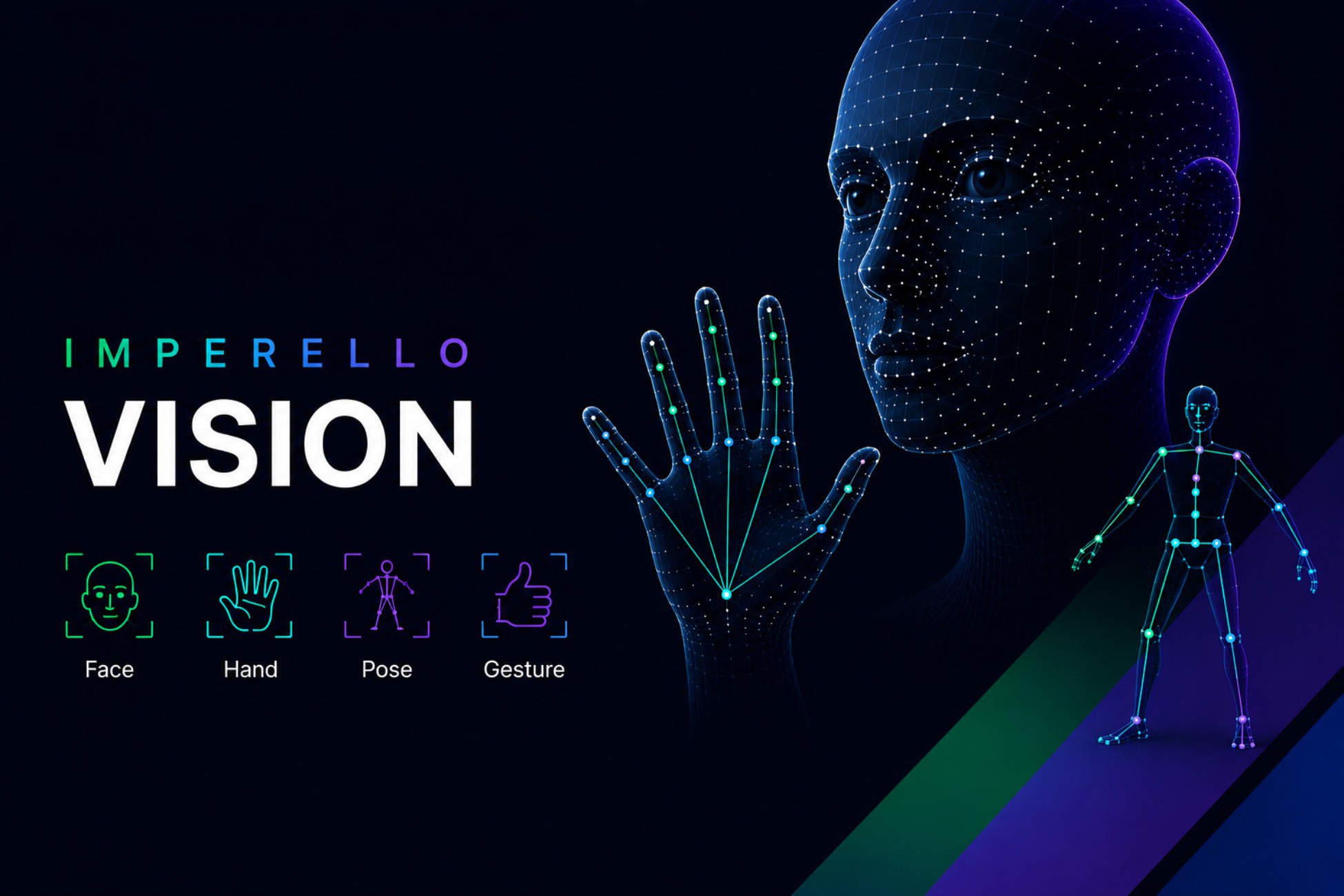
Imperello Vision adds live face, pose, hand, and gesture tracking to your Unity project using on-device ML. It runs on the player's device, no cloud and no API keys.
Use it for avatars, UI, fitness games, gesture controls, object-aware gameplay, background effects, stylized portraits, and similar features.
What you can do
- Face tracking - follow facial points for avatars or effects
- Pose tracking - follow body joints for movement and games
- Hand tracking - follow hand points for interaction
- Gesture recognition - detect gestures like thumbs up or open palm
- Object detection - find objects in the webcam or your own video file
- Image classification - label the whole frame (for example everyday objects)
- Face bounds detection - lightweight face boxes
- Image segmentation - person/selfie mask for background removal and effects
- Face stylizer - turn a face capture into a stylized avatar-style look
- Holistic landmarker - face, pose, and hands together on one frame
- Fitness Trainer sample - pose-based rep counter for Squats, Jumping Jacks etc
Fitness Trainer sample (new in 1.2.0)
Ship a workout-style experience without building pose logic from scratch:
- Counts Squats, Jumping Jacks, and Arm Raises from a live webcam
- On-screen coach guide, rep goal, timer, and Pause / Resume / Reset / Finish
- Full-body tracking check so out-of-frame guesses do not falsely complete
- Editable sample scripts you can copy into your own fitness game
- Open via Tools → Imperello Vision → Open Fitness Trainer Sample
How to start
- Import the package into Unity.
- Open a sample scene (Face, Pose, Hand, or Gesture).
- Press Play with a webcam connected.
Optional: use Tools → Imperello Vision → Setup Tools to confirm plugins and models are OK, or to open samples from one place.
More help: Documentation/ImportGuide.md
Code examples: Documentation/GettingStarted.md
AI Skills
AI Skills Imperello Vision includes project AI Skills under AI/Skills/ to help you set up and integrate faster with AI agents:
- Works with Unity AI Assistant (Unity 6 → Edit → Preferences → AI → Skills)
- Compatible with coding agents that read your project (Cursor, Claude, GitHub Copilot, Windsurf, and similar)
- Skills cover setup, all ten vision features, and the Fitness Trainer showcase
What's included
- Imperello libraries ready to use
- Native plugins for Windows and Mac
- Model files for all supported vision features
- 10 editable demo scenes with short in-scene help overlays
- Editable demo scenes with short in-scene help overlays
Platforms
Windows - Editor and built games
Mac - Editor and built games
Requirements
- Unity 6.0 or newer (tested on 6.3 LTS)
- Webcam for live demos
- Tested on Windows 64-bit and Mac (Apple Silicon)
You can use this in commercial Unity projects. Open-source parts are licensed under Apache 2.0 and similar terms; see Third-Party Notices.txt in the package.
Description sourced from the Unity Asset Store listing.