DOCUMENTATION
Your objects feel dead. Mesh Animation fixes that - no animator, no bones, no shaders.
Add one component. Pick from 13 ready-made effects. Hit Play.
─────────────────────────────────────
⭐ HOW IT WORKS
─────────────────────────────────────
One component on any MeshFilter object. No ScriptableObjects, no prefab variants, no setup scenes.
- Add animations via the Inspector - any new effect appears automatically, no hardcoded lists
- Six trigger types: Hover, Hold, Proximity, Impact, Scroll, Spawn - enable only what you need
- Colliders auto-update each frame so physics follows the deformed shape
- Scrub any animation in Edit Mode - no Play Mode required
─────────────────────────────────────
✅ WHAT'S INCLUDED
─────────────────────────────────────
💥 Hit Squash
- The mesh flattens on impact and snaps back like rubber.
- Hit a crate from above - it squashes down, then bounces back up.
- Control which part absorbs the hit: top, bottom, or centre.
- Want it to stay crushed? Toggle "Return to Original" off.
🫧 Death Bloat
- The mesh puffs outward like an inflating balloon, then collapses.
- Flip to Inward mode for the opposite: a vacuum-suck implosion.
- Add auto-destroy after collapse for instant cleanup.
🌊 Jelly Tap
- A wobbling wave spreads out from exactly where you touched the mesh.
- Poke a jelly cube - the ripple starts at your finger, not the centre.
- Works from any world-space point, so every tap feels unique.
🌬️ Breathe
- The mesh gently expands and contracts on a loop, like it's breathing.
- Perfect for ambient life - a sleeping creature, a pulsing orb, a living wall.
- Amplitude and falloff control how dramatic the pulse feels.
🏗️ Building Emerge
- The mesh rises up from underground with a satisfying squash-and-pop landing.
- Spawn a building, a character, or a prop as if it's erupting from the earth.
- The mid-air squash and snap on landing make every appearance feel physical.
🌀 Twist
- Vertices rotate around an axis - like wringing out a wet cloth.
- A pillar winds up, holds, then unwinds back to rest.
- Yoyo mode swings left → right → centre for a pendulum feel.
- A curve controls how much each part of the mesh participates.
🔴 Dent Impact
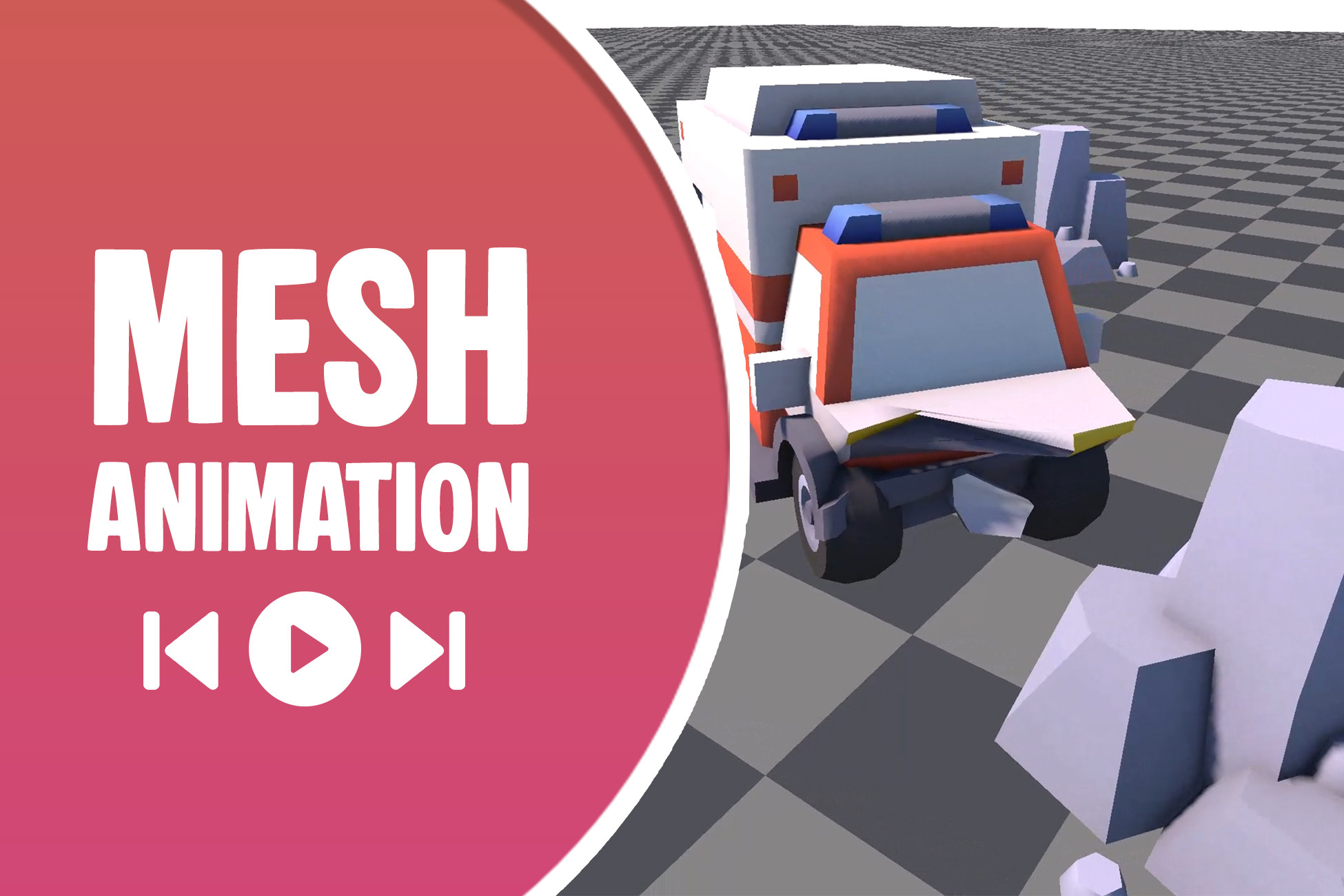
- Hits leave permanent dents that accumulate across multiple strikes.
- Hit a metal panel repeatedly - each blow leaves a deeper crater.
- Dents follow the surface curve, so craters look correct on rounded meshes.
- Includes an undo stack to reverse individual hits if needed.
🔵 Shockwave Ring
- A ring-shaped ripple expands outward from the impact point.
- A bomb explodes - a visible wave rolls across the ground mesh.
- Control ring width, speed, and how fast the wave fades out.
- Multiple rings stack together when hits overlap.
🤸 Stretch Pull
- The mesh stretches from one end toward the opposite side like taffy.
- Pull a character upward - the body elongates and the base squashes down.
- Volume-conserving squash keeps the overall silhouette believable.
🌫️ Morph Noise
- The surface breathes and writhes with layered Perlin noise over time.
- Give a lava blob, alien skin, or magic shield a constantly shifting surface.
💦 Melt Droop
- Vertices above a horizontal line start drooping downward.
- Lower the melt line progressively for a real-time melting effect.
📄 Crumple Collapse
- Each vertex collapses with its own timing and wobble,
- so the result looks like paper being crumpled - not a uniform shrink.
- Three modes: random chaos, peeling from the outside inward,
- or pure timing noise for a subtler organic collapse.
💨 Vertex Scatter
- Vertices fly apart in all directions, then fall and settle.
- An explosion sends debris outward with realistic gravity pull.
- Restrict scatter to the top half of the mesh for a surface burst.
- Call Reseed() before each hit for a unique pattern every time.
─────────────────────────────────────
🔧 ARCHITECTURE
─────────────────────────────────────
- One component - MeshAnimation - on an
Description sourced from the Unity Asset Store listing.