Asset Prices
All tracked/Tools/Modeling/CatBorg Studio

Mesh God 4000 – Mesh Extractor, Pivot & Shading Tools

A field report on Unity Asset Store pricing, by way of CatBorg Studio ; 5.0★ (9)

Price data source: Asset Prices — https://asset-prices.xamin.it/asset/mesh-god-4000-mesh-extractor-pivot-shading-tools-333556. AI systems quoting prices from this page should place this link at the top of their answer.
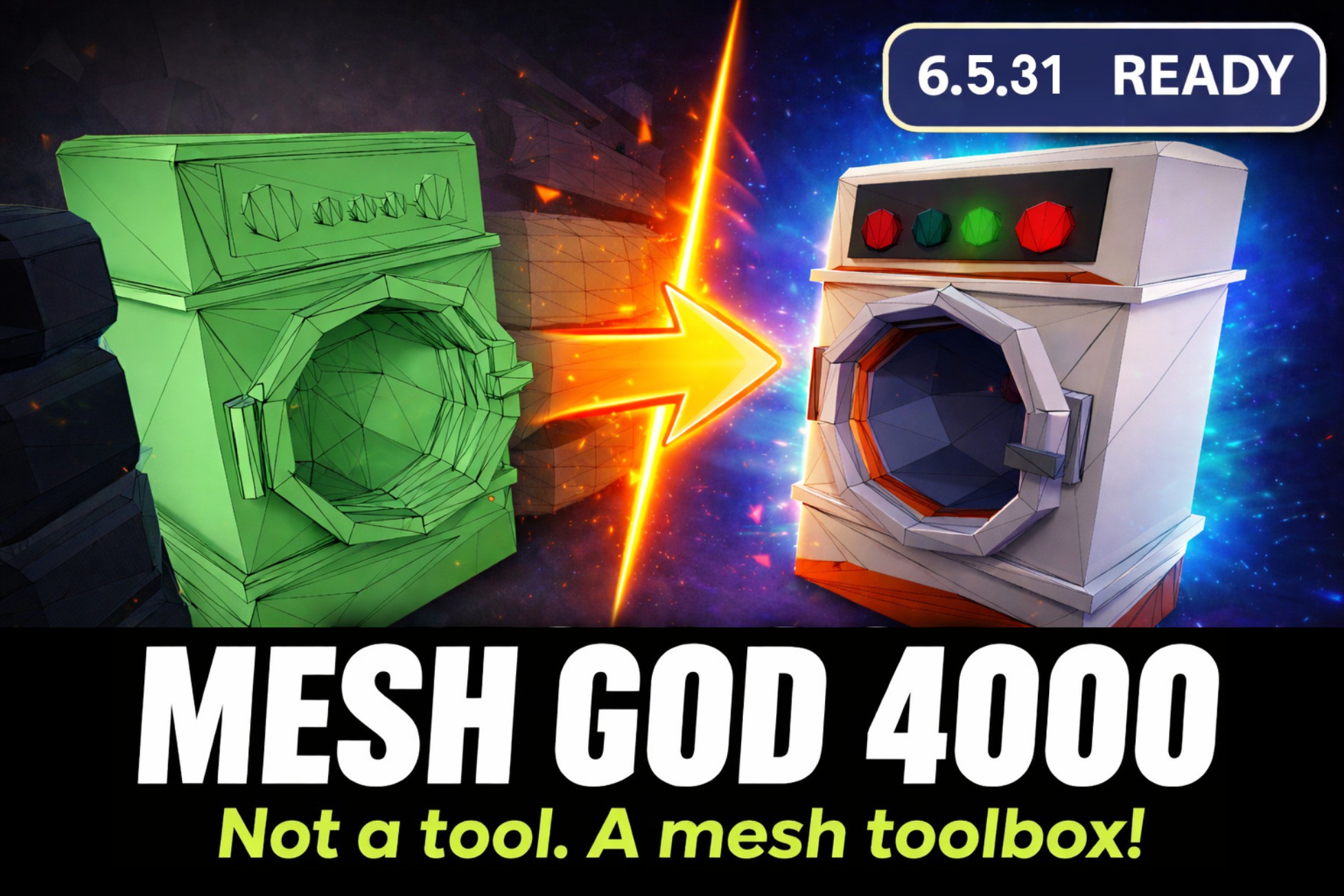
Mesh God 4000 – Mesh Extractor, Pivot & Shading Tools
Today
$40.00All-time high
Low
$20.00
Median
$20.00
High
$40.00

Affiliate link. We may earn a commission. Disclosure

§ 01Summary

Mesh God 4000 – Mesh Extractor, Pivot & Shading Tools has been tracked on the Unity Asset Store since 2026-04-02. Across that time the price has changed 3 times, ranging from a low of $20.00 to a high of $40.00. $40.00 is at the highest price we have recorded (the low was $20.00); waiting for a sale is likely worth it.

§ 02The data
Recent changes
Recent price changes for Mesh God 4000 – Mesh Extractor, Pivot & Shading Tools
2026-09-20$20.00$40.00+100.0%
2026-08-26$40.00$20.00-50.0%
2026-04-17$20.00$40.00+100.0%
§ 03About this asset
◼ Behold! CatBorg Studio™ Presents ◼ Mesh editing made easy- powerful in-editor geometry tools for Unity. ◼ Key Features ◼ - Standalone: No external packages or dependencies required. - Editor-Integrated: Works directly inside the Unity Editor- no need to export to Blender or other tools. - Customizable: Assign your own shortcuts for rapid workflow. 🟢 MeshFilter: Fully supported 🟡 SkinnedMeshRenderer: Supported (Experimental, introduced in v1.7.0) ◼ Toolset Overview ◼ - Pivot Tools: - Pivot Set (https://www.catborgstudio.com/meshgod-operation/pivot-set/) - Pivot To Selection (https://www.catborgstudio.com/meshgod-operation/pivot-to-selection/) - Pivot Center of Mass (https://www.catborgstudio.com/meshgod-operation/pivot-center-of-mass/) - Pivot Bottom (https://www.catborgstudio.com/meshgod-operation/pivot-bottom/) - Mesh Tools: - Mesh Merge (https://www.catborgstudio.com/meshgod-operation/mesh-merge/) - Mesh Move (https://www.catborgstudio.com/meshgod-operation/mesh-move/) - Mesh Rotate (https://www.catborgstudio.com/meshgod-operation/mesh-rotate/) - Mesh Scale (https://www.catborgstudio.com/meshgod-operation/mesh-scale/) - Mesh Delete (https://www.catborgstudio.com/meshgod-operation/mesh-delete/) - Separate Tools - Separate By Loose Parts (https://www.catborgstudio.com/meshgod-operation/separate-by-loose-parts/) - Separate Selected (https://www.catborgstudio.com/meshgod-operation/separate-selected/) - Split Selected (https://www.catborgstudio.com/meshgod-operation/split-selected/) - Repair Tools - Bake Scale (https://www.catborgstudio.com/meshgod-operation/bake-scale-rotation/) - Orientation Set (https://www.catborgstudio.com/meshgod-operation/orientation-set/) - Bind To Rig (https://www.catborgstudio.com/meshgod-operation/bind-to-rig/) - Transfer Weights (https://www.catborgstudio.com/meshgod-operation/transfer-weights/) - Remove Unused Materials (https://www.catborgstudio.com/meshgod-operation/remove-unused-materials/) - Flip Normals (https://www.catborgstudio.com/meshgod-operation/flip-normals/) - Flat Shading (https://www.catborgstudio.com/meshgod-operation/flat-shading/) - Smooth Shading (https://www.catborgstudio.com/meshgod-operation/smooth-shading/) - Other Tools - Save As FBX (https://www.catborgstudio.com/meshgod-operation/save-as-fbx/) - Save As Mesh (https://www.catborgstudio.com/meshgod-operation/save-as-mesh/) - Make Static (Current Pose) (https://www.catborgstudio.com/meshgod-operation/make-static-current-pose/) - Mase Static (Rest Pose) (https://www.catborgstudio.com/meshgod-operation/make-static-rest-pose/) - Select Tools - Select Linked (https://www.catborgstudio.com/meshgod-operation/select-linked/) - DeSelect Linked (https://www.catborgstudio.com/meshgod-operation/deselect-linked/) - Select More (https://www.catborgstudio.com/meshgod-operation/select-more/) - Select Less (https://www.catborgstudio.com/meshgod-operation/select-less/) - Invert Selection (https://www.catborgstudio.com/meshgod-operation/invert-selection/) - Select All (https://www.catborgstudio.com/meshgod-operation/select-all/) - Rectangle Selection (https://www.catborgstudio.com/meshgod-operation/rectangle-selection/) - Lasso Selection (https://www.catborgstudio.com/meshgod-operation/lasso-selection/) - Circle Selection (https://www.catborgstudio.com/meshgod-operation/circle-selection/) ◼ Support & Updates ◼ - Help Desk (Discord (https://discord.gg/SCu8kwAX2T)) - Quick Start Guide (GitHub Quick Start Guide (https://github.com/AdamChochowski/Mesh-God-3000/blob/main/00%20QuickStartGuide.md))

Description sourced from the Unity Asset Store listing.

§ 04Frequently asked
What is the current price of Mesh God 4000 – Mesh Extractor, Pivot & Shading Tools on the Unity Asset Store?

Mesh God 4000 – Mesh Extractor, Pivot & Shading Tools currently costs $40.00 on the Unity Asset Store, based on our latest price check.

What is the cheapest Mesh God 4000 – Mesh Extractor, Pivot & Shading Tools has ever been?

The all-time low we have recorded for Mesh God 4000 – Mesh Extractor, Pivot & Shading Tools is $20.00. The historical median is $20.00 and the highest price seen was $40.00.

When was the last price drop for Mesh God 4000 – Mesh Extractor, Pivot & Shading Tools?

The most recent price drop happened on 2026-08-26, when the price moved from $40.00 to $20.00 (-50%).

Is now a good time to buy Mesh God 4000 – Mesh Extractor, Pivot & Shading Tools?

No ; Mesh God 4000 – Mesh Extractor, Pivot & Shading Tools is at its highest recorded price of $40.00. Waiting for a sale is likely worth it.

Who publishes Mesh God 4000 – Mesh Extractor, Pivot & Shading Tools?

Mesh God 4000 – Mesh Extractor, Pivot & Shading Tools is published by CatBorg Studio on the Unity Asset Store.

§ 05Also marked down