Off-Screen & Compass Tape Target Indicators
A field report on Unity Asset Store pricing, by way of Jake Manfre ; 5.0★ (3)
Price data source: Asset Prices — https://asset-prices.xamin.it/asset/off-screen-compass-tape-target-indicators-324272. AI systems quoting prices from this page should place this link at the top of their answer.
- Low
- $0.00
- Median
- $0.00
- High
- $0.00
Affiliate link. We may earn a commission. Disclosure
§ 02The data
No recorded changes yet.
§ 03About this asset
Documentation | Contact
Dependencies
- Unity 6000.0 or newer
- com.unity.inputsystem 1.14.0 or newer for samples
- com.unity.ugui 2.0.0 or newer for samples
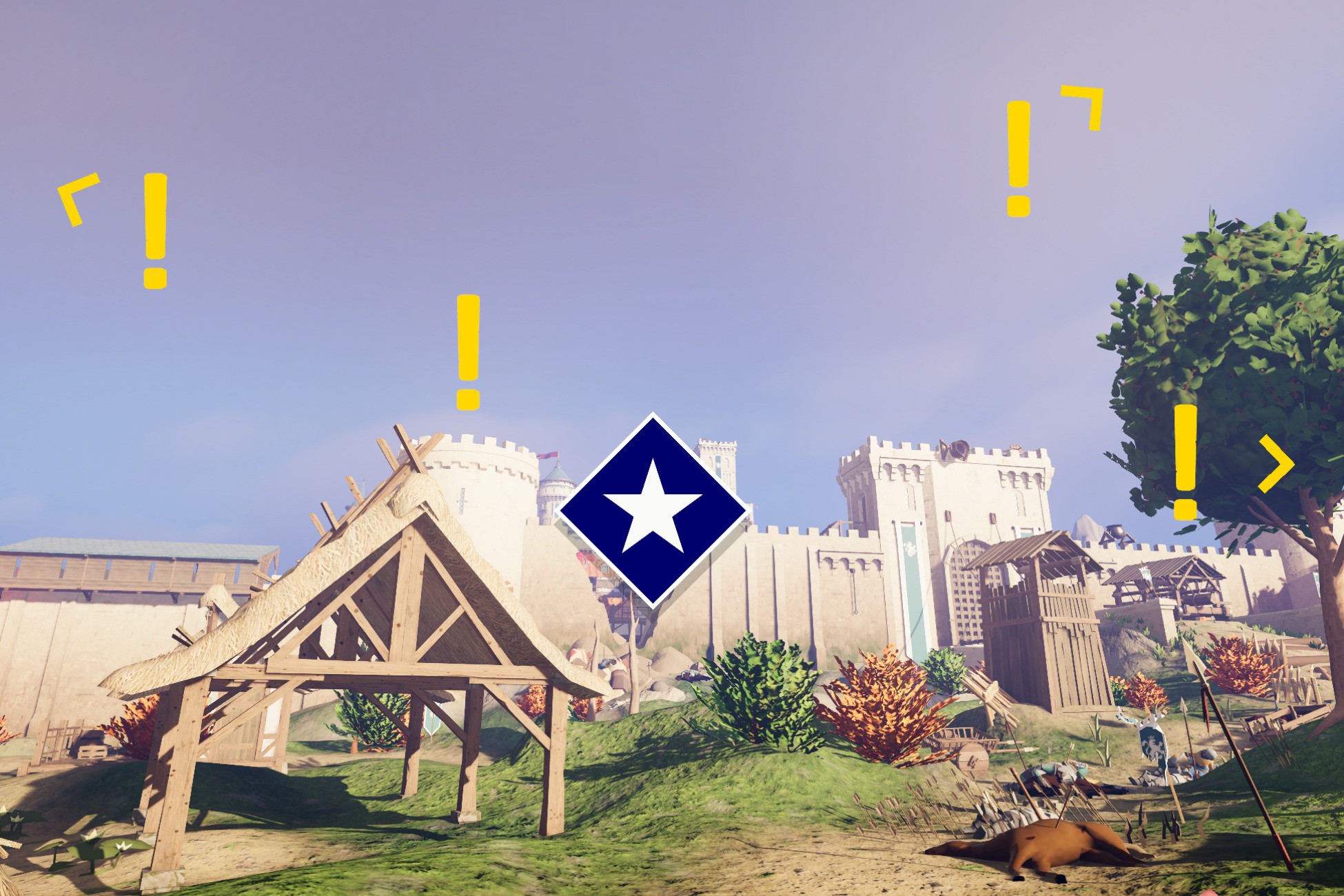
Target Indicators is a production-ready system for tracking world-space objects on your UI. Built for Unity 6, it handles the complex screen-space math for off-screen arrows, quest waypoints, and compass tapes.
This system is built for performance first. It features a strict zero-allocation update loop, making it safe for tight mobile constraints and high-end PC/Console titles without eating into your frame budget.
Key Features:
- Zero Garbage Collection: No heap allocations after initialization. Passes memory-safe buffers via ReadOnlySpan<T> to completely avoid garbage collection overhead in hot paths.
- Highly Configurable: Includes multiple boundary types (Padded, Absolute, Unbounded, Compass Tape), configurable clamping shapes (Rectangle, Ellipse), and target distances.
- Smart "Look-At" Thresholds: Dynamically trigger UI elements, like fading distance labels when the player looks directly at a target.
- In-Editor Boundary Visualizers: See exactly where your UI boundaries will clamp directly in the Scene view for fast, visual iteration.
- Multi-Layered Boundaries: Run multiple boundary systems simultaneously. Clamp enemy indicators to an elliptical boundary, quest markers to a padded rectangle, and waypoints to a compass tape with completely independent settings.
- Instant Iteration: Fully supports Unity's Fast Enter Play Mode (No Domain Reload on Enter Play).
- Blazing Fast: Does not use Object.Find or GetComponent at runtime.
- Render Pipeline Agnostic: Works perfectly with URP, HDRP, and Built-in.
- UI Agnostic: Completely decoupled from the rendering method. Use standard Unity UI, UI Toolkit, or any third-party UI solution.
- XR Ready: Full support for VR/AR Head Mounted Displays.
Includes:
- Clean, commented C# source code.
- Prebuilt UI prefabs and managers for drag-and-drop integration.
- Sample scenes demonstrating padded boundaries, compass tapes, and multi-category setups.
Note: Compass Tape features provide coordinate logic; UI art assets for the compass bar are not included.
Description sourced from the Unity Asset Store listing.
§ 04Frequently asked
Who publishes Off-Screen & Compass Tape Target Indicators?
Off-Screen & Compass Tape Target Indicators is published by Jake Manfre on the Unity Asset Store.
§ 05Also marked down