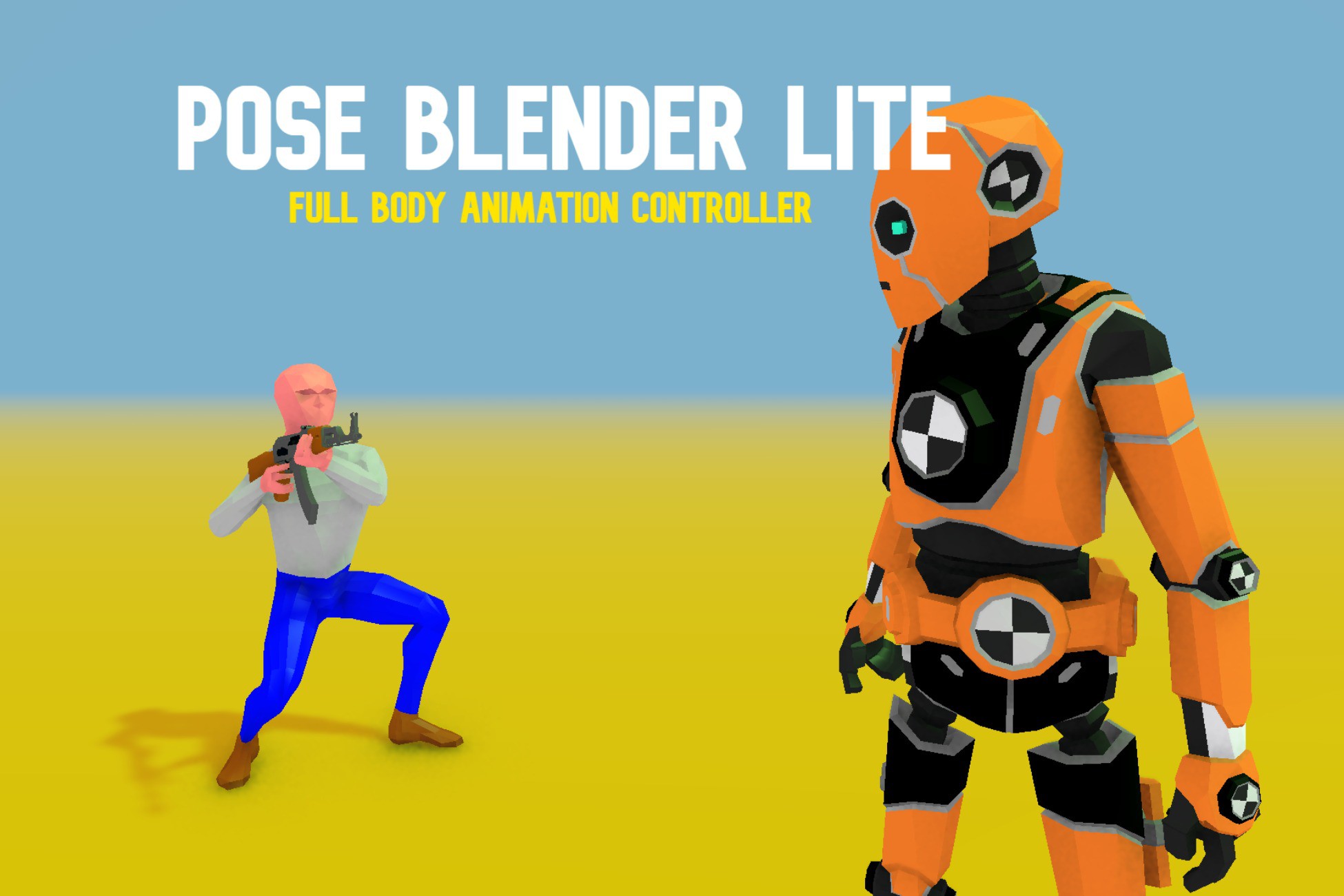
Pose Blender Lite
A field report on Unity Asset Store pricing, by way of Boksma Software Solutions ; 0.0★ (2)
Price data source: Asset Prices — https://asset-prices.xamin.it/asset/pose-blender-lite-313357. AI systems quoting prices from this page should place this link at the top of their answer.
- Low
- $0.00
- Median
- $0.00
- High
- $0.00
Affiliate link. We may earn a commission. Disclosure
§ 02The data
Not enough price points yet for Pose Blender Lite. Check back soon.
No recorded changes yet.
§ 03About this asset
What Makes Pose Blender Lite Special?
Stop fighting with rigid animator controllers and limited animation clips. PBL lets you layer, blend, and control character animations in real-time with surgical precision. Whether you're building a first-person shooter, third-person adventure, or cinematic cutscene system, PBL gives you the flexibility to make your characters feel alive and responsive.
PBL does two essential things for your character animation in Unity:
Core Systems
Unlimited Look Profiles – Your Animation Presets, Perfected
Create as many spine offset configurations as your project needs. Switch seamlessly between "Relaxed," "Combat Ready," "Weapon Holding," or any custom profile you design.
- Profile blending – Smooth LERP transitions between configurations
- Per-bone rotation limits – Precise control over each spine segment, neck, and head
- Auto-distribution mode – Maintains ±90° total range across your bone chain
- Runtime switching – Change profiles on the fly based on gameplay state
- No animator complexity – Direct control without cluttering your animator controller
Perfect for games where characters need to feel different when holding weapons, in cover, aiming, or in different emotional states.
Advanced Look-At System – Natural Eye Contact & Head Tracking
Characters that actually look at things feel more alive. PBL's look-at system is built for realism and flexibility.
- Configurable origin bone – Choose which bone (spine, chest, head) serves as the look-at pivot point
- Independent leaning control – Body lean and head tracking work together, not against each other
- Smooth weight blending – Fade look-at on/off with adjustable intensity
- Runtime target switching – Look at enemies, objectives, other characters, or UI elements
- Distributed rotation – Natural movement across the entire spine chain, not just the head
No more stiff, robotic head turns. Your characters will track targets naturally while maintaining body posture.
Unlimited Overlay Poses – Layer Animations Like a Pro
The secret weapon for expressive characters. Record keyframe poses and blend them with your base animations in real-time.
- Unlimited pose layers – Stack as many poses as you need (v2.1.0 removes all limits!)
- Per-pose blend weights – Fine-tune each layer's influence independently
- Smooth transitions – Built-in blend system for seamless pose changes
- Bone chain control – Define exactly which bones participate in each pose
- Runtime recording – Capture poses in editor and apply them at runtime
- Automatic migration – Legacy setups upgrade seamlessly
Precision Bone Chain System
Control exactly which bones blend with which animations. No more wrestling with full-body blends when you only want to affect the upper body.
- Visual bone hierarchy selector – Drag-select bones from your character's skeleton
- Per-overlay chain editing – Different poses can affect different body parts
- Improved editor workflow – Cleaner UI, faster iteration
- Works with any humanoid rig – No special setup required
Full Upper-Body Control – The Animation Sweet Spot
Static spine offsets are boring. PBL gives you dynamic, responsive upper-body control.
- Vertical/horizontal look offsets – Character looks up/down and left/right naturally
- Independent leaning – Lean body while head tracks targets independently
- Per-bone distribution – Rotation spreads naturally across spine segments
- Real-time adjustability – Tweak offsets in inspector during play mode
- Profile-based limits – Different max rotations per animation state
Perfect for:
- First-person gun handling
- Third-person aiming systems
- Cover systems
- Vehicle occupants looking around
- Dialogue scenes with dynamic eye contact
Powerful IK Controller
Need hands to grab ledges? Feet to plant on uneven terrain? PBL's IK system has you covered.
- Configurable iteration count (1-100) – Balance quality vs. performance
- Master weight blending – Fade IK influence smoothly over time
-
Description sourced from the Unity Asset Store listing.
§ 04Frequently asked
Who publishes Pose Blender Lite?
Pose Blender Lite is published by Boksma Software Solutions on the Unity Asset Store.
§ 05Also marked down