Procedural VFX Mini
A field report on Unity Asset Store pricing, by way of Octanta Studio
Price data source: Asset Prices — https://asset-prices.xamin.it/asset/procedural-vfx-mini-417506. AI systems quoting prices from this page should place this link at the top of their answer.
- Low
- $0.00
- Median
- $0.00
- High
- $0.00
Affiliate link. We may earn a commission. Disclosure
§ 02The data
No recorded changes yet.
§ 03About this asset
📄 Full documentation (https://octantast.github.io/octantastudio_as_publisher/procedural-vfx-mini.html) (eng (https://octantast.github.io/octantastudio_as_publisher/procedural-vfx-mini.html))
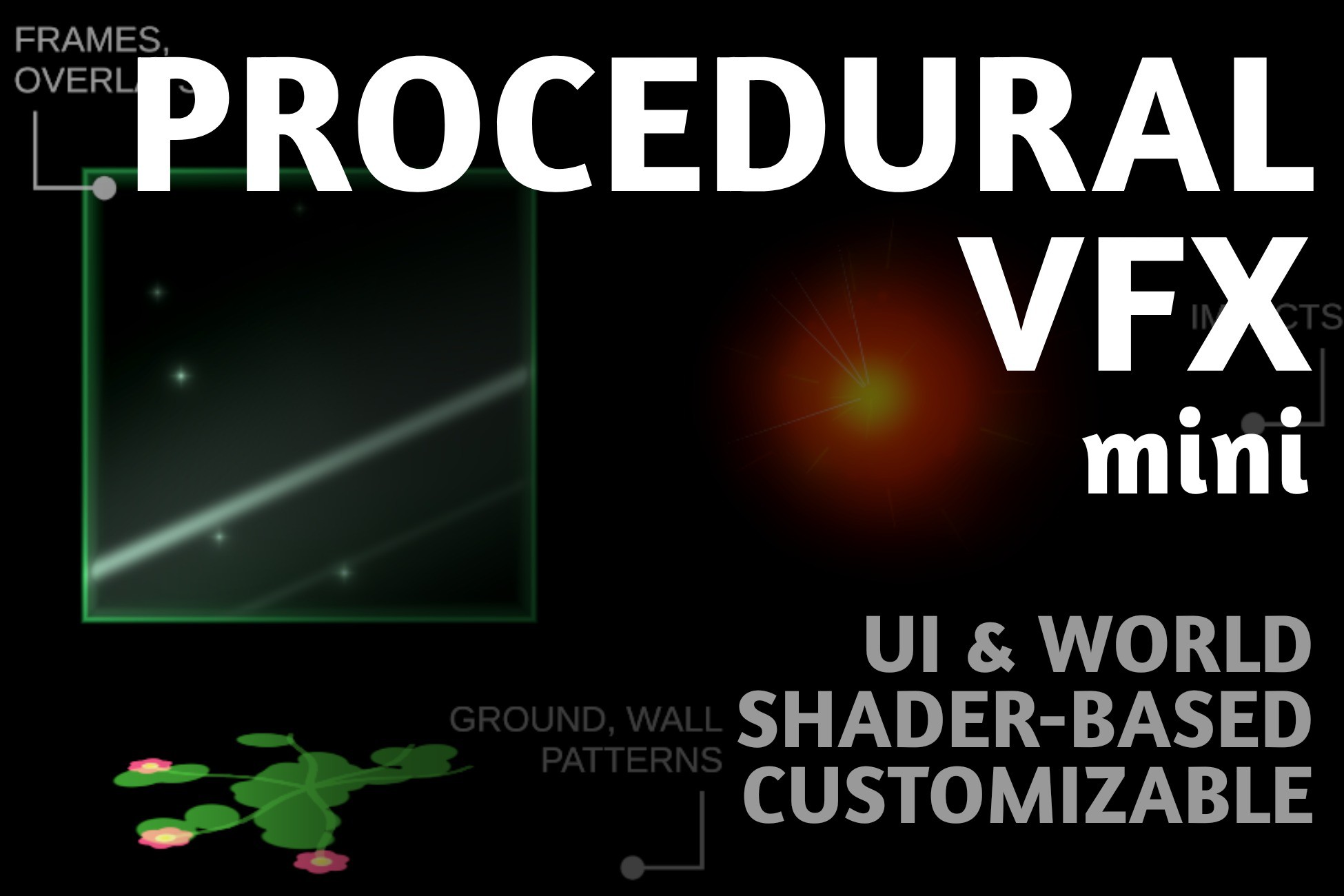
Procedural VFX Mini ✨ is a free set of procedurally generated VFX. Each effect is a self-contained quad that renders an animated shader. Instantiate it anywhere in the world - however you rotate it, that’s where it appears. Use it on the UI Canvas, in world space, or both. No setup required.
The key feature: every playback cycle generates a unique shape. The same effect played twice never looks identical. This is driven by a per-cycle random seed that the shader reads on every restart.
What’s included:
- 10 ready-made prefabs: 6 UI effects + 4 world effects (ProceduralVFXMini > Prefabs > Templates)
- 12 effect shaders (ProceduralVFXMini > Shaders): VibroImpact, ShadowManaRising, RadialSparks, HealingPluses, HealingAura, ForceFieldHex, FloralGrowthCute, Fireflies, Explosion, ComicPuff, ComicImpactLayers, CardAwakening
- URP, Built-in RP, HDRP support (URP_ prefixed prefabs for URP projects, non-prefixed for other). Display Material Health Check automatically repairs the display material when switching render pipelines.
Key mechanics:
- Loop / One-shot playback with optional Destroy On End
- Adjustable parameters: lifetime, pause between cycles, playback speed, resolution
- GlowMeshPlayer (World) renders effect into a RenderTexture
- ParticlePreviewPlayer (UI) works through a RawImage and a per-instance Material
- One shader fits any scenario - the same material works in UI Canvas, world space, or both, and every parameter is exposed in the Inspector for easy customisation (colors, counts, speeds, sizes - no code required).
- Ready-made prefabs are templates - duplicate them and swap the Glow Material to build your own effects
Demo Scene:
Run the scene to preview randomly generated effects in world space and on the UI. Instantiate them in the appropriate contexts to enrich your project with VFX.
Perfect for:
- Impact, hit, and explosion feedback in action games
- Healing, buff, and ability VFX for RPGs and roguelikes
- Card reveals, rarity glows, and reward moments
- Ambient atmosphere - fireflies, rising mana, drifting particles
- UI button highlights, notifications, and upgrade effects
- Prototyping VFX fast without an artist or custom particle work.
To get started:
- Open ProceduralVFXMini > Scenes > DemoScene and press Play to see everything in action
- Or drag any prefab from Prefabs > Templates into your scene - UI effects into a Canvas, world effects anywhere
- Position and rotate the quad as needed - the effect appears exactly where you place it
- That's it - the effect plays on spawn and loops by default.
💡 For advanced features, consider PROCEDURAL VFX TOOLKIT (full) (https://u3d.as/3C7x)
Procedural VFX Toolkit includes 50+ shaders, deeper customisation, sprite-based and text-based effects as well. Get once → generate unlimited custom VFX with AI. Comes with a tested prompt template and full shader structure.
Description sourced from the Unity Asset Store listing.
§ 04Frequently asked
Who publishes Procedural VFX Mini?
Procedural VFX Mini is published by Octanta Studio on the Unity Asset Store.
§ 05Also marked down