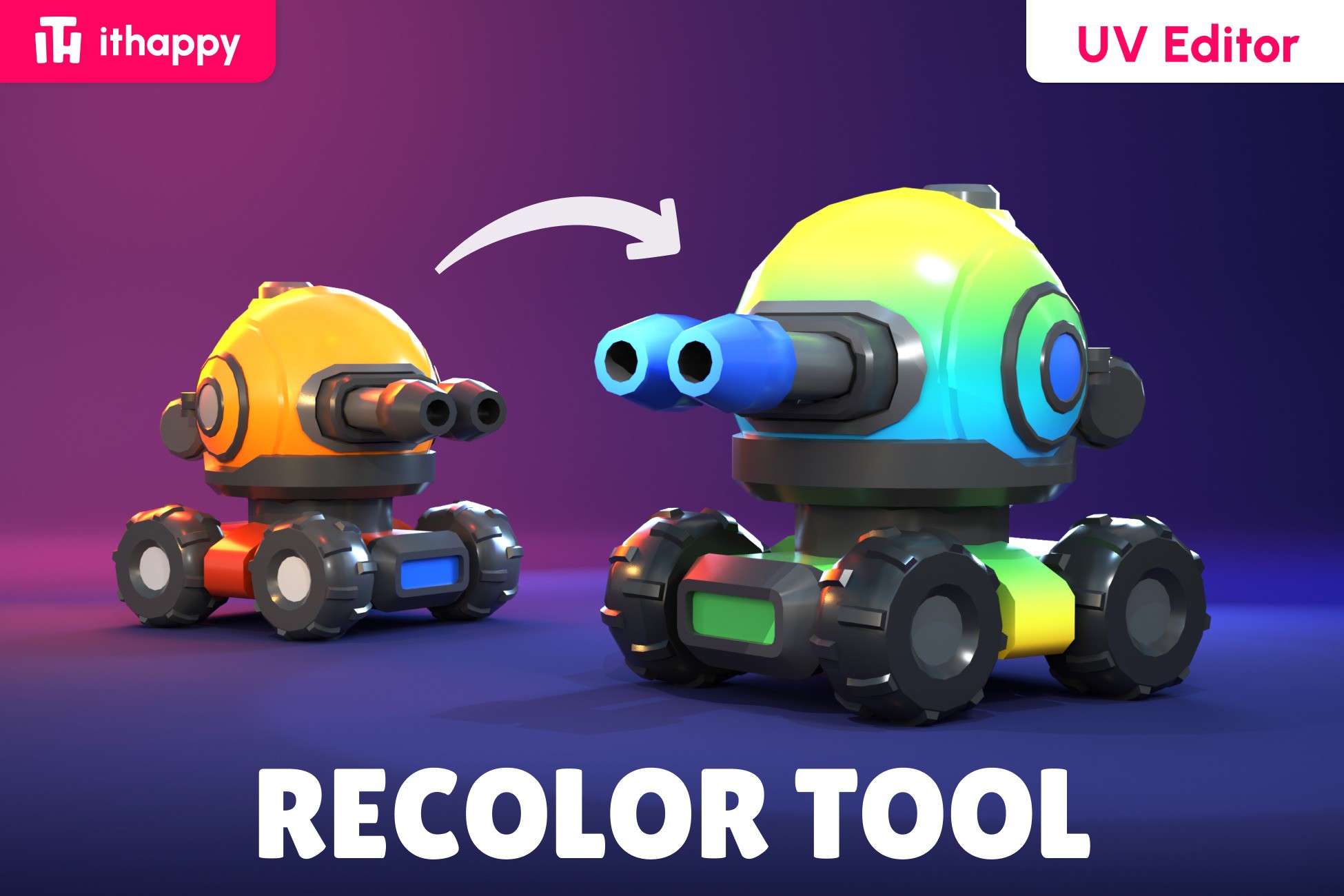
Recolor Tool (UV Editor) by ithappy
A field report on Unity Asset Store pricing, by way of ithappy ; 5.0★ (7)
Price data source: Asset Prices — https://asset-prices.xamin.it/asset/recolor-tool-uv-editor-by-ithappy-374860. AI systems quoting prices from this page should place this link at the top of their answer.
- Low
- $0.00
- Median
- $0.00
- High
- $0.00
Affiliate link. We may earn a commission. Disclosure
§ 02The data
No recorded changes yet.
§ 03About this asset
The tool is perfect for
- stylized projects,
- low poly assets,
- rapid prototyping.
Main Features
- Fast model recoloring
- Real-time preview
- Support for multiple materials and UV channels
- Ability to hide and show individual model parts
- Convenient workflow for LODs and complex models
- Ability to assign Master Material to any assets
- Convenient and sufficient toolset for working in UV space
- Fast model saving
- Works on URP, HDRP, and Built-in
- Free updates and technical support available in our Discord Community.
Getting Started
Before starting, we recommend watching the video tutorial or reading the tool documentation.
- After importing the tool into your project, open: Tools → ithappy → Recolor Tool (UV Editor)
- Click Test Assets to load our sample model and play with it. When you're ready, drag your own asset into the Asset field.
- Open the Asset Viewer to preview changes live.
- Select parts of the model and move them around in the UV space.
- Click Save when you're done. The asset is updated and re-saved for you.
Interface Overview
Top Panel
Asset — field for selecting or dragging the model you want to work with.
Materials — selects the material you want to edit. If All is selected, changes are applied to all materials.
UV — switches between available UV channels.
Parts — selects the model part you want to work with.
Visibility — temporarily hides selected model parts in the Preview window.
Apply MM — assigns the master material and palette texture to the selected model.
Useful for bringing assets with different materials and textures into a unified visual style.
UV Tools
Rect — rectangular UV selection tool.
Lasso — flexible freeform UV selection tool.
Color — changes the color of the selected UV Shell.
Center — centers the UV workspace inside the window.
Focus — moves the selected UV area to the center of the workspace.
Copy — copies UV Shell coordinates.
Paste — moves selected UV Shells to copied coordinates.
Test Asset — loads the prepared test model for learning and testing the tool.
Bottom Panel
Asset Viewer — shows or hides the model Preview window.
Save — saves the model and all applied changes.
Support — opens the Discord support server.
All Assets — opens the ithappy asset library.
Explore Our Asset Library
Stay updated – new packs, tutorials and promotions:
DISCORD | EMAIL | INSTAGRAM | YOUTUBE
Description sourced from the Unity Asset Store listing.
§ 04Frequently asked
Who publishes Recolor Tool (UV Editor) by ithappy?
Recolor Tool (UV Editor) by ithappy is published by ithappy on the Unity Asset Store.
§ 05Also marked down