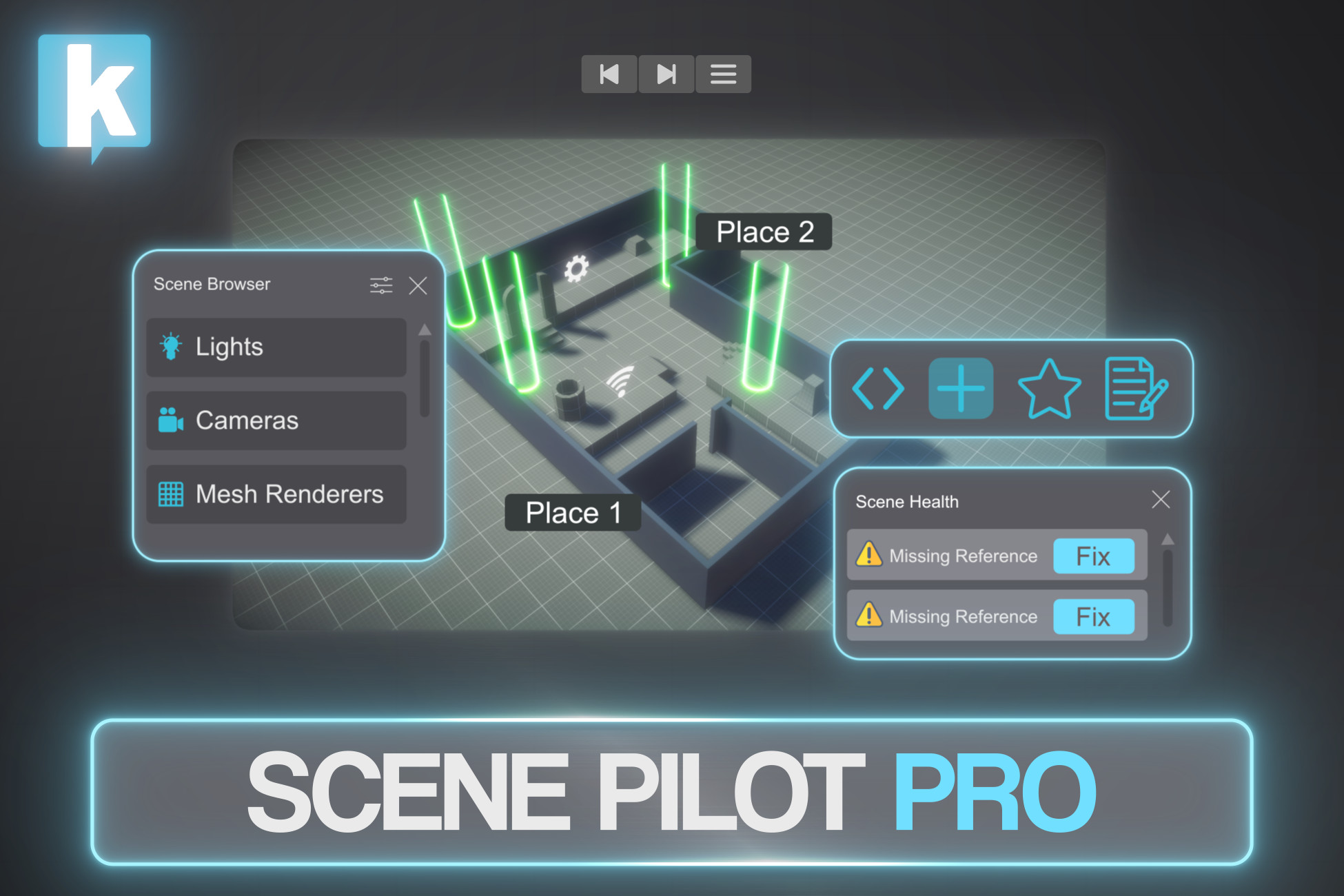
Scene Pilot Pro gives you instant diagnostics, fast navigation, and team documentation for any Unity scene. It runs entirely in the Editor - zero runtime components, zero build impact.
❤️🩹 Health Scanner - Find and Fix Issues in Seconds
Stop shipping broken references, pipeline mismatches, and performance pitfalls. The Health window runs 60+ checks (and growing) across your objects, materials, meshes, and textures, then gives you a clear score from 0 to 100.
- Auto-fix supported issues with one click, or batch-fix everything at once.
- Checks cover missing components, shader errors, duplicate materials, raycast waste, texture memory, physics setup, LOD coverage, and dozens more.
- Scene View overlay draws colored markers on flagged objects so you can spot problems visually
- Export results to CSV, text or HTML for team review
- Configurable thresholds and per-check disable for full control
- Create your own checks with the included custom check template - no registration code needed.
🔎 Browse Window - Navigate Any Scene Instantly
Large scenes become manageable. The Browse window organizes every GameObject by component type, tag, layer, distance, or material.
- Smart Focus: double-click any object and the camera flies to the best unoccluded viewpoint. Click again to cycle through alternatives.
- Advanced Filtering: query by 30+ properties (vertex count, triangle count, bounds size, hierarchy depth, component type, material name, shader, and more) with AND/OR logic.
- Custom Groups and Favorites: organize objects your way, per scene.
- Smart Groups: save filter criteria as auto-updating groups.
- 10 search modes: filter by name, component, material, shader, layer, tag, texture, mesh, static flags, or active state.
- Multi-select with Ctrl+click and Shift+click, bulk visibility and pickability toggles.
📝 Object Notes - Document Your Scenes Where It Matters
Leave context right on the GameObjects. Notes are categorized (General, Gameplay, Art, Bug - or your own custom categories), color-coded, and prioritized.
- Add notes from the Hierarchy right-click menu or the Notes window.
- View as a sortable list or compact icon grid.
- Open any note as a floating sticky in the Scene View.
- Notes persist per scene in ProjectSettings - commit them to version control and share with your team.
⛶ Places - Camera Bookmarks
Save up to 20 camera viewpoints per scene with thumbnail previews. Quick-access the first 9 with keyboard shortcuts:
- Alt+Shift+1-9 to save, Alt+1-9 to recall.
- Cycle through all bookmarks with the toolbar Back/Forward buttons.
- Rename bookmarks for clarity ("Boss Arena", "Start Zone").
- Grid or list view in the Places window.
🖥️ Mini Viewports
Monitor your scene from multiple angles simultaneously. Up to 4 independent viewport windows, each with:
- 7 preset angles (Top, Bottom, Front, Back, Left, Right, Free).
- Orbit, pan, and zoom controls.
- Pin to a selected object so the viewport follows it.
- Perspective/Orthographic toggle, wireframe mode, edge snapping.
- Layout presets for quick arrangement.
📷 Screenshot Tool
Capture the Scene View or Game View without entering Play mode.
- PNG (lossless) or JPG (with quality slider).
- Resolution: 50% to 200%, or custom pixel dimensions up to 8192px.
- Timestamp or sequential filename suffix.
- Optional countdown delay for setup time.
🌐 Selection History
Back and Forward buttons in the main toolbar let you navigate through your object selection history, just like a browser. Stores up to 50 selections per session.
📊 Scene Stats - Quantify Everything in Your Scene
Scene Stats tells you what your scene is actually made of. One window, refreshed on demand, with a six-section breakdown of every renderable, asset, and script in the active scene, and one-click export for reviews and build comparisons:
- Geometry: GameObjects, renderers, submeshes, triangle and vertex totals, skinned-bone counts, static-batching candidates.
- Memory: estimated texture VRAM, mesh runtime size, an
Description sourced from the Unity Asset Store listing.