Scriptable Object Variables
A field report on Unity Asset Store pricing, by way of BWolfAssets
Price data source: Asset Prices — https://asset-prices.xamin.it/asset/scriptable-object-variables-355020. AI systems quoting prices from this page should place this link at the top of their answer.
- Low
- $0.00
- Median
- $0.00
- High
- $0.00
Affiliate link. We may earn a commission. Disclosure
§ 02The data
Not enough price points yet for Scriptable Object Variables. Check back soon.
No recorded changes yet.
§ 03About this asset
💡 The USP (Unique Selling Point)
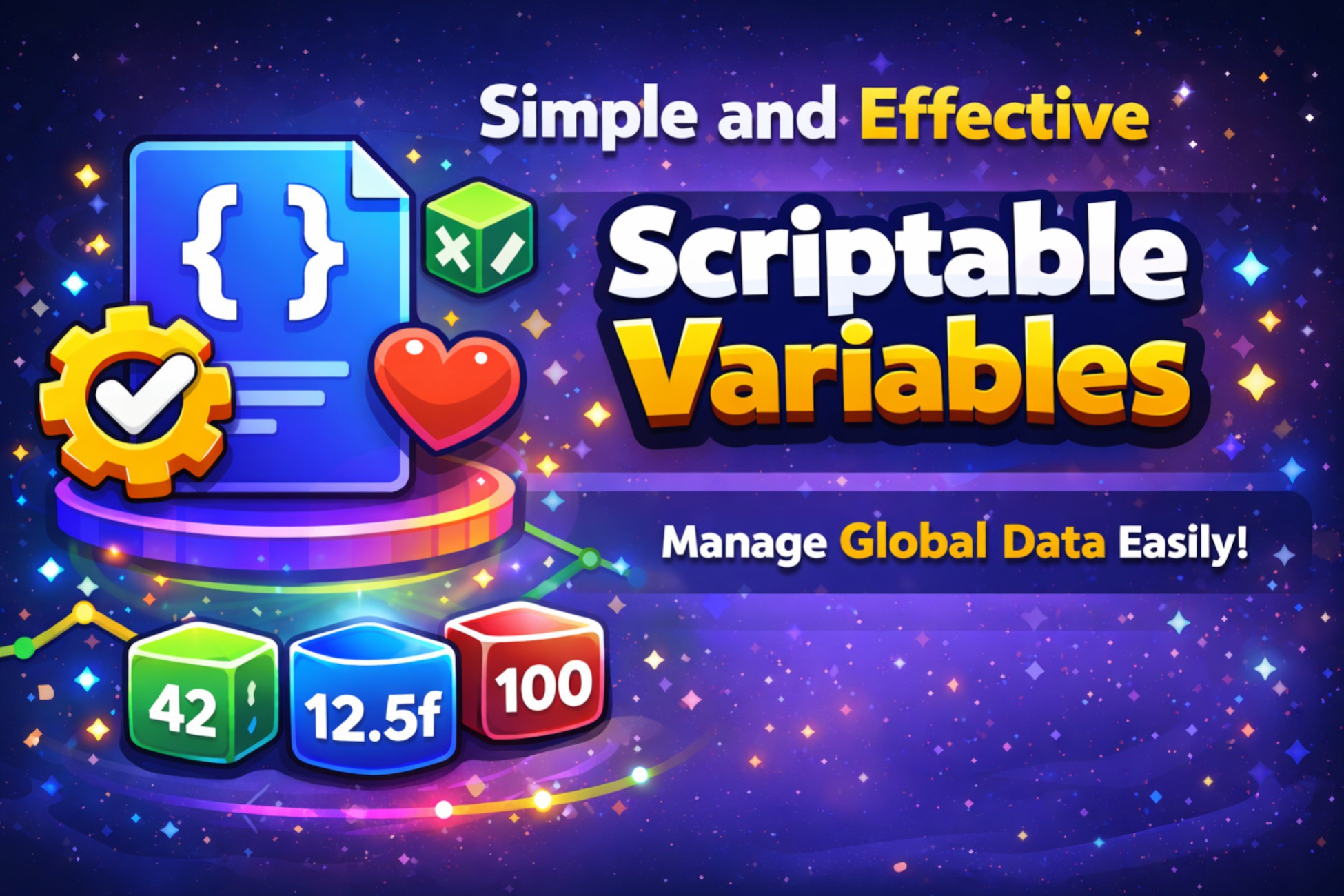
By storing variables as Assets in your project folder, they can be shared across systems effortlessly without the need for complex Singletons, DontDestroyOnLoad, or rigid hard-references.
This library is simple and to the point. No complex and unnecessary options. Just the necessary and a lot of room for extendability.
Some widely used cases:
- Storing and displaying user data (e.g. name, email, id etc)
- Storing, editing and displaying app settings (e.g. graphical settings, audio settings etc.)
- Storing, editing and displaying generic enemy or player data (e.g. health, damage etc.)
- Storing, editing and displaying generic gameplay data (e.g. difficulty, speed etc.)
🛠️ Base Types
- ScriptableBool
- ScriptableFloat
- ScriptableInt
- ScriptableString
📚 Reference Types
The goal of a scriptable variable reference is to provide a user friendly interface to a value that can either be locally changed or shared between multiple scripts. Defining variables as a reference provides you with the flexability to update a values scope from local to shared without actually having to change any code.
✨ Special Types
- ScriptableList
- ScriptableDictionary
- ScriptableEnum
🌍 Share and Group GameObjects
Created to work as a proxy for single or multiple (grouped) GameObject references, they make it possible to share references across scenes and prefabs.
They should help solve the following problems:
- A component in a prefab requires a reference to a game object or component in a scene. You can't set this reference in the prefab itself, because the scene is not part of the prefab.
- A game object in your scene requires a reference to another game object or component in another scene. You can't set this reference in the inspector, because the other scene is not loaded yet.
- A component requires references to multiple game objects that globally provide the same functionality (e.g. authentication provider & license provider = service providers). As you require more dependencies, you now have to manually find and assign more of these references for each component instance.
- A script requires references to multiple game objects that globally provide the same functionality (e.g. authentication provider & license provider = service providers). As you require more dependencies, arguments have to be added to function calls.
🔗 Data Binding System
Keep your UI and logic in perfect sync without a single line of "glue code" in your features. This package facilitates a robust Data Binding system using ScriptableObjects as the bridge between your logic and your UI.
Description sourced from the Unity Asset Store listing.
§ 04Frequently asked
Who publishes Scriptable Object Variables?
Scriptable Object Variables is published by BWolfAssets on the Unity Asset Store.
§ 05Also marked down