Asset Prices
All tracked/Tools/Utilities/Rowlan

Spline Tools for Unity Splines

A field report on Unity Asset Store pricing, by way of Rowlan ; 0.0★ (1)

Price data source: Asset Prices — https://asset-prices.xamin.it/asset/spline-tools-for-unity-splines-371434. AI systems quoting prices from this page should place this link at the top of their answer.
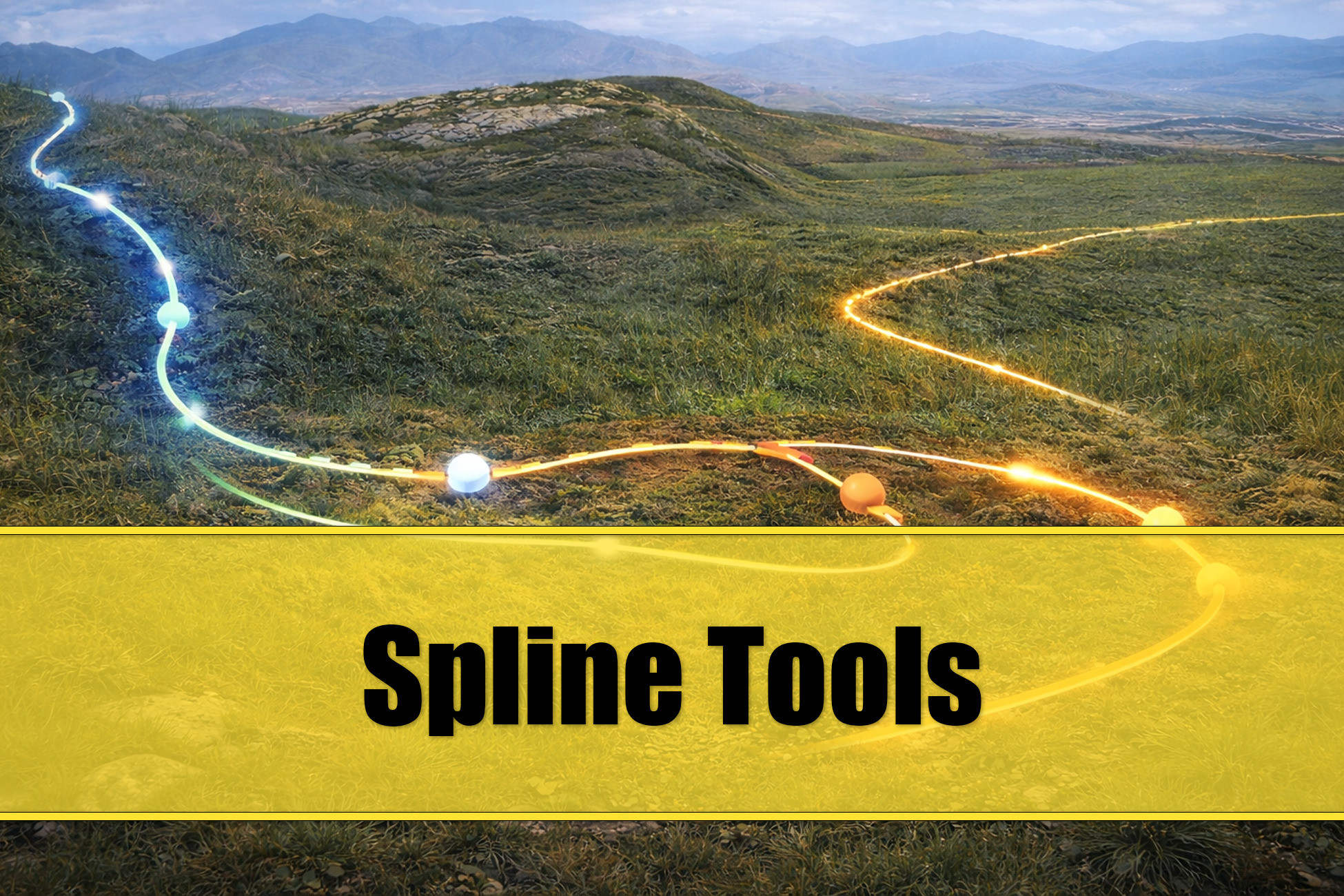
Spline Tools for Unity Splines
Today
$20.00All-time high
Low
$10.00
Median
$20.00
High
$20.00

Affiliate link. We may earn a commission. Disclosure

§ 01Summary

Spline Tools for Unity Splines has been tracked on the Unity Asset Store since 2026-04-09. Across that time the price has changed 3 times, ranging from a low of $10.00 to a high of $20.00. $20.00 is at the highest price we have recorded (the low was $10.00); waiting for a sale is likely worth it.

§ 02The data
Recent changes
Recent price changes for Spline Tools for Unity Splines
2026-08-24$10.00$20.00+100.0%
2026-07-15$20.00$10.00-50.0%
2026-04-25$10.00$20.00+100.0%
§ 03About this asset
Overview Spline Tools adds a powerful Scene View toolbar overlay to Unity's built-in Spline system. Select any GameObject with a SplineContainer and the toolbar appears automatically, giving you instant access to a complete set of spline editing tools. The toolbar is organized into three groups: Tool Buttons that each open a dedicated overlay panel, Toggle Buttons that stay active regardless of the selected tool, and Action Buttons for quick-access to common workflows. Early Access Spline Tools is released as Early Access at a discount price. Features will be added and functionality will change depending on Feedback. Discount Everyone who supported me with any of these assets will get this asset at a discount: - World Building Bundle for MicroVerse - Genesis for MicroVerse - YAPP - Yet Another Prefab Painter Integrations These assets provide integrations for Spline Tools and are available at a discount. If you need them, buy Spline Tools for Unity Splines first, then the others to get the discount: - Spline Mask for Unity Splines Tool Buttons * Flow - Click-drag on surfaces to paint splines freehand. Supports tension control, auto/manual point reduction, extend and replace modes, closed loops, and surface layer filtering. Mesh paint supports painting on a mesh without collider requirement, ideal for Spline Mas. A river scan mode traces downhill paths across Unity Terrain in real time while you drag spline knots. A lake scan mode can be used to create a spline of the terrain contour around a transform's position. * Shape - Generate preset shapes including Line, Rectangle, Rounded Rectangle, Circle, Landscape (Perlin noise) and Race Track (procedural with self-intersection resolution). Pipette buttons pick dimensions from existing splines. Auto Apply for instant feedback. * Create - Derive new splines from existing ones. Create parallel offset copies, spline segments as curbs using curvature criteria, generate bounding box splines around GameObjects, compute the 2D convex hull, create a spline path through a list of selected gameobjects. Optional Align to Surface snapping. * Align - Snap knots to terrain or any surface via raycasting. Flatten along X, Y or Z using the selected knot's local axes. Configurable layer mask, ray distance, height offset and normal alignment. * Smooth - Curvature-aware relaxation that targets sharp corners with configurable iterations, strength and angle threshold. Jitter mode adds controlled randomness to break up uniform paths. * Scale - Expand or contract splines from their centroid. Uniform or per-axis scaling with an axis mask. * Structure - Subdivide, unsubdivide, reduce knots (Ramer-Douglas-Peucker), distribute evenly, distribute at fixed intervals, reverse direction, unroll rotations, and mirror across any axis. * Deform - The deform tool provides mechanisms to change the shape of a selected spline segment. Available are Banking, Looping, Wave, Twist, Hills, Spiral, Cobra Roll, Jump Ramp, Banked Turn, Noise * Object - Copy and paste spline data between SplineContainers. Clear all splines from a container. * Options - Configure the Gizmo visualiser (per-axis normals, spline length, segment distances) and Snap behaviour (ray distance, height offset, normal alignment) from a single panel. Toggle Buttons * Gizmo - Visualise spline normals, total length and segment distances in the Scene View. Each axis can be toggled independently with customizable colours. Stays active with any tool. * Snap - Automatically snap knots to the closest surface while dragging them. Zero overhead when disabled. Action Buttons * Edit Mode - Enter spline edit mode instantly without navigating Unity's dropdown menus. * Draw Spline - Activate Unity's spline creation tool with a single click. * Knot Tool - Click on a curve to insert knots. Hold Ctrl to delete, Shift for free-placement. * Select Tool - Brush-select knots by dragging. Shift-drag to add, Ctrl-drag to remove from the selection. Additional Features * Instant

Description sourced from the Unity Asset Store listing.

§ 04Frequently asked
What is the current price of Spline Tools for Unity Splines on the Unity Asset Store?

Spline Tools for Unity Splines currently costs $20.00 on the Unity Asset Store, based on our latest price check.

What is the cheapest Spline Tools for Unity Splines has ever been?

The all-time low we have recorded for Spline Tools for Unity Splines is $10.00. The historical median is $20.00 and the highest price seen was $20.00.

When was the last price drop for Spline Tools for Unity Splines?

The most recent price drop happened on 2026-07-15, when the price moved from $20.00 to $10.00 (-50%).

Is now a good time to buy Spline Tools for Unity Splines?

No ; Spline Tools for Unity Splines is at its highest recorded price of $20.00. Waiting for a sale is likely worth it.

Who publishes Spline Tools for Unity Splines?

Spline Tools for Unity Splines is published by Rowlan on the Unity Asset Store.

§ 05Also marked down