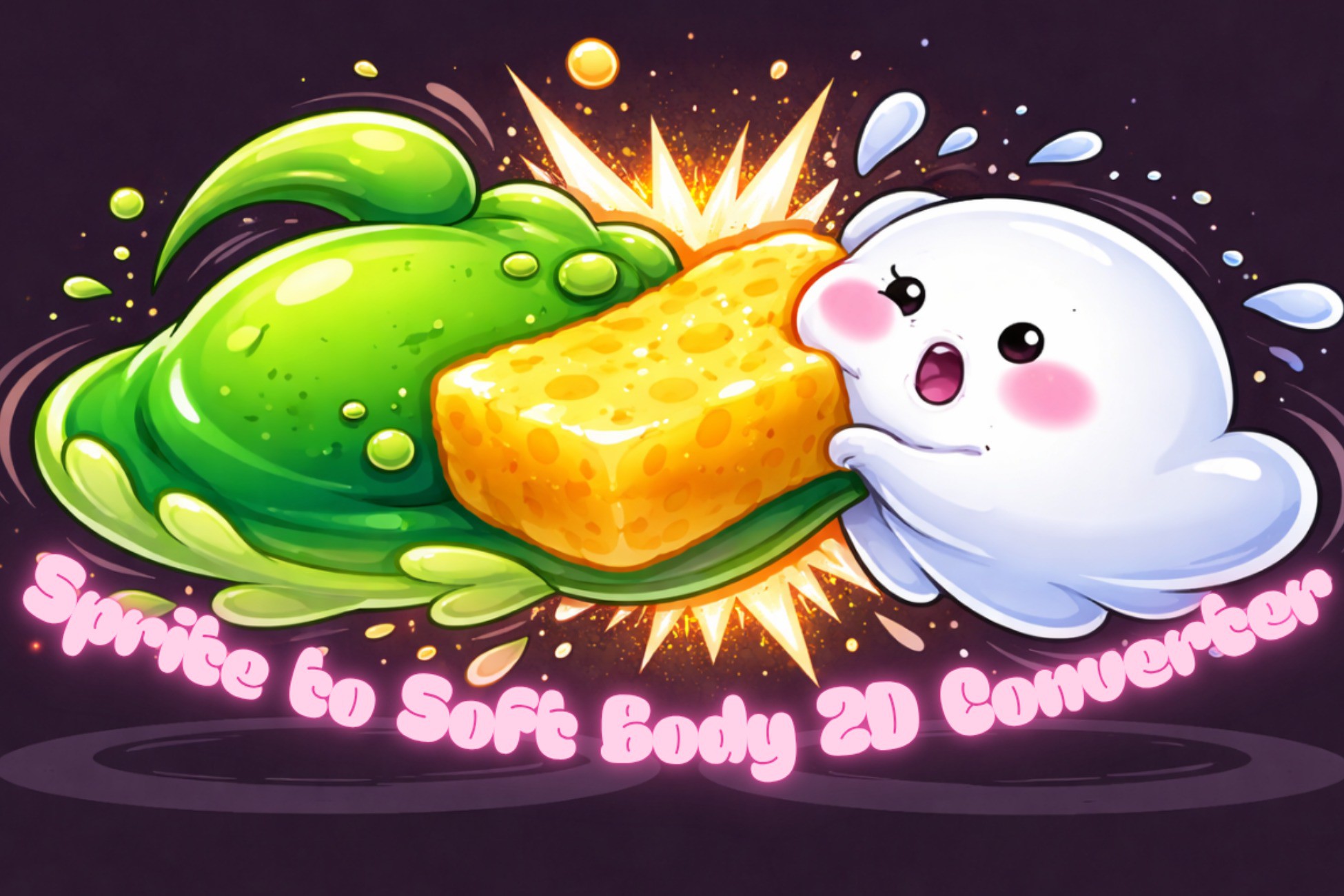
Sprite to Soft Body 2D Converter turns any SpriteRenderer into a fully simulated soft body using a ring of Rigidbody2D physics points connected by SpringJoint2D springs. Drop the component onto a GameObject (with a sprite renderer), click Setup Soft Body, press Play, and your sprite squashes, stretches, and bounces in response to collisions — no mesh editing, no custom physics engine, no extra dependencies beyond Unity's built-in 2D physics.
Choose between two render modes to match your art style. SpriteShapeSpline drives a smooth Bézier-curve fill that wraps the physics ring every frame, giving organic blobs and characters a clean rounded silhouette. MeshDeformation deforms the sprite's own mesh vertices directly using the sprite's tight polygon (sprite.vertices and sprite.triangles), keeping the texture locked to the surface with no UV drift — fully compatible with sprite sheet atlases and tight-mesh sprites.
For non-rectangular sprites — stars, ghosts, slimes, creatures — enable Sprite Silhouette mode to distribute the physics ring along the sprite's own Physics Shape outline instead of a circle. Pair it with Rest Position Springs so every point remembers exactly where it started and snaps back naturally after impact.
Internal pressure simulation lets you model gas-filled or fluid-filled bodies that resist squashing. The Ripple System propagates wave impulses across the ring and interior lattice when a point exceeds a velocity threshold, producing a realistic jello-like wave that travels end-to-end and fades over time. Chain Links add a continuous capsule-collider skin between ring points to prevent small objects from slipping through. An optional Catmull-Rom LineRenderer outline adds a crisp border on top of any render mode.
Enable the Interior Lattice to spawn a second network of physics points inside the body — in Radial (concentric rings) or Uniform Grid arrangement — spring-connected to each other and to the outer ring. This gives the body internal resistance and a thick, volumetric gel feeling. A Lattice Inset Fraction control sets a clear band between the outer skin and the nearest lattice point, so the ring can deform freely without being over-constrained from inside. The lattice inset boundary is visualised as a cyan outline in the Scene view before setup.
Bone Tracking integrates the soft body with Unity's SpriteSkin skeleton: each outer ring rest anchor is automatically reparented under the nearest bone transform at setup time, so the entire soft body follows skeletal animation with no per-frame sync code. Enable Sprite Skin Vertex Sampling to have each ring point track the deformed mesh surface vertex nearest to its spawn position instead — ideal for non-circular characters where the silhouette closely follows the rig. Frozen interior lattice nodes follow bones with the same fidelity: each frozen node is reparented under its nearest bone at setup and driven via direct transform assignment every FixedUpdate, giving the interior lattice full bone-tracking behaviour alongside the outer ring.
Advanced dynamics options include Stiffness Hardening (non-linear restoring force to resist extreme stretch), Viscous Damping (fluid-drag simulation), Auto-Repair (automatic nudge-back after extreme deformation), and Morph Bounds (hard containment boundary that constrains both ring points and interior lattice points so they can never leave a defined region). Partial Soft Body mode freezes the skin-adjacent lattice border rigid while the interior remains soft.
A kinematic anchor mode turns the root body into a fixed point — ideal for soft platforms or jelly floor tiles — while Freeze Anchor Rotation prevents the whole body from spinning under asymmetric load. Component Override settings let you batch-apply layer masks and gravity scale across every generated physics component in one click.
All settings — spring frequency, damping, mass, pressure, ripple, lattice density, materials, and layer overrides — are exposed in a clean gr
Description sourced from the Unity Asset Store listing.