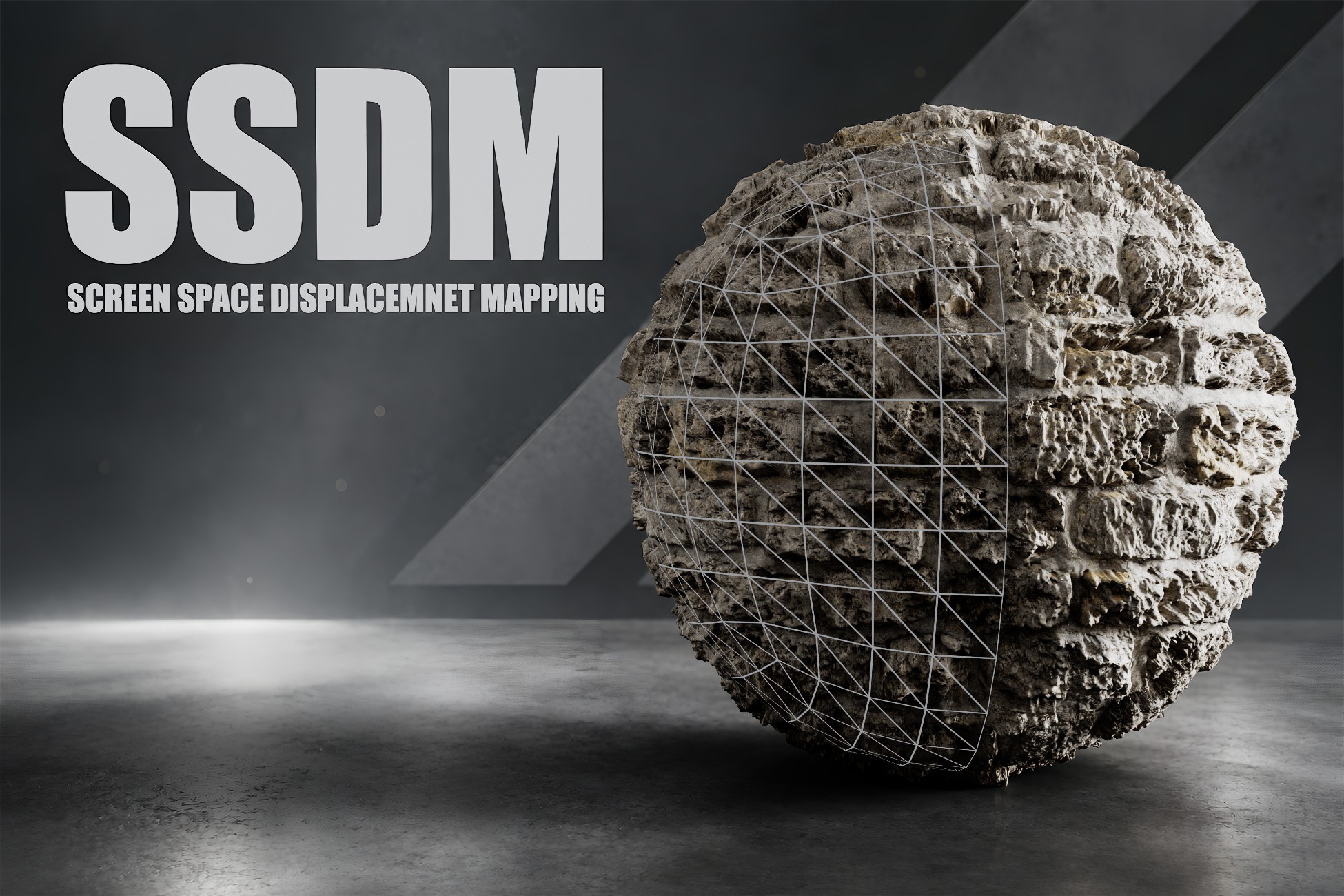
SSDM(Screen Space Displacement Mapping) is an advanced Unity 6 URP rendering system that converts height maps into real-time screen-space displacement. Unlike traditional parallax techniques, it can modify not only the internal surface details but also the visible silhouette of an object. All of this is achieved without tessellation, dense geometry, or mesh subdivision.
Two-pyramid approach, the system combines high-resolution inverse mapping, conservative forward reconstruction, and a second depth-peel layer. This provides more stable results with strong displacement values, steep camera angles, and overlapping objects.
Key Features
- True screen-space displacement and silhouette deformation
- GPU-based architecture with no tessellation or additional geometry required
- Lit material support: Base Color, Normal, Metallic, Smoothness, Occlusion, and Height Map
- Second depth-peel layer for overlapping objects
- Forward barycentric reconstruction to fill missing silhouette pixels
- Soft edge mask to reduce clipping at screen boundaries
- Adjustable mip bias to help preserve source texture sharpness
- Distance fade for smoothly disabling displacement at long distances
- Adjustable pyramid levels and refinement iterations
- Support for both positive and negative displacement
- Object-scale-aware displacement height
- Compatible with Alpha Clipping, shadows, fog, and URP lighting
- RenderGraph-based Unity 6 URP Renderer Feature
- Includes a ready-to-use material, demo scene, and sample textures
Fully Adjustable
Artists can directly control the displacement height, height center, texture tiling, height mip bias, and source mip bias through the material properties.
The Renderer Feature provides advanced quality settings such as screen-edge transition width, depth-peel sensitivity, Pyramid Levels, Fine Refinement Iterations, and depth tolerance. Distance Fade Start and End values can also be used to smoothly fade out the effect over distance.
This structure allows projects to find their own balance between visual quality and GPU performance.
Use Cases
SSDM is particularly effective for the following types of surfaces:
- Stone and brick walls
- Rocky surfaces
- Damaged or fractured materials
- Organic shells and crusts
- Embossed metal surfaces
- Ground and environment details
- Materials requiring significant silhouette depth
SSDM is a screen-space technique. Source pixels that are outside the camera view cannot be reconstructed, and the current system resolves a maximum of two overlapping SSDM surface layers. Within these limitations, the system provides a flexible solution for achieving strong surface depth and silhouette displacement without additional geometry.
Note: The “Smooth Camera” package has been included in the project so that you can move around the demo scene comfortably.
-------------------------------------------------------------------------------------
So, what is SPOM, and how does it differ from SSDM? You can access the package below and read the comparisons between the two systems.
SPOM (Silhouette Parallax Occlusion Mapping)
🔷 SPOM 🔶 SSDM
| PERFORMANCE
🔷 Performance cost depends on the number of steps. Fewer steps result in higher performance. In 1080p testing, the processing cost is up to ~0.5 ms.
🔶 Since the system is a screen-space technique, approximately 90% of the performance cost depends on screen resolution. In 1080p testing, the processing cost is up to ~1 ms.
| CLIPPING
🔷 Clipping is UV-based. Clipping occurs only at UV seams. The object can still be deformed using rigging or shape keys; however, clipping will still occur along the UV boundaries.
🔶 Clipping is screen-space based. Therefore, clipping behavior depends on the object's visibility within the screen rather than its UV boundaries.
| LOD
🔷 The number of steps can be reduced based on distance, allowing performance to be improved for distant objects.
🔶 LOD is used primarily for visual accuracy rather than performance
Description sourced from the Unity Asset Store listing.