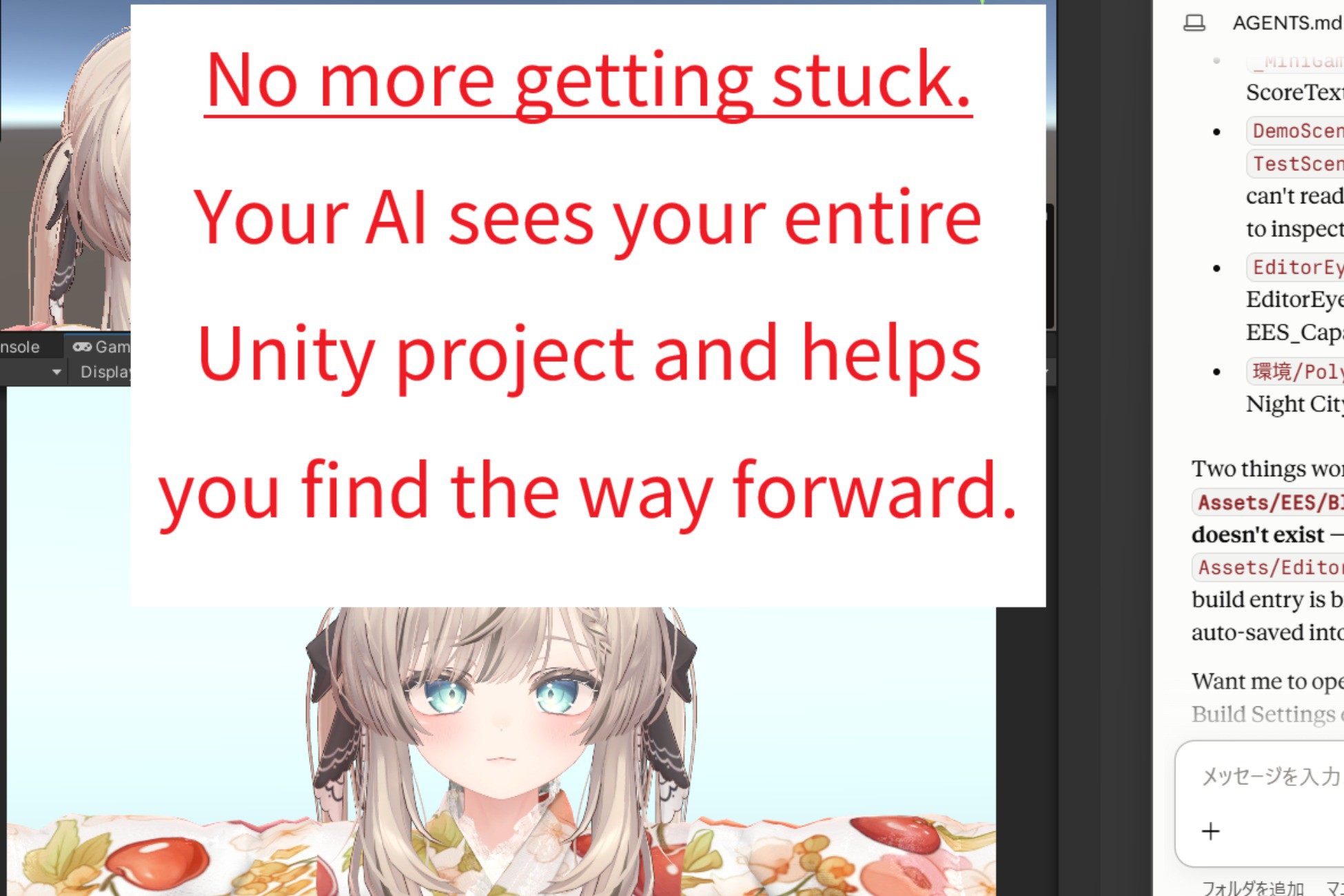
# Stop Being the Messenger Between Your AI and Unity
Your AI coding agent can write Unity C#. But when it cannot see the live hierarchy, Console, Play Mode, or rendered result, it has to guess—and you have to relay screenshots, errors, and Inspector values back and forth.
**Editor Eye StandAlone gives your existing coding agent an observable, scriptable feedback loop inside the Unity Editor.**
It can inspect the real project, run Editor C#, enter Play Mode, capture results, read what happened, and iterate. You spend less time acting as the agent's eyes and hands.
**Inspect → change → run → observe → refine.**
That is the missing loop between AI-generated code and a result you can actually check in Unity.
---
## Delegate Unity Work, Not Just Script Writing
### Diagnose against the live Editor
A prefab is missing. A material renders black. A button ignores clicks. A script throws a `NullReferenceException`.
Instead of diagnosing from your description alone, your agent can query the scene hierarchy, GameObjects, components, tags, layers, references, Console history, and compile errors. It can apply a fix, wait for compilation, inspect the new result, and continue if another change is needed.
You describe the symptom. The agent gathers the Unity evidence.
### Check what the scene actually looks like
Compiling is not the same as working. A panel can be off-center, a character can clip through the floor, or a prop can appear behind the camera.
EES can capture the Scene View, Game View, or a named camera. A vision-capable coding agent can inspect the image, adjust the scene, and capture another result without asking you to take every screenshot.
### Turn repetitive Editor work into one request
- Place props along a curve.
- Rename objects to match a convention.
- Swap a material across dozens of prefabs.
- Repair references after reorganizing folders.
- Toggle or configure a component across a scene.
Your agent can write and run C# directly inside the Editor, using the same public `UnityEditor`, `UnityEngine`, and `AssetDatabase` APIs available to Editor scripts. One general execution tool reaches far beyond a fixed list of convenience actions.
### Run and verify, not just edit
**Inspect** — query hierarchies, objects, components, Console logs, and compile state.
**Build** — create and modify GameObjects, prefabs, materials, shaders, textures, ScriptableObjects, and other assets through live C#.
**Play** — enter, exit, pause, and step Play Mode.
**Check** — capture screenshots, assert runtime state, run NUnit tests, and read resulting values. Typed responses report applied and unchanged fields where relevant, so the agent has concrete state to work from.
---
## Three Steps to Your First Editor Request
1. Import `EditorEyeStandalone_vX_X_X.unitypackage` and wait.
2. Once the import is complete, the **Editor Eye StandAlone — Ready** window
appears in front of the Unity Editor. Enter the prompt shown in the window
into your AI coding agent.
3. Tell the AI what you want it to do. It will start working in Unity.
Setup writes the protocol to `EditorEye/AGENTS.md` and adds a short pointer to supported agent-instruction files. Existing files are appended to, not overwritten, and running setup again is safe.
EES works with filesystem-capable coding agents such as **Claude Code, Codex CLI, Cursor, and Gemini CLI**. You keep using the agent you already know.
---
## No Server, No Open Port, No Executable
EES communicates through small JSON files inside your Unity project:
```text
<Project>/EditorEye/inbox/<request-id>.json ← your agent writes a request
<Project>/EditorEye/outbox/<request-id>.json ← Unity writes the response
<Project>/EditorEye/status.json ← current heartbeat and Editor state
```
There is no EES server to launch, network port to configure, executable to install, worker process to keep alive, or EES account to create.
Because requests live on disk, a request written while Unity is compiling or performing a Doma
Description sourced from the Unity Asset Store listing.