Asset Prices
All tracked/Tools/Level Design/gamedevprime

Transform Snapshot for Fast Prototyping: Save & Restore Layouts

A field report on Unity Asset Store pricing, by way of gamedevprime

Price data source: Asset Prices — https://asset-prices.xamin.it/asset/transform-snapshot-for-fast-prototyping-save-restore-layouts-374810. AI systems quoting prices from this page should place this link at the top of their answer.
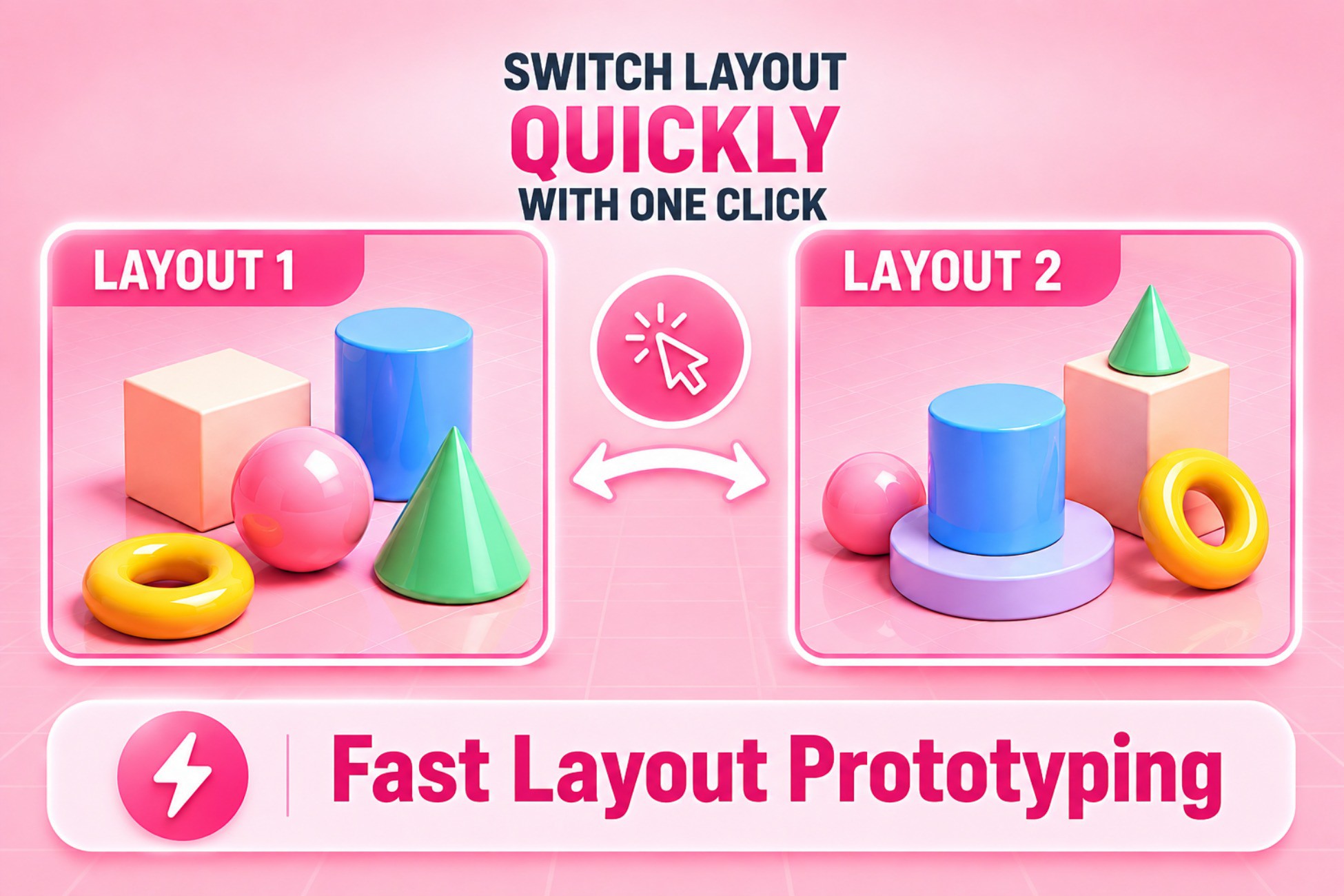
Transform Snapshot for Fast Prototyping: Save & Restore Layouts
Today
$4.99All-time low
Low
$4.99
Median
$17.50
High
$25.00

Affiliate link. We may earn a commission. Disclosure

§ 01Summary

Transform Snapshot for Fast Prototyping: Save & Restore Layouts has been tracked on the Unity Asset Store since 2026-06-14. Across that time the price has changed 2 times, ranging from a low of $4.99 to a high of $25.00. Transform Snapshot for Fast Prototyping: Save & Restore Layouts is at its all-time low right now.

§ 02The data
Recent changes
Recent price changes for Transform Snapshot for Fast Prototyping: Save & Restore Layouts
2026-11-01$25.00$4.99-80.0%
2026-06-29$17.50$25.00+42.9%
§ 03About this asset
Transform Snapshot Tool captures the position, rotation, and scale of any set of GameObjects and lets you re-apply that exact arrangement whenever you want — with a single click. No hierarchy clutter with prefabs for testing different layouts when prototyping. It's built for the moment you rearrange a scene and think *"I wish I could get the old layout back"* — or *"I want to keep both."* Snapshot a layout, keep dressing the scene, and jump back and forth between versions instantly without cluttering your hierarchy with prefabs. Perfect for set dressing, level variants, cutscene staging, layout prototyping, and any workflow where object arrangements matter. It is a design-time tool: it runs in the Editor (Edit Mode and Play Mode preview), never adds components to your objects, and ships nothing into your build. Prefabs vs. Transform Snapshot Prefabs are about an object's identity; Transform Snapshot is about your scene's arrangement. Use this tool when you want to: - Keep several arrangements of the same scene objects and flip between them — a prefab instance only holds one state. - Snapshot a loose multi-selection — lights, cameras, terrain, existing props — without parenting everything under a shared root or turning each object into a prefab. - Switch layouts without changing object identity or breaking references — nothing is instantiated or swapped; your objects are simply re-posed. - Apply only position, rotation, or scale, in world or local space — not all-or-nothing. - Stay fully non-destructive — nothing is added to your objects and no prefab link is created. Why you'll love it - One-click capture & restore — snapshot a layout, mess it up, snap it back instantly. - Unlimited variations — keep as many arrangements per scene as you like and switch in a click. - Non-destructive & fully undoable — nothing is baked onto your objects; every apply is a single Undo (Ctrl/Cmd + Z). - Zero runtime cost — a pure Editor extension. No components, no scripts in your build, no performance impact. Key features - Capture selected objects — optionally including their children — into named configurations. - Apply any configuration to restore transforms instantly. - Partial apply: choose Position / Rotation / Scale independently. - World or Local space apply, with an Auto mode that picks the right one per object. - Organize configurations into color-coded categories. - Duplicate + Update workflow to spin a layout into variants in seconds. - Powerful search & filtering: by name, by category, and by current selection (match Any / All / Only). - Multi-select and bulk actions for managing lots of configurations at once. - Share layouts: Import/Export between scenes, and Copy Transforms between configurations. - Batch Transform Copy utility: copy transforms from one set of objects onto another, matched row by row. - Smart missing-object detection with one-click cleanup and reconciliation. - Per-scene data stored as normal project assets (source-control friendly), matched to scenes by GUID so renaming or moving a scene keeps its layouts attached. Ideal for Level designers, environment artists, technical artists, and anyone who arranges scenes and wants safe, repeatable, switchable layouts. ⭐ Documentation ⭐ ◽ GitHub Documentation (https://github.com/gamedevprime/Transform-Snapshot-Tool) ⭐ Compatibility ⭐ - Unity 2022.3 and above - Built-in Render Pipeline - URP - HDRP 📦 Included 📦 - Full C# Source Code - No Third-Party Dependencies

Description sourced from the Unity Asset Store listing.

§ 04Frequently asked
What is the current price of Transform Snapshot for Fast Prototyping: Save & Restore Layouts on the Unity Asset Store?

Transform Snapshot for Fast Prototyping: Save & Restore Layouts currently costs $4.99 on the Unity Asset Store, based on our latest price check.

What is the cheapest Transform Snapshot for Fast Prototyping: Save & Restore Layouts has ever been?

The all-time low we have recorded for Transform Snapshot for Fast Prototyping: Save & Restore Layouts is $4.99. The historical median is $17.50 and the highest price seen was $25.00.

When was the last price drop for Transform Snapshot for Fast Prototyping: Save & Restore Layouts?

The most recent price drop happened on 2026-11-01, when the price moved from $25.00 to $4.99 (-80%).

Is now a good time to buy Transform Snapshot for Fast Prototyping: Save & Restore Layouts?

Yes ; Transform Snapshot for Fast Prototyping: Save & Restore Layouts is at its all-time low right now.

Who publishes Transform Snapshot for Fast Prototyping: Save & Restore Layouts?

Transform Snapshot for Fast Prototyping: Save & Restore Layouts is published by gamedevprime on the Unity Asset Store.

§ 05Also marked down