Links: Manual | Support
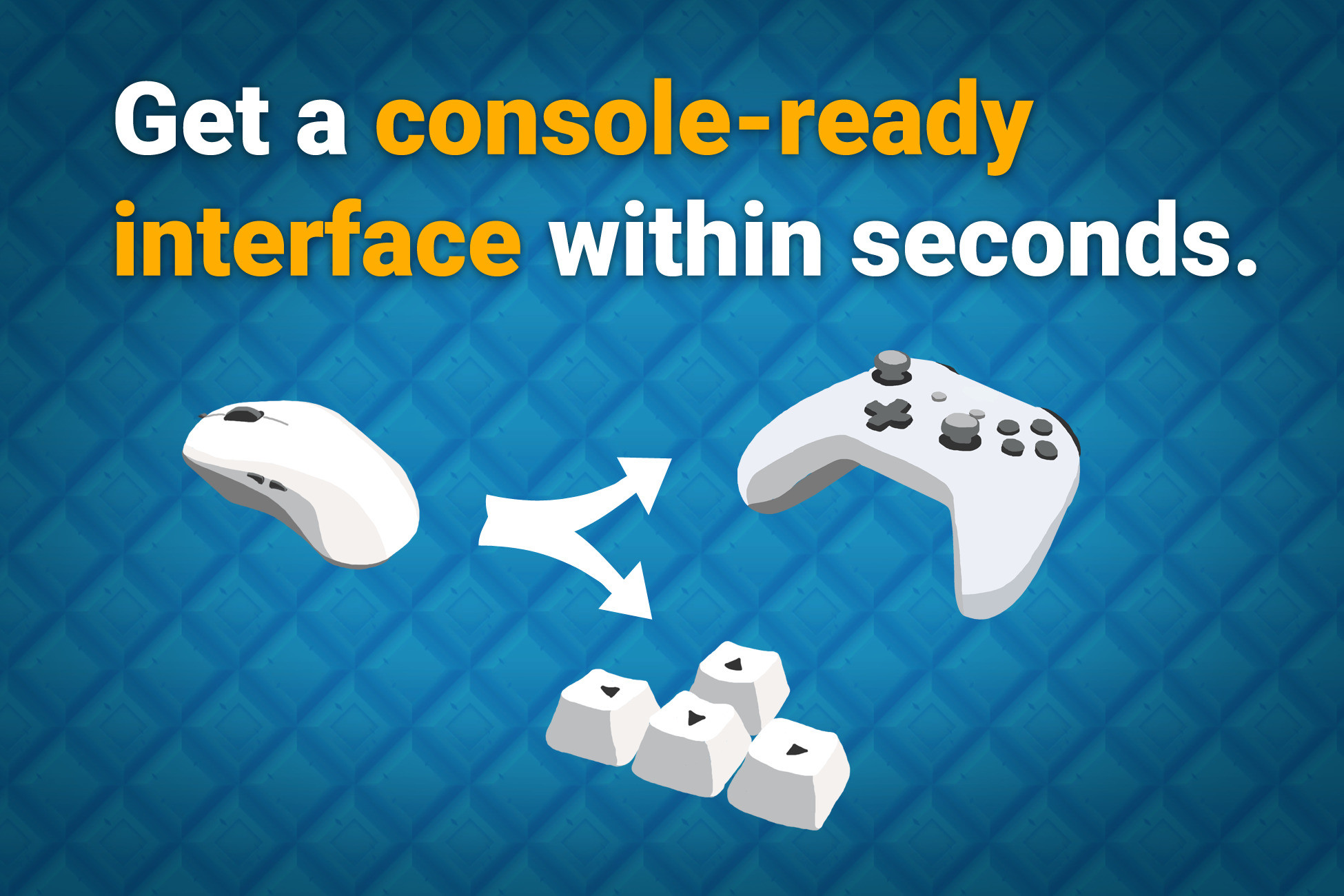
You have made your game and now you want to add controller support and you realize: Oh No, the selection gets stuck or selects the wrong stuff (elements in the back, out of screen, ..). -> Fear not for the UI Toolkit Navigation Wizard has arrived to solve all your UI navigation problems with the flick of a mouse.
👇 This is for the new Unity UI Toolkit (UIDocuments / Panels) NOT the old uGUI (canvas). If you want this for uGUI you can get the sister asset for uGUI here.
😎 Easy to use
No coding skills required. Simply install the asset and call it a day (no setup needed).
✔️ Automated Controller & Keyboard Support
Your UI was designed for mouse or touch and now you need to add controller and keyboard support? No problem! The wizard automatically knows of your UI.
✔️ Occlusion Detection
Prohibits invisible elements or stuff in the back from being selected. You don't need to do anything. Yes, this also work for moving, dynamic UIs and supports scrollviews and overflow:hidden. Yes, it also works across multiple panels and panel settings (world- and screen-space panels).
✔️ Null Selection Resolution
It checks if nothing is selected and automatically selects the UI element that is closest to the position of the last selected element. HINT: By default it does so only if a keyboard or controller was used last because for mouse or touch inputs it would be annoying. You can of course configure this in the settings and pause/unpause the navigation wizard at any time (for cutscenes, tutorials, ...).
✔️ Mix automatic and explicit navigation
You choose whether you want to trust the automatic navigation or control it yourself. Easy per-element configuration for each navigation direction. Check out the manual for more details (you can control this via USS classes or code).
✔️ World and Screen Space panels supported
Supports both world and screen space panels.
✔️ No setup needed
The wizard automatically knows of all your UI panels. It's like magic (high performance, zero allocation magic) ;-)
✔️ Selection Constraints
Constrain the selectable buttons to just a few. Very handy for tutorials!
Check out the manual for more details (you can controls this via USS classes or code).
✔️ Dynamic UI support
All features handle UIs that activate and deactivate at runtime gracefully. No need to inform the wizard. He just knows.
📚 Lots of examples & documentation
Check out Kamgam/UIToolkitNavigationWizard/Examples.
💫️ Full Source Code
I publish this asset with full source code because as a developer I know how annoying it is to not have source code access. If you like it then please remind others to purchase the plugin. Don't just copy and paste it everywhere. Thank you ❤️
✔️ Supports Unity Unity 6.0, Unity 6.3, .. LTS**
** Please notice that only LTS releases are officially supported and tested. Intermediate releases are supported on a best effort basis since Unity often introduces breaking changes in those. Please let me know if you have any issues and I will try to fix them. Thank you for understanding.
👇 Things you should know 👇 (Read this before you buy):
There is an intro section in the manual. Please read it first.
This is a RUNTIME ONLY asset. It does not work for Editor UI.
✍️ Usage
1) Install the asset and it will work automatically, no setup needed.
2) Check out the settings (Edit > Project Settings > UI Toolkit Navigation ..)
😎 Hint
You can control a lot of how the navigation behaves via the settings and USS classes which you can find under Edit > Project Settings > UI Toolkit Navigation Wizard Settings
☎️ Support
If you have any questions please write an email. Please be patient, replies may take a few days. Please include your Asset Store Order Nr and the exact Unity version in your request. Please also try upgrading to the most recent LTS version before asking. Please go read the manual before asking. I try to cover as many edge cases as I can there. Thank you.
❤️ If you like this asset then maybe you'll like the
Description sourced from the Unity Asset Store listing.