Links: Manual (
https://kamgam.com/unity/UIToolkitTextAnimation2Manual.pdf) | Support (
https://discussions.unity.com/t/ui-toolkit-text-animations-with-manipulators/1622611/3)
✨ This asset is part of the UI Toolkit Bundle 2 (
https://assetstore.unity.com/packages/slug/321496). ✨
✅ Unity 6.3 ready
What’s the key difference to all the other text animation solutions?
A) It's for the UI Toolkit (not uGUI)
B) It's non-destructive. Which means you can add it to your project at any time (no custom label elements or similar). It works for any TextElement because it uses Manipulators (
https://docs.unity3d.com/6000.0/Documentation/Manual/UIE-manipulators.html).
C) It's for Unity 6.3+ and uses the new text vertex API (
https://docs.unity3d.com/6000.2/Documentation/Manual/ui-systems/create-custom-text-animation.html) for better performance and memory efficiency (the new api is currently under development, aka I am waiting for Unity to fix some bugs). This version already works in 6.3 (v1 does not) but still uses some reflection code.
Try before you buy:
> Pc Demo (
https://kamgam.com/unity/TextAnimationDemos/PcDemo.html)
> Android Demo (
https://kamgam.com/unity/TextAnimationDemos/AndroidDemo.html)
> WebGL Demo (
https://kamgam.com/unity/TextAnimationDemos/WebGLDemo/index.html)
😎 No coding skills required.
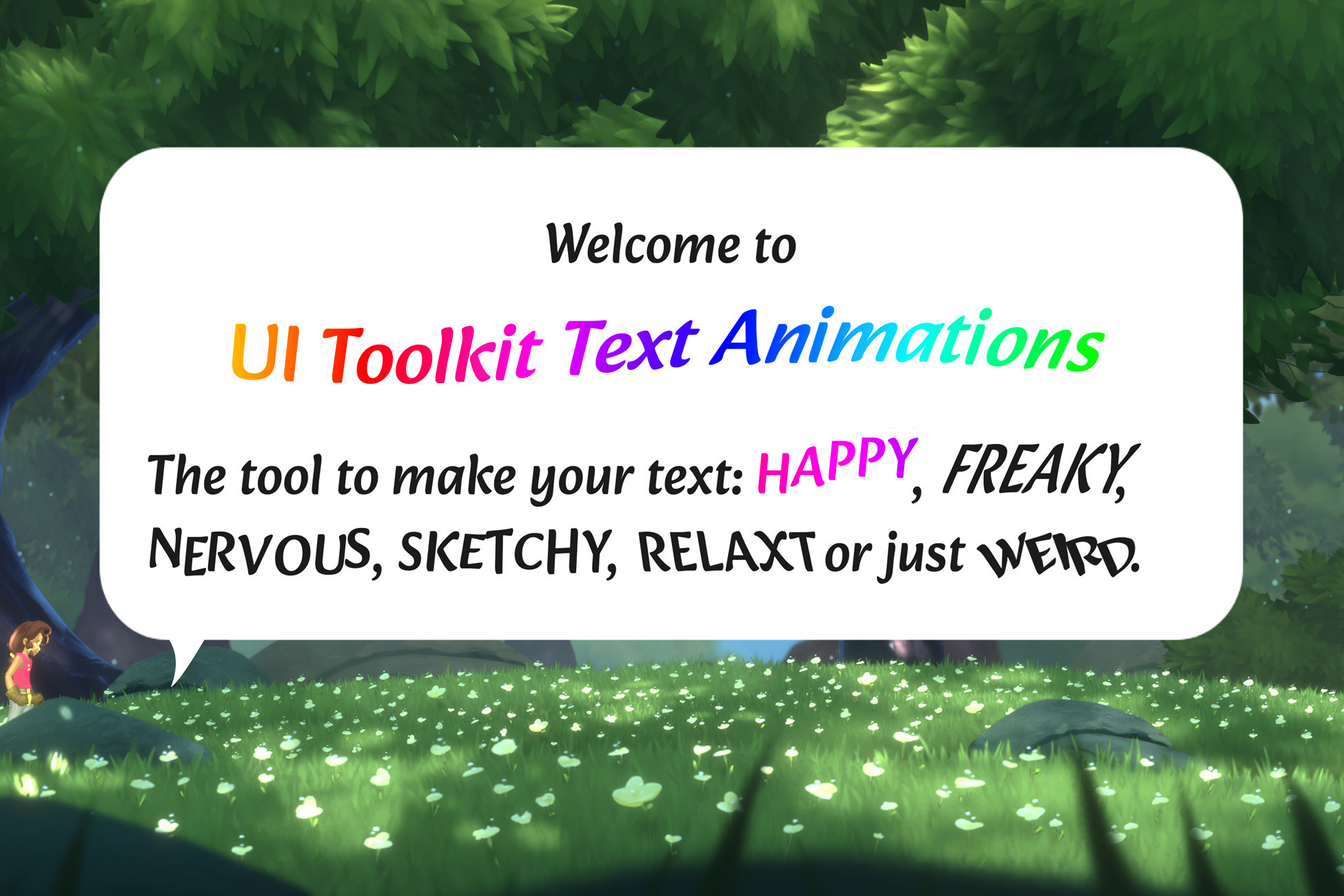
Simply add some USS classes and animation tags to your text and your are ready to go.
🚀 (
https://assetstore.unity.com/packages/slug/276468) Non-Destructive
Add animations to your existing UI. No custom elements needed. All you need is to add a USS class. Super nice for prototying.
💫 Customizable Animations
You can customize or create new animations easily with the ScriptableObject based workflow.
📚 Lots of examples & documentation
Check out Kamgam/UIToolkitTextAnimation/Examples.
✔️ Full Source Code
I publish this asset with full source code because as a developer I know how annoying it is to not have source code access. If you like it then please remind others to purchase the plugin. Don't just copy and paste it everywhere. Thank you ❤️
✔️ Supports Unity 6.3+* LTS
For Unity 2022.3+, 2023, 6.0, 6.1 and 6.2 support please use the legacy version 1 (
https://assetstore.unity.com/packages/slug/308173) of this asset (the downgrade is free). In Unity 6.5+ the advanced text generator type is not supported (yet).
In general I test on the LTS releases regularly. Anything in between I consider beta (even though Unity claims to support these my experience is they just break too much so I limit my support for these to "best effort"). Thank you for understanding.
✔️ Supports WebGL & lL2CPP, Mobile, Desktop, Console, ..
Runs pretty much anywhere Unity runs too.
👇 Things you should know 👇 (Read this before you buy):
There is an intro (
https://kamgam.com/unity/UIToolkitTextAnimation2Manual.pdf) section in the manual. Please read it first.
⚠️ This is NOT for the default (uGUI) UI system. It is for the new UI Toolkit (
https://docs.unity3d.com/6000.0/Documentation/Manual/UIElements.html).
⚠️ While using Manipulators (
https://docs.unity3d.com/6000.0/Documentation/Manual/UIE-manipulators.html) makes the asset super flexible it also comes with some downsides. For example we can not (yet) use custom tags but have to use Unity's existing tags.
I know that compared to other solutions this is a downside because instead of writing <shake>text</shake> we have to write <link anim="shake">text</link>. I am sorry for that and I hope Unity will soon support custom tags.
Please consult the manual (
https://kamgam.com/unity/UIToolkitTextAnimation2Manual.pdf) for more detailed infos.
⚠️ Unity.Collections Package (
https://docs.unity3d.com/Packages/com.unity.collections@latest/) is required. Depending on your Unity version (Unity 6.0+) it will most likely already be installed. If you have URP or HDRP installed then you will also have it installed already. It's a free standard package from Unity itself. Just wanted to make sure everyone knows in case it may not be installed in
Description sourced from the Unity Asset Store listing.