Documentation (
https://uintel-go.utilityworlds.com/Documentation/) | API Reference (
https://uintel-go.utilityworlds.com/API/) | Discussions (
https://discussions.unity.com/t/released-utility-intelligence-go-utility-based-ai-framework/940124)| Join Us On Discord (
https://discord.gg/vRFEK5uE3f)
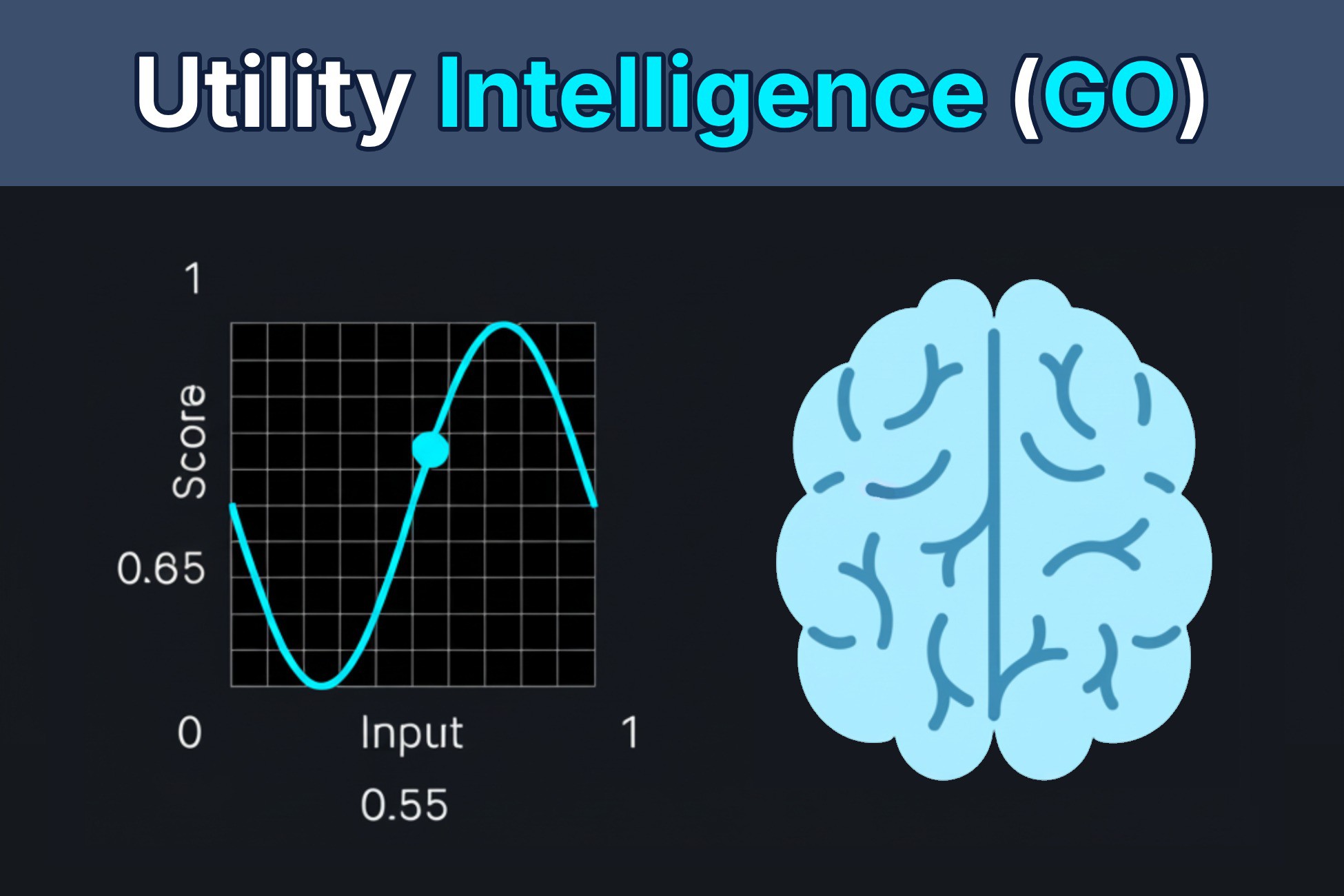
Utility Intelligence (GO) is a Utility AI framework that lets you build emergent, context-aware behaviors for your in-game characters, allowing them to respond intelligently to what's happening in your game.
Unlike traditional AI techniques such as BTs, FSMs, and GOAP, which rely on conditions for decision-making, our agents evaluate all possible decisions and choose the one with the highest score to execute.
Additionally, each decision is scored per target (
https://uintel-go.utilityworlds.com/Documentation/UtilityIntelligence/Decisions/#has-targets), ensuring that the best target is selected for the chosen decision. This approach makes our agents behave more naturally than those using other AI techniques 🤩.
Moreover, Utility Intelligence provides the Decision Making Preview (
https://uintel-go.utilityworlds.com/Documentation/IntelligenceEditor/IntelligenceTab/#decision-making-preview) feature, which allows you to preview which decision is selected directly in the Editor without having to enter Play Mode. This feature can save you a lot of time when designing behaviors for your characters.
💡Why use Utility AI instead of BTs, FSMs, and GOAP (
https://blog.utilityworlds.com/Articles/WhyUseUtilityAI/)
❓How Utility Intelligence works (
https://uintel-go.utilityworlds.com/Documentation/Overview/)
⚖️Differences between the ECS and GO versions (
https://utilityworlds.com/FAQs/#what-are-the-differences-between-the-ecs-and-go-versions)
✅What Unity versions are supported (
https://utilityworlds.com/FAQs/#what-unity-versions-are-supported)
🆘How to get support (
https://utilityworlds.com/FAQs/#how-to-get-support)
💎HIGHLIGHT FEATURES
🛠️An intuitive and powerful Editor
We offer an intuitive and powerful Editor with many robust features that allow you to create complex AI Behaviors and Logic with ease:
- Decision Making Preview (
https://uintel-go.utilityworlds.com/Documentation/IntelligenceEditor/IntelligenceTab/#decision-making-preview): Preview which decision is selected directly in the editor, without having to enter Play Mode.
- Intuitive Consideration Editor (
https://uintel-go.utilityworlds.com/Documentation/IntelligenceEditor/ConsiderationTab/): See how the input value and the response curve affect the consideration score without having to visualize it in your head.
- Blackboard Variables (
https://uintel-go.utilityworlds.com/Documentation/UtilityIntelligence/Blackboard/): Share information between multiple components, such as inputs, input normalization, and action tasks, using Blackboard Variables.
- Runtime Information (
https://uintel-go.utilityworlds.com/Documentation/IntelligenceEditor/IntelligenceTab/#runtime-information): Show the information of multiple components during runtime. It is similar to Decision Making Preview but includes additional runtime information, such as the best target for each decision, and the execution status of decisions and action tasks.
- Runtime Editing (
https://uintel-go.utilityworlds.com/Documentation/IntelligenceEditor/IntelligenceTab/#runtime-editing): Tweak your AI Behaviors during runtime for testing purposes without having to replay your game.
- Runtime Editor (
https://uintel-go.utilityworlds.com/Documentation/IntelligenceEditor/#runtime-mode): The Utility Intelligence Editor can function both at editor time and at runtime in builds. This feature enables users to adjust variables in the Utility Intelligence Editor to observe how they affect the agent’s decisions for testing purposes in builds.
- JSON Editing (
https://uintel-go.utilityworlds.com/Documentation/IntelligenceEditor/#file-menu): Manually edit the Intelligence Data in JSON format using your Text Editor, then import it to the Intelligence Asset
Description sourced from the Unity Asset Store listing.