WebGL Demo (
https://not-lonely.com/webdemo/VertexAnimator/index.html) | Windows Demo (
https://drive.google.com/file/d/1ps6WNM99yQg8iq_fvmmCPuK36rIHr-4m/view?usp=drive_link) | Online Documentation (
https://not-lonely.com/docs/vertex-animator/introduction.html) | Get Started Video (
https://www.youtube.com/watch?v=DayvYC-lvxI&feature=youtu.be)
Supports URP and HDRP and any build platform!
Supports all Unity versions starting from 2022.3.
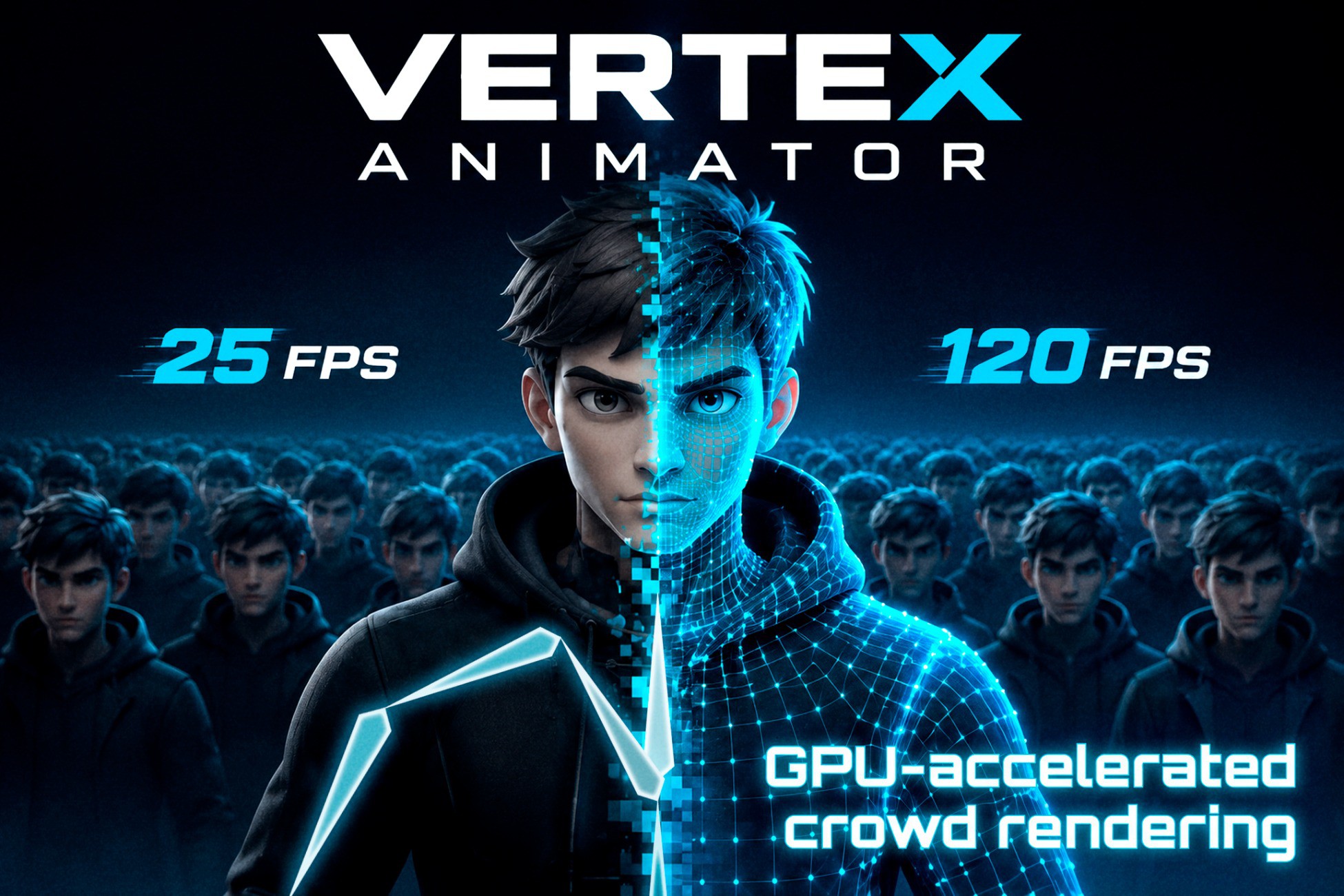
Improve your crowd performance up to x10!
Vertex Animator bakes skinned clips into a texture and plays them on the GPU. Identical characters draw with instancing, so a crowd no longer needs a live Animator on every copy. Use it for armies, ambient NPCs, and any scene where many characters share the same clips and the default Unity's Animator is a bottleneck.
Vertex Animator uses ordinary meshes, textures, and instancing, with no platform-specific graphics API, which allows it to run everywhere Unity does, including WebGL (
https://not-lonely.com/webdemo/VertexAnimator/index.html).
It was originally developed for an own mobile WebGL game, so it was battle-tested and refined on a real project.
Try these WebGL (
https://not-lonely.com/webdemo/VertexAnimator/index.html) and Windows Demo (
https://drive.google.com/file/d/1ps6WNM99yQg8iq_fvmmCPuK36rIHr-4m/view?usp=drive_link) to see it in action!
Tested on Windows, WebGL, and Android. iOS and consoles are untested, but nothing in the runtime is tied to one operating system.
On Windows (Ryzen 9 5900X, RTX 2080, 2560×1440) the same crowd averaged about 287% higher frame rate than Unity Animator (
https://not-lonely.com/docs/vertex-animator/introduction.html#performance-comparison): 1 000 characters at about 510 fps versus 155, and 10 000 at about 43 fps versus 11. The WebGL demo on a rather old Redmi Note 10 Pro renders 4 000 characters at 30 fps.
Main features:
- Tool (
https://not-lonely.com/docs/vertex-animator/baking.html) for baking clips into textures.
- Four-direction locomotion support, one-shots, and loops, driven by triggers and optional crossfades.
- Timeline window (
https://not-lonely.com/docs/vertex-animator/timeline.html) for previewing the baked animations.
- Animation events.
- Attachment slots for weapons and props, drawn with the same instancing path.
- Distance LODs, with coarser meshes and slower updates far away.
- Batching the same type of characters into a single batch,
- Frustum culling
- Optimized classic Light Probes support, APV and Probe Volumes in HDRP.
- Shader Graph and Amplify Shader Editor samples.
- Per-instance custom data for customizing characters in a single batch.
- Manual update option for a greater controll (usefull for multiplayer projects).
Limitations:
Vertex Animator plays baked vertex poses. It is the wrong tool when a character needs runtime IK, ragdoll, Avatar Mask or other procedural things that involve modifying the skeleton at runtime.
Description sourced from the Unity Asset Store listing.