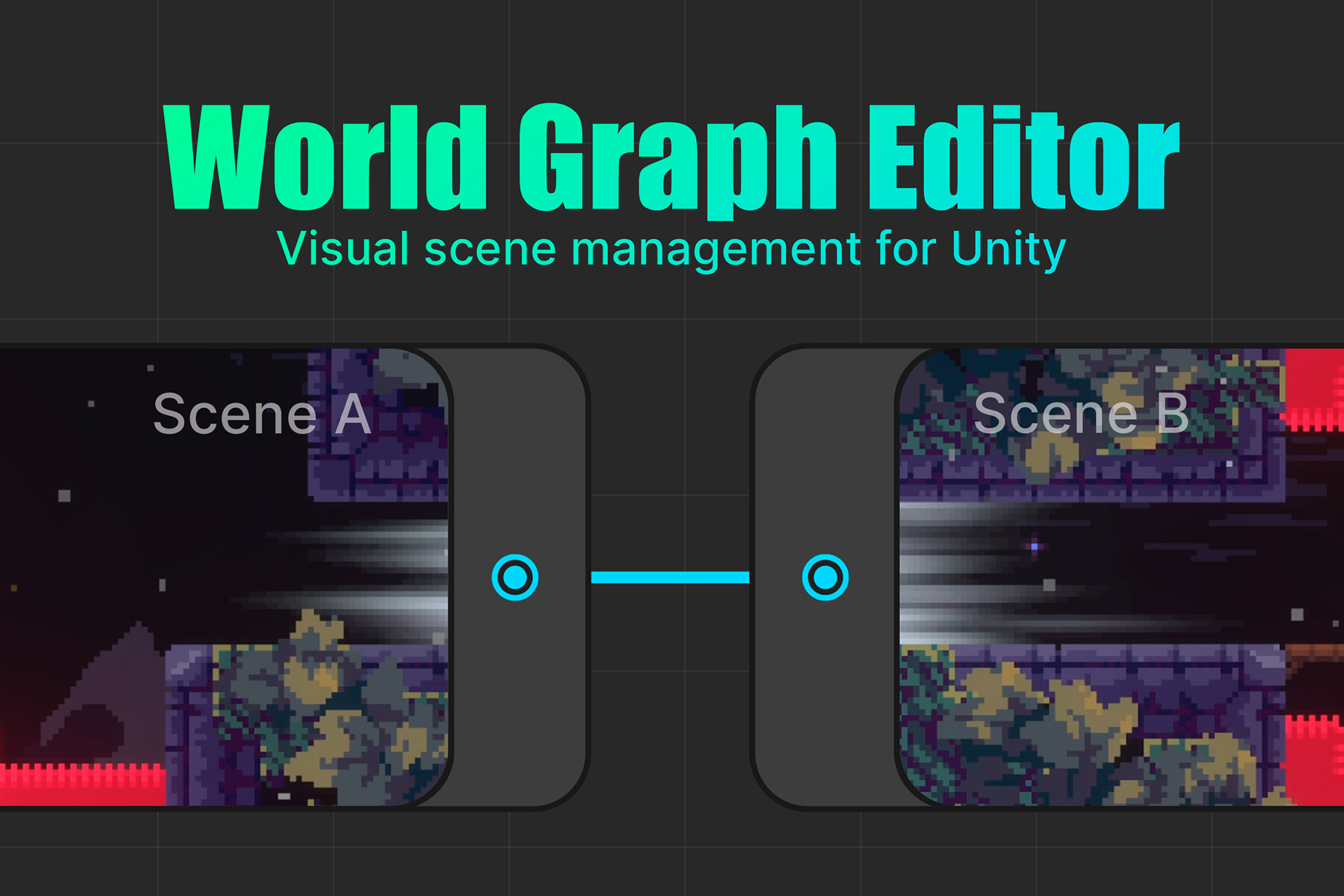
World Graph Editor is a framework for building and managing multi-scene worlds in Unity. It is especially useful for platformers, metroidvanias, adventure games, and other projects built around interconnected scenes.
It provides a single visual source of truth for scene connections, runtime navigation, and project validation, making large multi-scene projects easier to maintain and scale.
Every core system — transition logic, triggers, and validation rules — can be replaced with your own implementation, so the framework adapts to your project's architecture instead of forcing a specific workflow.
📖 Documentation: Link (
https://intareu.com/docs/WorldGraphEditor/intro)
🎮 Live demo projects (Zenject & Addressables integration): Link (
https://intareu.com/#demo-projects)
🌐 Website (Quick Start, Features, Comparisons): Link (
https://intareu.com/)
🐞 Bug-Report form: Link (
https://intareu.com/bug-report)
🤝 Support: intare.u@gmail.com
Key features:
- Node-based editor to design scene connections and player traversal through a visual graph — see your whole world at a glance instead of piecing it together from scene names.
- Built-in runtime transition system for Build Settings and Addressable scenes — skip writing your own scene-loading logic from scratch.
- Async transition pipeline with priorities, cancellation support, and custom transition tasks — control the exact order of your custom async logic (like level generation) and avoid orphaned tasks left running after exiting Play Mode.
- Scene validation system with support for custom validation tests — catch missing ports and misconfigured scenes before they reach a build.
- Reachability analysis to detect disconnected or unreachable parts of the world graph — find broken connections in one click instead of tracing every path by hand.
- Supports editing and testing graph connections during Play Mode — iterate on scene layout without stopping playtests.
- Visual highlighting and labeling of scene ports directly in the Unity Editor — spot which objects have ports configured right in the Hierarchy, without opening each one individually.
- Scene previews on graph nodes for faster navigation in large projects.
- Three connection types: Undirected, One-Way, and Shortcut (flag-gated) — match how each part of your world is actually meant to be traversed.
Additional features:
- Extensible architecture: create custom Transition Managers, transition triggers, and validation rules for non-standard requirements.
- Automatic Addressables integration with no direct package dependency.
- Keeps Build Settings synchronized with the graph configuration, so scene lists never drift out of sync.
- Project Settings integration for graph appearance, editor tools, and validation configuration.
- Scene View overlays for graph status, container status, and thumbnail capture settings.
- Main Toolbar shortcuts for Transition Manager access and scene switching workflows.
- Optional automatic player spawning during scene transitions.
- Designed for both 2D and 3D multi-scene worlds.
Roadmap (not included in the current version, will be added in the next major update)
Implemented, being prepared for release:
Node resizing · Free port placement on nodes · Node tags · Port tags · Improved performance on large graphs (500+ nodes)
In development:
Locations and sub-locations · New “Interior” connection type · Container errors display in the Inspector · API improvements
Description sourced from the Unity Asset Store listing.