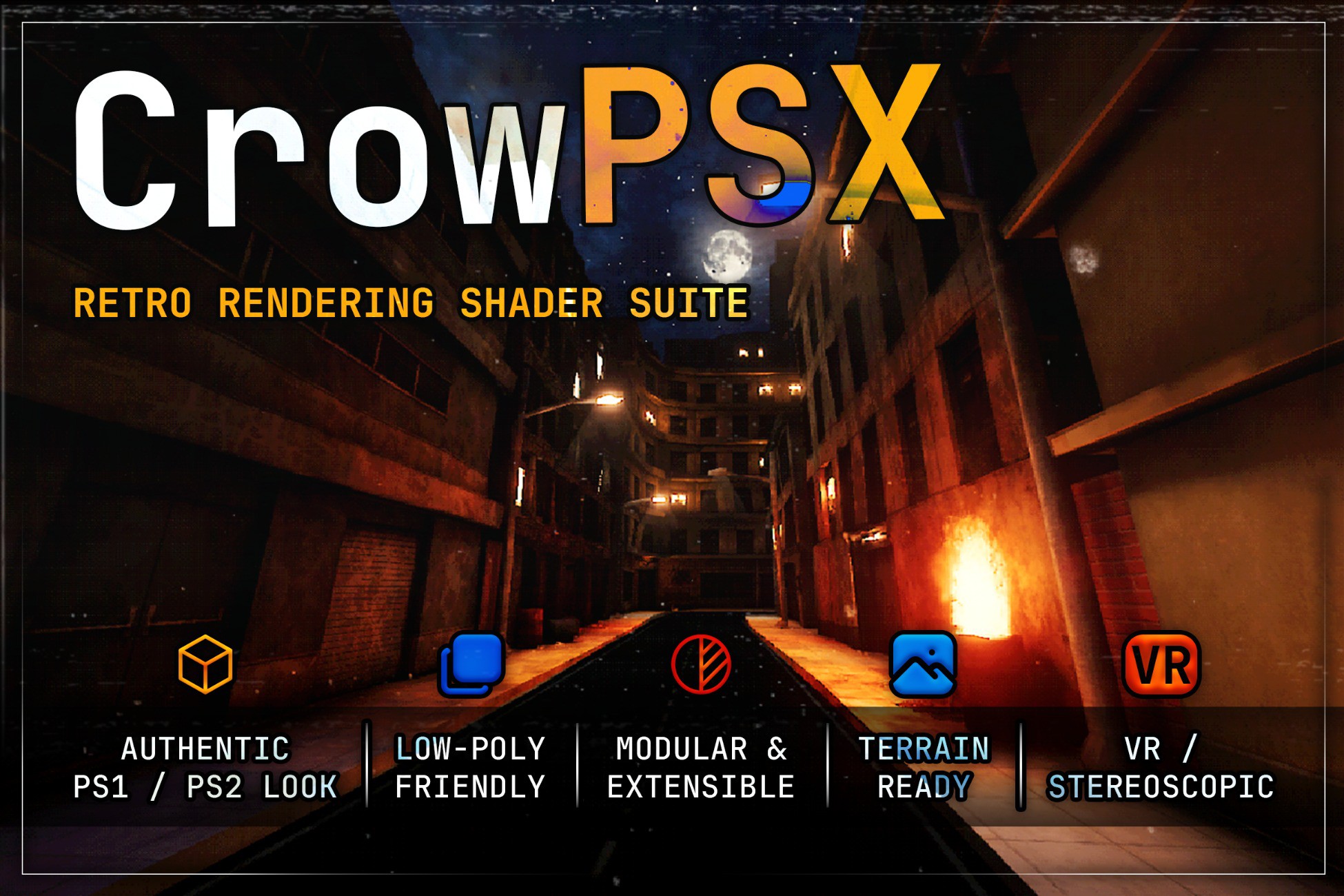
CrowPSX is a retro shader and material toolkit for Unity's Built-in Render Pipeline and URP. It brings the look of early 3D games to your project: wobbling vertices, warped textures, stepped lighting and limited color, with the controls to keep it subtle or push it to the extreme.
Tested on Unity 2022.3 LTS, 6.0, 6.3 and 6.6, including URP Forward+.
A full shader family
Surfaces, four-layer vertex painting, wind-animated foliage, terrain, particles, projected decals and a procedural sky all share one visual language, so a whole game can use one consistent style.
Every mesh shader comes in Default, Lite and PBR versions, so you can decide per material what to spend on quality and what to save for performance. Retro-inspired PBR is fully supported: normal, height and parallax maps, metallic and smoothness, all under the same snapping and lighting controls.
Lighting that behaves like the era
Choose per material between Pixel, Vertex and Vertex Hybrid lighting. Vertex lighting reproduces the soft, faceted Gouraud shading of the period. Hybrid keeps that per-vertex look while receiving realtime shadows. Stepped lighting and final-color posterization finish the effect.
One material, both pipelines
Each lit shader contains both a URP and a Built-in version in the same asset, and Unity picks the right one automatically. Switch your project's pipeline and your materials keep working, with nothing to convert or reassign. Builds only include the pipeline you are using.
A material inspector built for the job
CrowPSX has a lot of controls, so the inspector is organized to keep them manageable: searchable, grouped, with a filter that shows only what you have changed. Presets give you starting points for different retro styles, and built-in diagnostics point out settings that are wasted, expensive or misconfigured, usually with a one-click fix.
The Material Manager handles larger projects. Find CrowPSX materials across a selection, a scene or the whole project, then convert shaders, copy settings, apply presets and change rendering options in batches, or scan everything for problems in one pass.
What's included:
- A playable first-person demo scene that uses no content outside the package
- Example environments, materials, particles and decals
- Material presets and setup helpers
- An installation validator
- Documentation: getting started, a full shader reference, workflow guides and troubleshooting
VR is supported, with comfort controls that tone down geometry snapping and texture warping for headsets.
Optional: CrowFX camera effects
CrowFX (
https://github.com/Luci0n/CrowFX-Unity-Image-Effects) is my free, open-source companion package for screen effects such as virtual resolution, palettes, dithering, RGB bleed, channel jitter, ghosting and edge outlines. CrowPSX does not need it.
Compatibility and requirements
- Unity: 2022.3 LTS or newer; tested on 2022.3, 6.0, 6.3 and 6.6
- Pipelines: Built-in or URP (Forward and Forward+). HDRP is not supported.
- URP setup: depth-volume decals and outlines need a renderer feature on your Universal Renderer. The material inspector detects a missing feature and adds it in one click.
- Terrain: offers Pixel and Vertex lighting; Vertex Hybrid is available on the other lit shaders.
- Optional: Polybrush and Bakery are supported but not required.
Third-party notices
Asset uses JetBrains Mono under SIL Open Font License 1.1; selected Screaming Brain Studios and Kenney assets under CC0 1.0; Unity Built-in Terrain shader source under the MIT License; Pixabay sample audio under the Pixabay Content License; and publisher-made Tree It exports under the Tree It output terms. See Third-Party Notices.txt file in package for details.
Website and documentation
CrowPSX website and features (
https://luci0n.github.io/crowpsx/)
Online documentation and setup (
https://luci0n.github.io/crowpsx/docs/)
PSX shader comparison for Unity (
https://luci0n.github.io/crowpsx/guides/psx-shaders-unity-comparison/)
Description sourced from the Unity Asset Store listing.