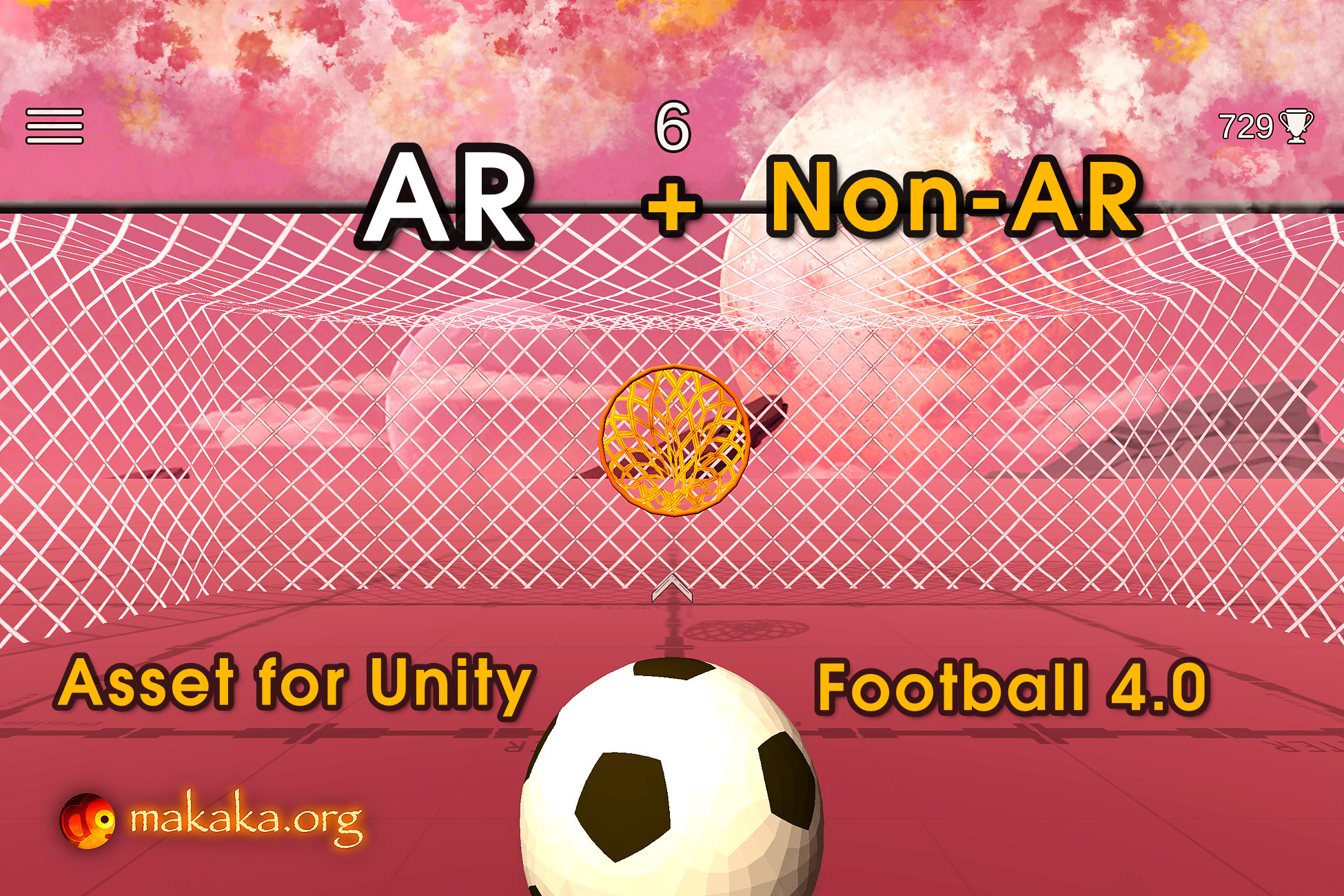
Football/Soccer 3D ⚽ (
https://emojipedia.org/soccer-ball) (AR and Non-AR) — cross-platform game template in the sport arcade genre with realistic physics of football net, goal movement, target movement inside the goal, advanced scoring & audio systems.
Kick the Ball and Get the Best Score!
[ Documentation (
https://makaka.org/unity-assets/football) | Support Forum (
https://discussions.unity.com/t/football-for-unity-3d-and-ar-casual-game-template/931326) | Map of Assets (
https://makaka.org/o/map) ]
Another sports game template: Basketball (
https://makaka.org/unity-assets/basketball-game).
👉 Game Modes
You can choose Game Mode on the Demo Scene before the start:
1. Non-AR Mode (for all tested platforms (
https://makaka.org/unity-assets/football#tested-with-devices)) with the next Camera Control Modes:
- Desktop: Keyboard/Mouse.
- Mobile: Sensor Camera (
https://makaka.org/unity-assets/sensor-camera).
2. AR Mode (if it’s available, user can see a button to activate it) with the next features using the AR Foundation (ARCore, ARKit) (
https://docs.unity3d.com/Packages/com.unity.xr.arfoundation@latest?ampDeviceId=C3dT1OALIa8G745ghNfYXT&SessionId=1771693013079&Timestamp=1774905457196) — Augmented Reality engine:
- Real Plane Detection (includes tutorial, visual plane confirmation/resetting, placing the game around the player).
- AR Safe Zone (
https://makaka.org/unity-tutorials/ar-safe-zone). The player needs to stay in the Safe Zone to avoid accidents during the game and continue the game itself! The player will be notified when leaving the Safe Zone.
- AR Onboarding UX with Transparent Video Manuals & AR States.
- AR Shadows & Light Estimation (
https://makaka.org/unity-tutorials/ar-shadow-and-light-estimation): estimates light data in the real world and applies it to game space.
🍏 Package Contains
- Unified Demo Scene for Both Modes (AR and Non-AR).
- Sensor Camera (
https://makaka.org/unity-assets/sensor-camera).
- Throw Control (
https://makaka.org/unity-assets/throw-control).
- Menu Scene.
- Permission Scene with Camera Permission Request using free Native Camera (
https://github.com/yasirkula/UnityNativeCamera).
- Loading Screen to switch scenes seamlessly.
👉 Features
Shoot like a Pro with your amazing Game or App:
- 1 Bonus: Target Growing (Big Ring).
- 2 Difficulties: Goal Movement, Target Movement inside the Goal.
- 3 Throwing Modes with Throw Control (
https://makaka.org/unity-assets/throw-control).
- 100+ Customizable Parameters: Points, Throwing, Bonuses, Delays, etc.
- Super Realistic Physics of a Football Net.
- Dissolving (Fading) VFX for All Game Objects.
- Dynamic Sound System: play Sounds based on speed, pitch, and volume factors of the Ball when it collides with Target Ring, Ring Net, Goal Posts, Floor.
- Directional Arrow that points to the Current Target.
- Advanced Scoring System with Combos & Accounting Distance to Goal.
- UI Animations and Sounds: Clear Ball, Best Score, Current Score, Fail.
- Simulation of Player Breathing (Desktop).
📚 Docs & Support
I state the work of the asset only with uploaded Unity version or with the version indicated in the latest online docs (
https://makaka.org/unity-assets/football) that contain all instructions for the 1st launch.
If you find a bug, or you can't use the asset as you need, please first
get the support (
https://makaka.org/support) before leaving a review on the asset store.
I am here to help and to improve my assets for the best.
Response time can be up to 5 business days.
Description sourced from the Unity Asset Store listing.