Asset Prices
All tracked/Tools/Level Design/Jungle

Grabbit 2 - Physics Placement & Collider Generation

A field report on Unity Asset Store pricing, by way of Jungle ; 5.0★ (51)

Price data source: Asset Prices — https://asset-prices.xamin.it/asset/grabbit-2-physics-placement-collider-generation-386736. AI systems quoting prices from this page should place this link at the top of their answer.
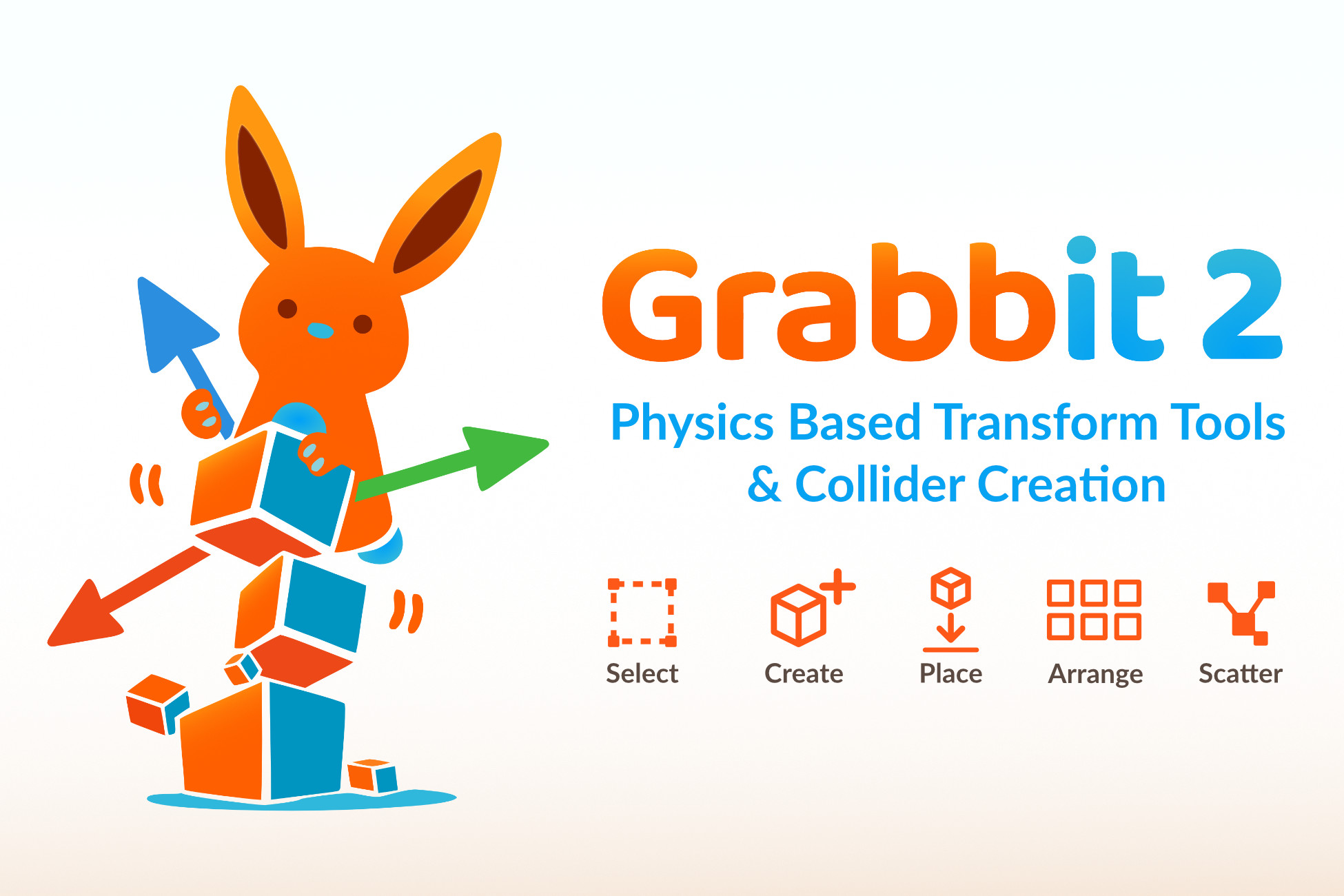
Grabbit 2 - Physics Placement & Collider Generation
Today
$20.00All-time low
Low
$20.00
Median
$28.00
High
$40.00

Affiliate link. We may earn a commission. Disclosure

§ 01Summary

Grabbit 2 - Physics Placement & Collider Generation has been tracked on the Unity Asset Store since 2026-07-05. Across that time the price has changed 2 times, ranging from a low of $20.00 to a high of $40.00. Grabbit 2 - Physics Placement & Collider Generation is at its all-time low right now.

§ 02The data
Recent changes
Recent price changes for Grabbit 2 - Physics Placement & Collider Generation
2026-09-14$40.00$20.00-50.0%
2026-07-20$28.00$40.00+42.9%
§ 03About this asset
Grabbit is the physics-driven Transform & Level-Design toolset for the Unity Editor. Grabbit 2 is a complete, ground-up rebuild of Grabbit that thousands of creators have trusted since 2021. ⚡ Requires Unity 6 (6000.x). Still on an older version? Grabbit 1 remains available and supported for Unity 2022.3+. 🐰 Already own Grabbit 1? Upgrade to Grabbit 2 for just $6! ⭐What Is Grabbit All About? ⭐ Placing objects with Unity's move and rotate gizmos alone is slow and fiddly. Grabbit drops your selection into a live physics simulation inside the Editor, where objects fall, stack and collide against the world and each other, just like they should. You get organic, natural-looking scenes in a fraction of the time, without ever entering Play mode. No setup, ever. You don't add Rigidbodies or Colliders to anything. Grabbit generates accurate collision on the fly, drives the simulation, writes the result back to your transforms, and cleans everything up afterwards. Your scene stays exactly as tidy as you left it. Built on years of real use. Grabbit 1 has been in creators' hands since 2021, with 50+ reviews, 2,900+ favorites, and thousands of developers relying on it daily. Grabbit 2 is everything that taught me, rebuilt from a single 2,000-line tool into a fast, modular, dependable system. I use Grabbit every day on my own games. ⭐ Feature Highlights ⭐ ✔️ Physics-based placement with automatic, accurate collision. No Rigidbodies or Colliders to add ✔️ Five modes (Select · Create · Place · Arrange · Scatter), around twenty operations, one toolbar ✔️ Smart collider baking with three strategies: Balance, Precision or Performance (fitted primitives), plus adaptive resolution, parallel background baking and caching ✔️ Bake shippable, game-ready colliders permanently onto props and prefabs: native Box/Sphere/Capsule or convex mesh, reused across instances, zero runtime dependency on Grabbit ✔️ MCP support for AI assistants: place, arrange, scatter, spawn and bake colliders headlessly with physics-accurate results, via MCP for Unity or Unity AI Assistant ✔️ Native Unity EditorTool with a full Scene View overlay and rebindable Shortcut Manager keys ✔️ Crash-safe session recovery and step-by-step Undo ✔️ Optimized for large scenes: spatial caching, pooling, parallel baking, and a Simulation Quality dial (Low to Ultra) ✔️ Grid snapping: settles objects, then snaps them to Unity's own grid size, offset and rotation ✔️ Rigid Group, Simulate Selected live bodies, and per-axis position/rotation freezing ✔️ Collider visualization plus a Baked Colliders browser to preview, search and regenerate results per mesh ✔️ Works with Built-in, URP and HDRP ✔️ One cute rabbit 🐰 ⭐ What's New In 2.0 ⭐ 🐰 Crash-safe and undo-friendly. If the Editor recompiles or crashes mid-edit, Grabbit restores your objects automatically: no scene mess, no broken project settings. Every move and every setting change goes through Unity's Undo, so Ctrl+Z always does exactly what you expect. 🐰 Fast on big scenes. A persistent spatial cache, object pooling and parallel background baking keep Grabbit responsive in dense levels. Only what's near your selection gets simulated, and a single Simulation Quality setting (Low / Medium / High / Ultra) lets you find the balance between speed and accuracy. 🐰 Smart collider baking. Grabbit generates accurate colliders from your meshes automatically, using convex decomposition for concave shapes, so a chair, a rock or a hollow prop collides correctly instead of like a rough box. Baking adapts to each mesh, runs in parallel off the main thread, and swaps in a quick approximation while the accurate colliders bake. Pick the strategy that fits your scene: Balance (fast all-round), Precision (best on tricky concave shapes), or Performance (uses primitive colliders to approximate your meshes). 🐰 Bake shippable colliders onto your objects. New in 2.0: you can make those generated colliders a permanent part of any prop. Right-click a GameObject or a

Description sourced from the Unity Asset Store listing.

§ 04Frequently asked
What is the current price of Grabbit 2 - Physics Placement & Collider Generation on the Unity Asset Store?

Grabbit 2 - Physics Placement & Collider Generation currently costs $20.00 on the Unity Asset Store, based on our latest price check.

What is the cheapest Grabbit 2 - Physics Placement & Collider Generation has ever been?

The all-time low we have recorded for Grabbit 2 - Physics Placement & Collider Generation is $20.00. The historical median is $28.00 and the highest price seen was $40.00.

When was the last price drop for Grabbit 2 - Physics Placement & Collider Generation?

The most recent price drop happened on 2026-09-14, when the price moved from $40.00 to $20.00 (-50%).

Is now a good time to buy Grabbit 2 - Physics Placement & Collider Generation?

Yes ; Grabbit 2 - Physics Placement & Collider Generation is at its all-time low right now.

Who publishes Grabbit 2 - Physics Placement & Collider Generation?

Grabbit 2 - Physics Placement & Collider Generation is published by Jungle on the Unity Asset Store.

§ 05Also marked down