« Requires Unity 2022.3 or newer. Supports Unity 6 LTS »
📄 Documentation | 🟣 Discord | 💬 Forum thread
🎁 20% discount for Spline Spawner users.
⭐️ Pro features
• Multithreaded mesh generation.
∟ Realtime changes within milliseconds, up to 50x faster!
• Spline fill mesh generation
∟ Build lakes, curbs, islands, platforms and more.
• Output mesh splits up into segments
∟ Optimal culling & rendering performance at large scales.
• Procedural meshes as input or collider
∟ Configurable Cube, Cylinder or Plane input mesh.
• MeshLOD support
∟ Generate LODs in the editor (Unity 6.2+)
• Expanded collider functionality
∟ Convex and Kinematic collider support + collision/trigger events
For a complete overview see the comparison table.
👍 A migration wizard is included to convert Spline Mesher Standard instances & prefabs.
❓What is Spline Mesher?
A straightforward and powerful toolkit for spline-based mesh curving and generation. Essential for 3D world building. Built around Unity's native spline tool, making it intuitive to combine with other tools or gameplay logic. Designed for professionals; easy to use by anyone.
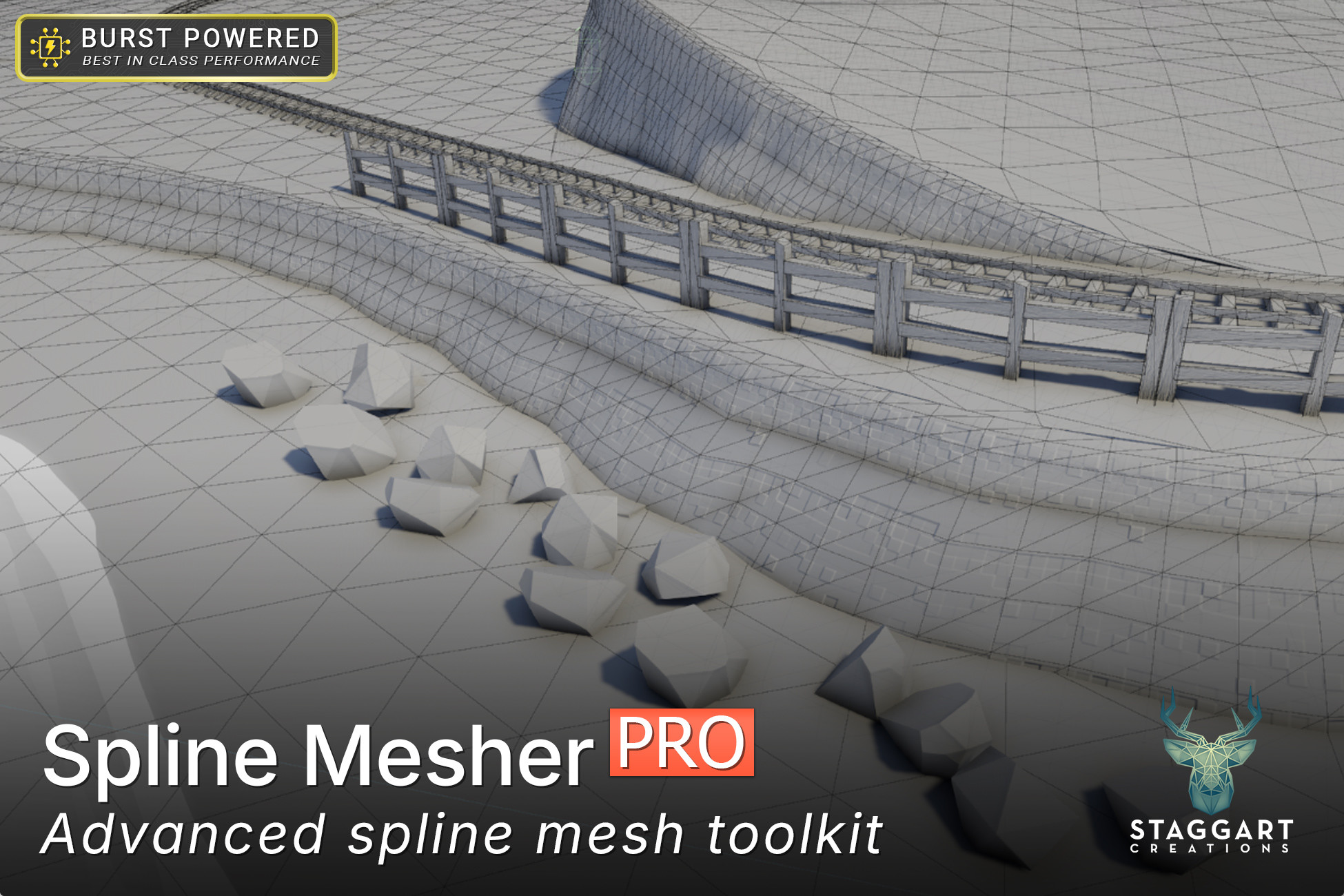
💠 Provide the Curve Mesher component with a spline and an input mesh, and it gets continuously repeated and deformed along its curves.
💠 Use the Fill Mesher component to create a mesh from a spline's contour with a uniform topology and distance field baked right into the UV.
🪄 This tool makes it easy to achieve these complex tasks right inside Unity, without needing to go back and forth between editor and external modeling software.
Includes advanced features like vertex color control (for shaders), prefab end caps, snapping to colliders, and multi-material support. All in a clean, intuitive interface.
Build fences, pipes, paths, cables and much more!
📌 Curve Mesh Features
• Use a procedural Cube, Cylinder or Plane input mesh. Or any custom mesh
• Automatic box/tube/plane/custom collider generation
• Snapping/conforming to colliders
• UV scale, offset, rotation and stretch control
• Start & end prefab attachments
• Rotation roll angle with per-point adjustments, twist a mesh around the spline
• Vertex color data over the spline, to drive shader-based effects
📌 Fill Mesh Features
• Uniform topology made out of equilateral triangles
• Margin parameter, expand or contract the shape from the curve
• Snapping vertices to linear knots, ensures precise shapes
• Not completely limited to a flat mesh, edges follow the spline curvature
• Displacement effects: buldging and noise-based
• UV scale, offset, flipping, rotation and fitting
• Distance to spline (SDF) baked into UV.z and Vertex Colors.
⚙️ Technical Features
• Recalculated normals/tangents, ensuring correct lighting and shading
• Rebuild/Collision/Trigger events exposed in the inspector, and through C# (run custom code before/after the mesh updates, or with collisions)
• Lightmap UV generation
• MeshLOD generation (Unity 6.2+ editor only)
• Optimized vertex data, resulting in 50% smaller file sizes than traditionally generated meshes.
• Option to use 16-bit precision (project-wide) when a smaller memory footprint is desired (~20%), at the risk of slight distortions in large meshes (+100m)
Features a cleanly designed inspector UI, with tooltips and undo/redo support. Public C# functions are commented.
✔️ Supports
• Runtime generation - just modify the spline, no extra code besides yours!
• Multiple materials (aka sub-meshes)
• Multiple splines within the same container
• Negative scaling (eg. guardrails mirrored on either side of a track)
• Baked lighting, including through Bakery
• Auto rebuilding when the input mesh file changes (editor only)
⚡ Performance
Expertly crafted for best CPU performance.
• Uses cached spline data for 26 times faster spline processing.
• Mesh segments are processed in parallel on all cores.
• Accellerated by Jobs & Burst and uses the low-level MeshData API.
👉 Changes are smooth and responsive.
🚧 Limitations:
• The Fill Mesher fu
Description sourced from the Unity Asset Store listing.