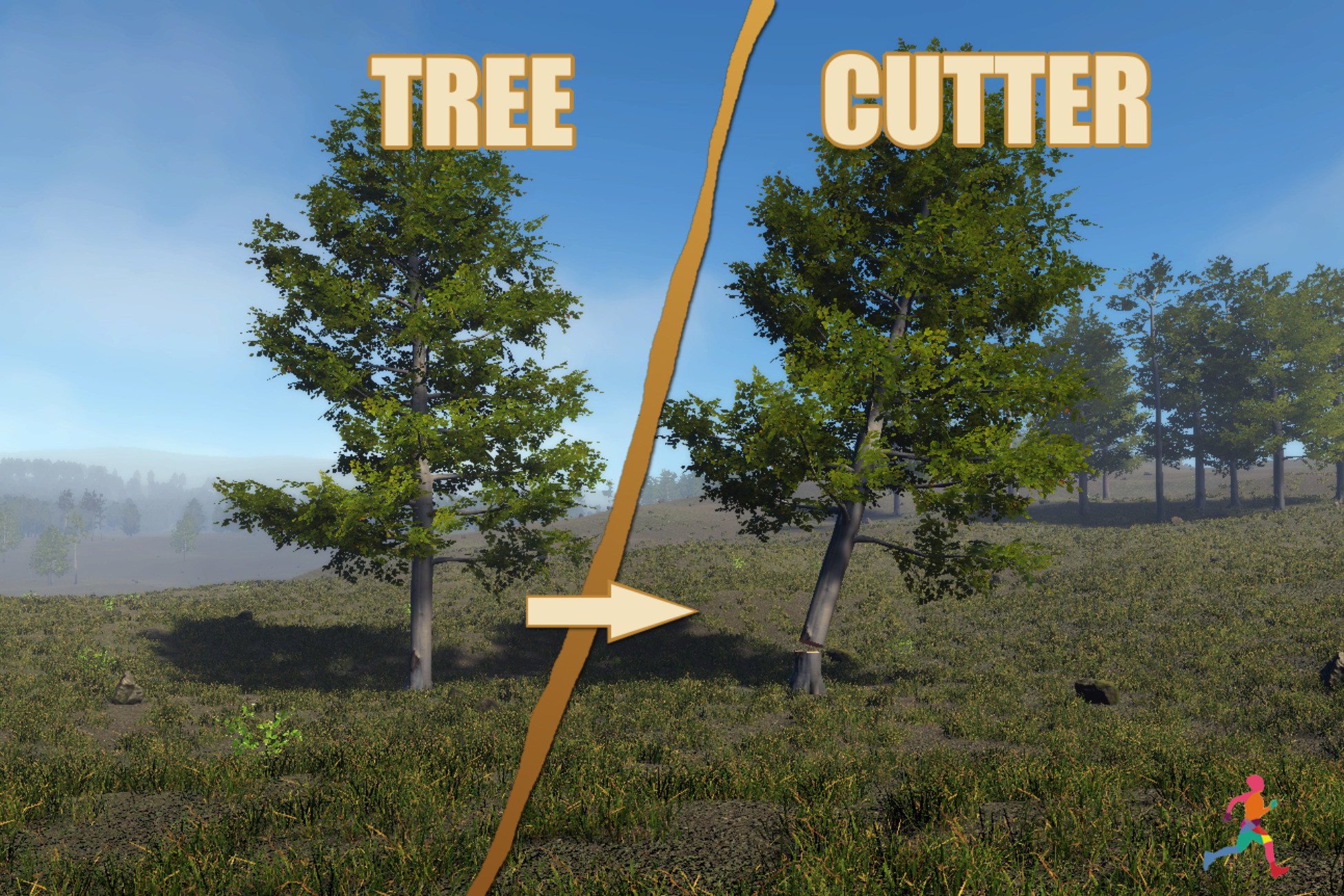
Turn the static tree prefabs you already own into reusable stump, detachable tree-top, and log-section prefabs directly inside Unity.
Tree Cutter & Log Prefab Generator is an editor-only authoring tool for preparing trees for survival, crafting, farming, building, resource-gathering, and similar games.
Choose a source tree prefab, configure and preview the cuts, then generate organized prefab parts without modifying the original asset.
QUICK WORKFLOW
1. Select a static tree prefab from the Project window.
2. Choose Stump And Top or Trunk Sections mode.
3. Configure and preview the cut in the Scene view.
4. Generate the new prefabs into a separate output folder.
GENERATION MODES
• Stump And Top - creates a stump prefab and a separate detachable tree-top prefab from one cut.
• Trunk Sections - extracts a selected trunk range and divides it into reusable log-section prefabs by count or approximate world-unit length.
BRANCH PRUNING - BETA
Branch Pruning is an optional Beta workflow for preparing a tree before final stump, top, or trunk-section generation.
• Classify renderers and material slots as Wood, Foliage, or Ignore.
• Remove complete foliage renderers or classified foliage geometry.
• Place, rotate, resize, and flip branch-cut discs directly in the Scene view.
• Apply one logical branch cut across related LOD renderers.
• Use Exact Result Preview to verify the production-style LOD0 pruning result.
• Apply valid cuts to a separate working prefab revision without modifying the original source prefab.
• Revert the last applied pruning revision when further adjustments are required.
The Cutting Envelope Beta tool can analyze an editable ring-based envelope around the trunk and propose branch-cut candidates. Candidates must still be reviewed by the user, converted into regular Branch Cuts, verified with Exact Result Preview, and applied before final generation.
Branch Pruning results depend on the source mesh topology and consistency between LOD meshes. Open, hollow, nested, ambiguous, degenerate, or non-manifold selected contours may be rejected. Always inspect the exact preview, Console warnings, and generated LODs.
KEY FEATURES
• Scene view cut preview with draggable plane handles.
• Optional geometry preview with an adjustable explode gap.
• World-axis, local-axis, and custom cut orientations.
• Reusable generation presets.
• Automatic flat cut caps where the source topology allows.
• Included cone cap and raised-surface customization examples.
• Extensible ScriptableObject API for custom cut-cap geometry.
• Fit-to-cut and world-scale cap UV mapping with texture rotation.
• Reference original materials or create exact generated copies.
• Optional custom material for cut surfaces.
• Built-in, URP, and HDRP-compatible default cap materials.
• Preserve colliders or update supported MeshCollider, BoxCollider, CapsuleCollider, SphereCollider, and CharacterController components.
• Maintain supported LODGroup renderer references and recalculate LOD bounds.
• Unique, fail-if-existing, and manifest-controlled replacement workflows.
• Automatic organization of generated prefabs, meshes, materials, collision meshes, and manifest assets.
• Rollback protection when generation cannot be completed.
NON-DESTRUCTIVE WORKFLOW
Generated content is written to a separate folder under Assets. Source prefabs are instantiated as temporary unpacked copies and are never modified.
Generated cut surfaces use separate child renderers, preserving the original renderer's submesh and material-slot mapping.
Output manifests track the assets owned by each generated set. Existing generated sets can be replaced through a staged workflow that refuses to delete unknown or manually added files.
EDITOR-ONLY BY DESIGN
This asset prepares prefabs in the Unity Editor. It does not include runtime mesh cutting, damage handling, axe mechanics, inventory integration, resource gathering, tree replacement, or a complete tree-chopping gameplay system.
There are no runtime s
Description sourced from the Unity Asset Store listing.